
The Rename Item pre-processor can be used modify the name of the indexing item.
The Rename Item pre-processor configuration screen looks like this:
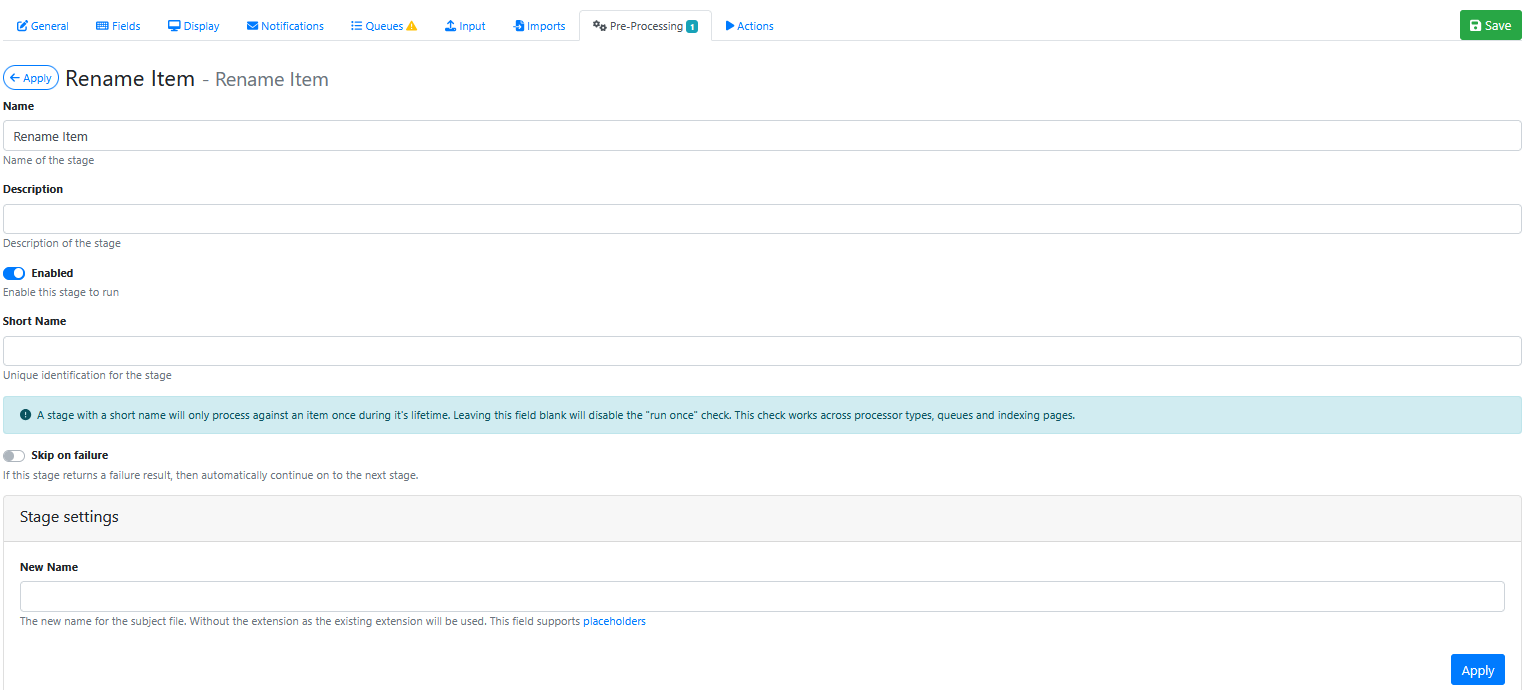
Stage Settings
New Name
Use placeholders and/or other text to construct a new value for the indexing item name.
For example to insert data and time into the output filename use:
{{filenameNoExtension}}_{{date}}_{{time}}
Saving the Pre-Processor
Press the Apply button
Saving the RIA Page
Press the Save Button
Testing the Pre-Processor
-
Make sure its enabled.
-
Run an input document through the queue.
-
Compare the original name to the new indexing item name and confirm that the rename item has worked.