
The Move Pages pre-processor can be used to move pages around in an imported document before performing another pre-processor like data extraction.
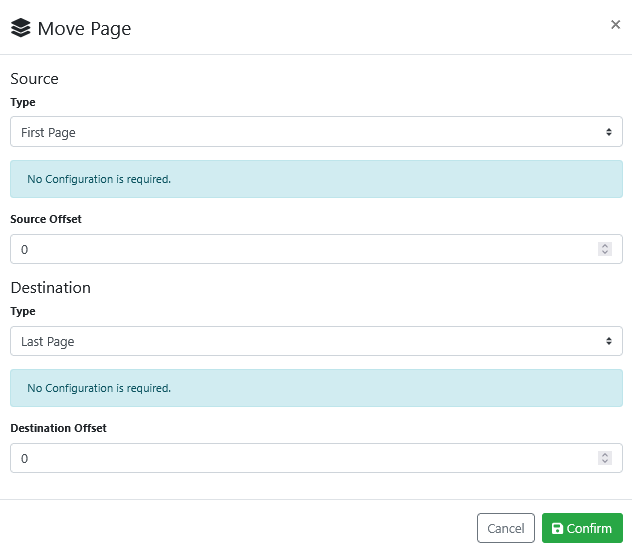
The Move Pages pre-processor configuration screen looks like this:
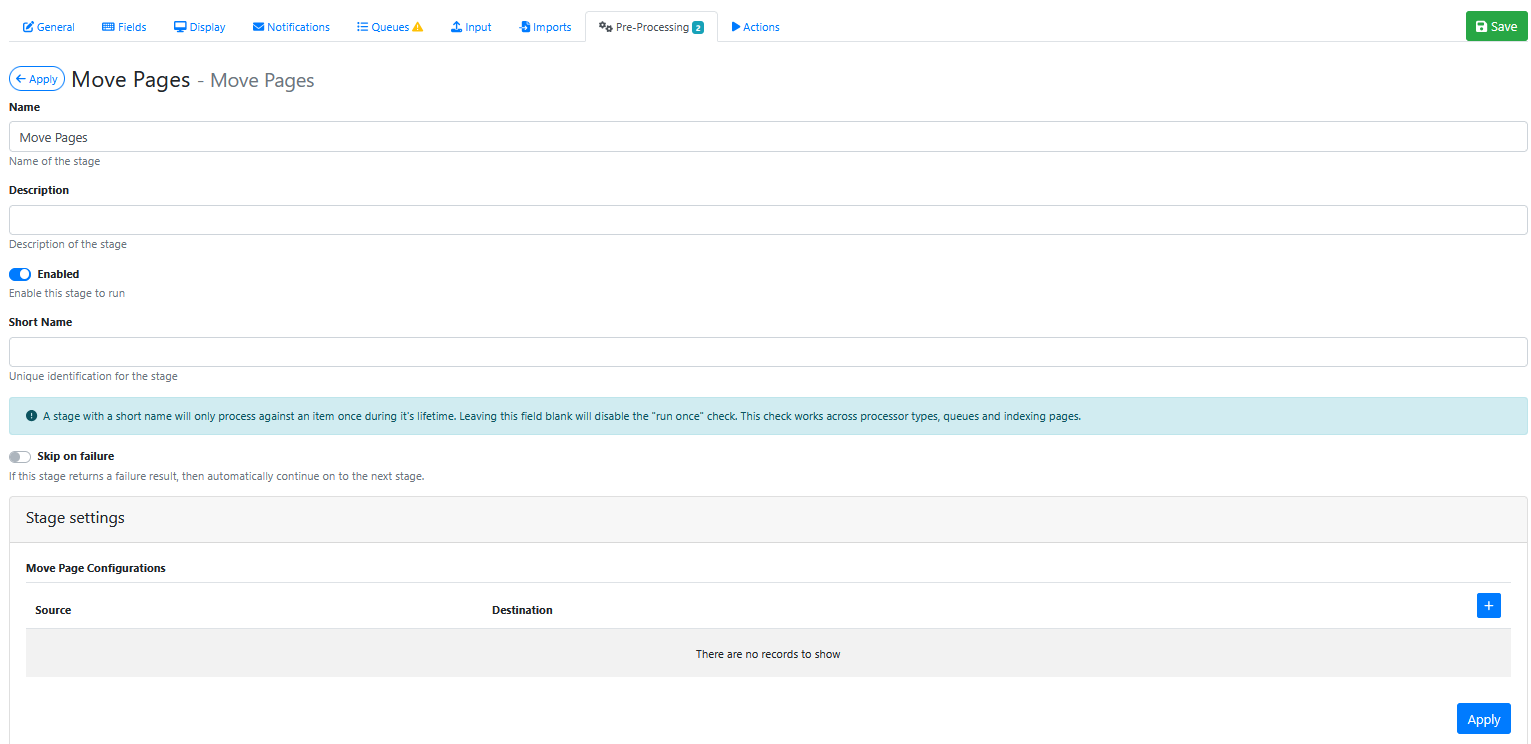
Stage Settings
Press the blue + button
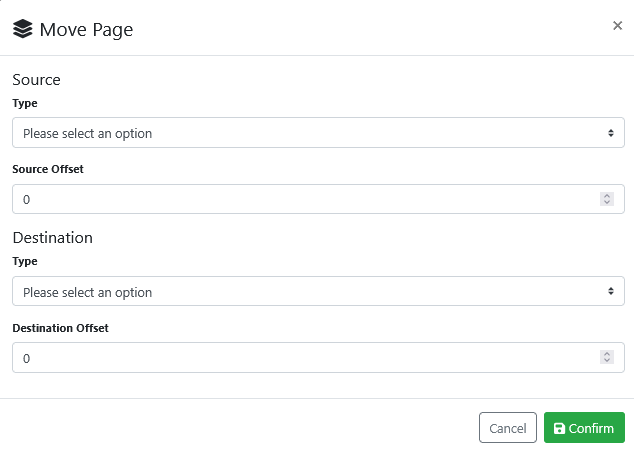
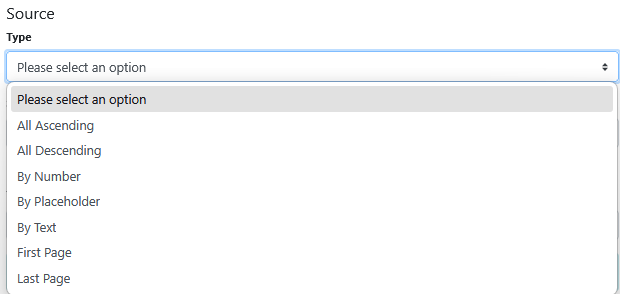
Use one of Source Type list options to choose which source page(s) to move
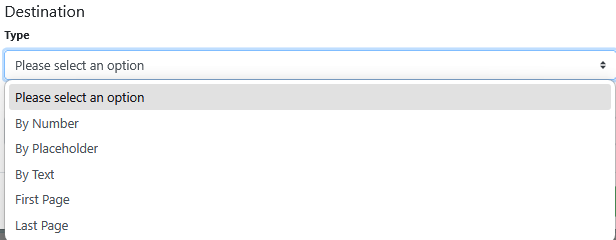
Use one of Destination Type list options to choose which destination page to move the source page(s) to
The example below show the setting to move the first page to the last page of the document.
Press Confirm button
Saving the Pre-Processor
Press the Apply button
Saving the RIA Page
Press the Save Button
Testing the Pre-Processor
-
Make sure its enabled.
-
Run an input document through the queue.
-
Compare the original input document to the output document and confirm that the correct number of pages have been moved to the correct page location.