
The PDF Document Properties pre-processor can be used modify PDF properties such as Document Title, Document Subject, Document Author, and Document Keywords.
The PDF Document Properties pre-processor configuration screen looks like this:
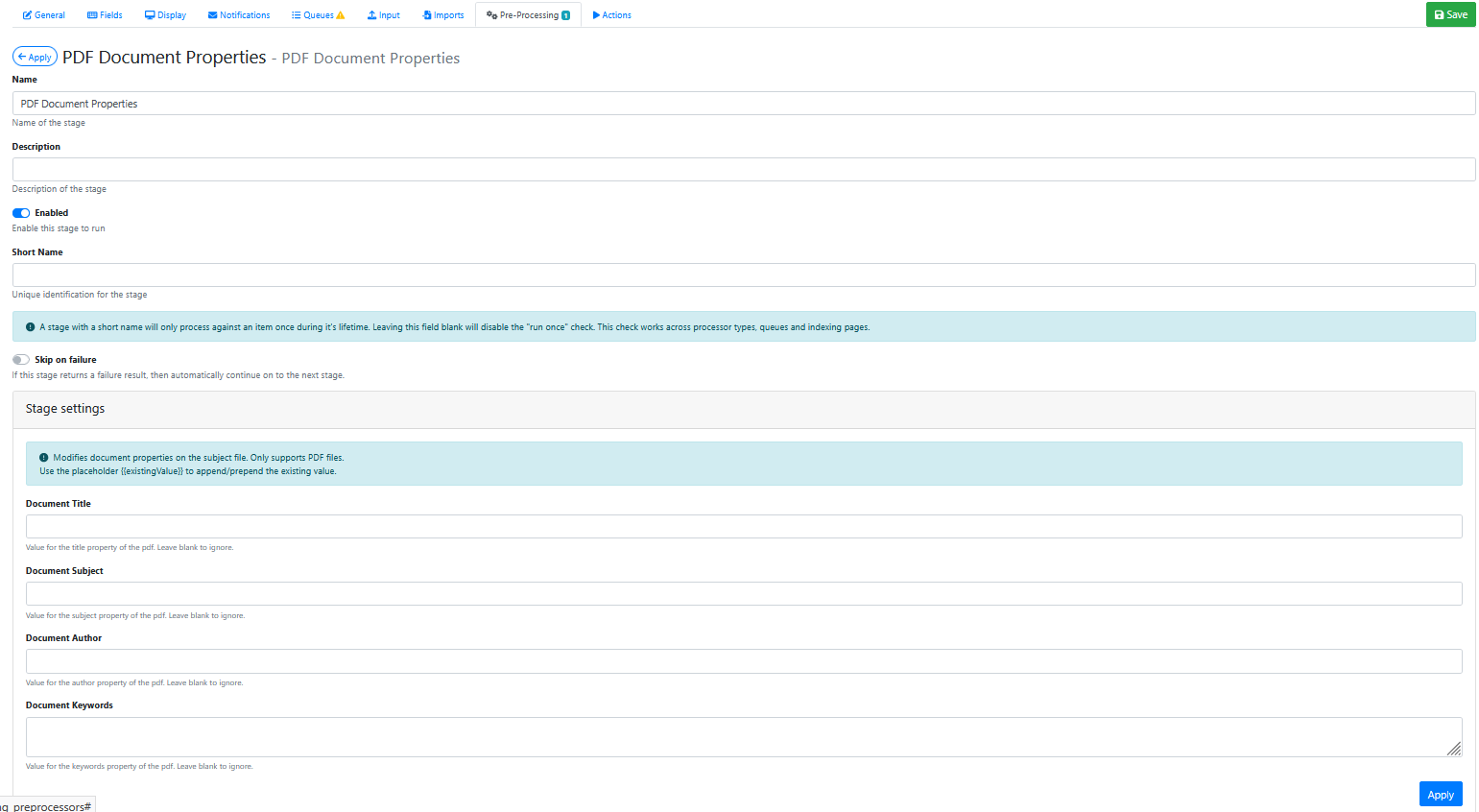
Stage Settings
Document Title
Use placeholders and/or other text to construct a new value for document title. Leave blank to ignore.
Document Subject
Use placeholders and/or other text to construct a new value for document subject. Leave blank to ignore.
Document Author
Use placeholders and/or other text to construct a new value for document author. Leave blank to ignore.
Document Keywords
Use placeholders and/or other text to construct 1 or more entries for document keywords. Leave blank to ignore.
Saving the Pre-Processor
Press the Apply button
Saving the RIA Page
Press the Save Button
Testing the Pre-Processor
-
Make sure its enabled.
-
Run an input document through the queue.
-
Compare the original input document to the output document and confirm that the additional PDF properties have been added to the output PDF.