
How does EAS get deployed?
For on premise installs it can be installed using an MSI installer available from the EzeScan Website.
The downloads section on the website requires using an authorised login account to be able to download the installer.
Configuring the EAS connection in EWA
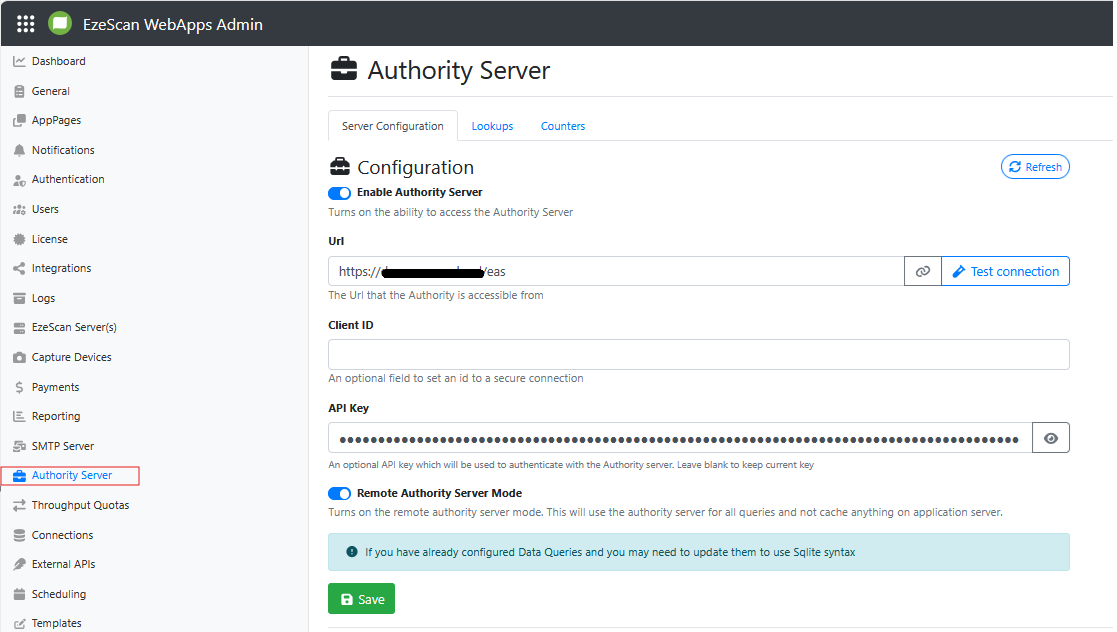
Select the Admin panel Authority Server menu option. It displays a form that allows you to configure the connection details for EWA to connect to an Authority Server.
Checking the status of EAS
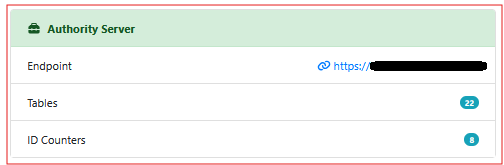
In EWA the admin panel Dashboard menu option displays a form that includes a tile that shows the current connection status of the configured Authority Server. The highlighted green tile below indicates Authority Server is configured and operational.
Logging in to the EAS web portal home page
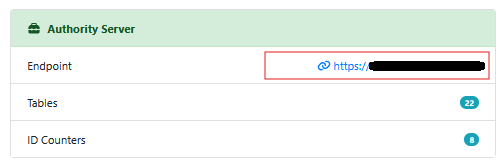
Authority Server includes a web service portal. It can be accessed using the endpoint link.
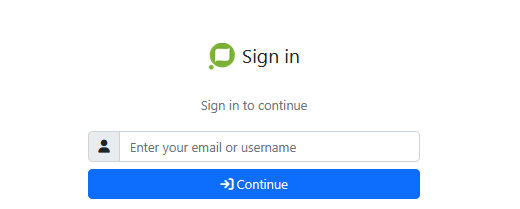
You will be taken to a webpage and be prompted to login using an authorised login account with access to Authority Server.
For more detailed information on configuring and using an EzeScan Authority Server see https://docs.ezescan.com.au/ezescan-authority-server/5.1