
What Are Templates?
Templates are used to alter how standard messages are generated by EWA.
What types of templates are supported?

There are 4 types of templates currently supported by EWA:
-
Email Templates
-
HTML Templates
-
Intray Templates
-
Digest Templates
Email Templates
On the Email Template tab, press the Add Email Template button

Complete this section of the form.
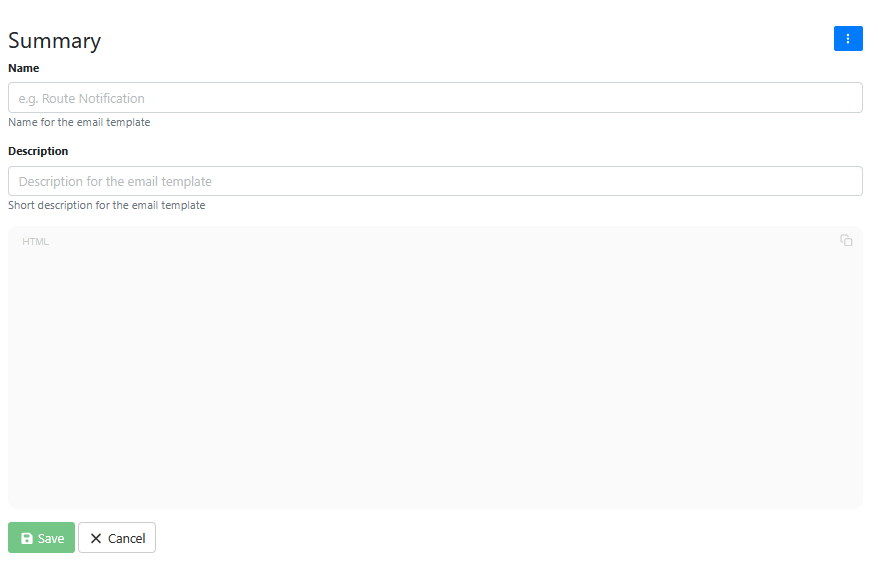
Give the template a meaningful name and description.
Add your HTML email message into the template.
Press Save.
Press the light blue Upload Button to upload the email template to the EWA server template repository.
HTML Templates
On the Html Template tab, press the Add HTML Template button
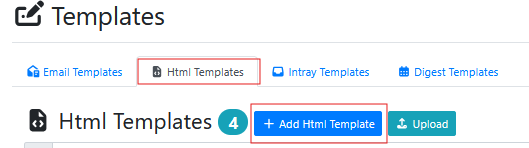
Complete this section of the form.
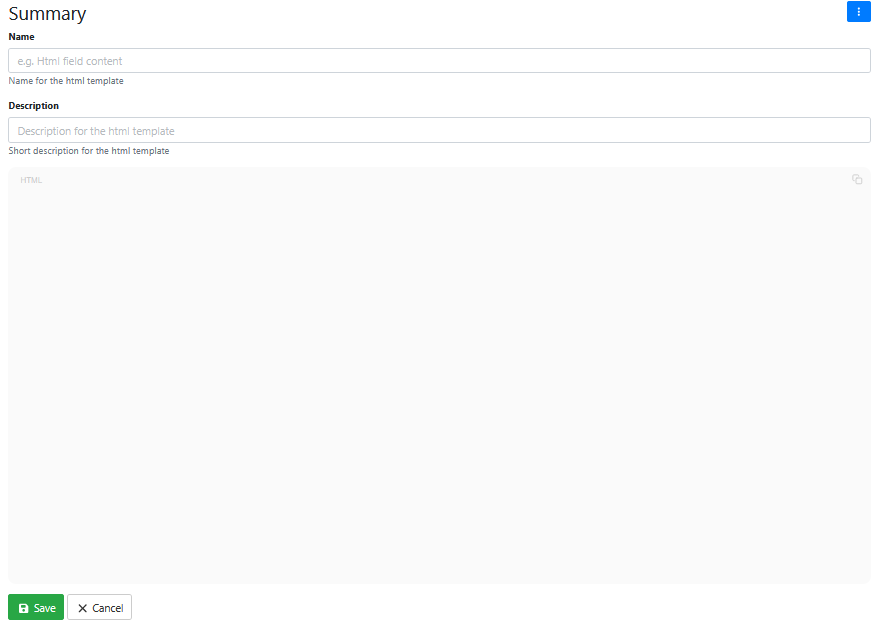
Give the template a meaningful name and description.
Add your HTML message into the template.
Press Save.
Press the light blue Upload Button to upload the HTML template to the EWA server template repository.
Intray Templates
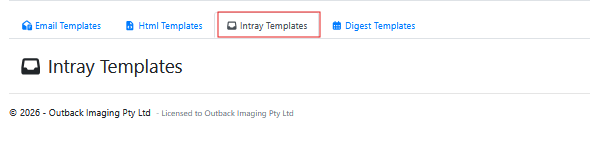
On the Intray Templates tab, there were no buttons available to push at the time this documentation was written. (This might be due to a module not being activated on the system documentation was created from, we would expect this feature to behave in similar fashion to Email and Intray Templates).
Digest Templates
On the Digest Templates tab, there were no buttons available to push at the time this documentation was written. (This might be due to a module not being activated on the system documentation was created from, we would expect this feature to behave in similar fashion to Email and Intray Templates).
