
The Add Note pre-processor can be used to add a Sticky to each item that is processed the pre-processor.
Notes when added are clearly visible on the indexing screen.
Behind the scenes, the note is maintained in data that is associated with the document whilst the document is in the RIA App Page Queue.
By default notes are note maintained once the document has been output from the queue. If you want the sticky note to be available downstreams in other RIA Page queues make sure you set the Is Sticky option to enabled.
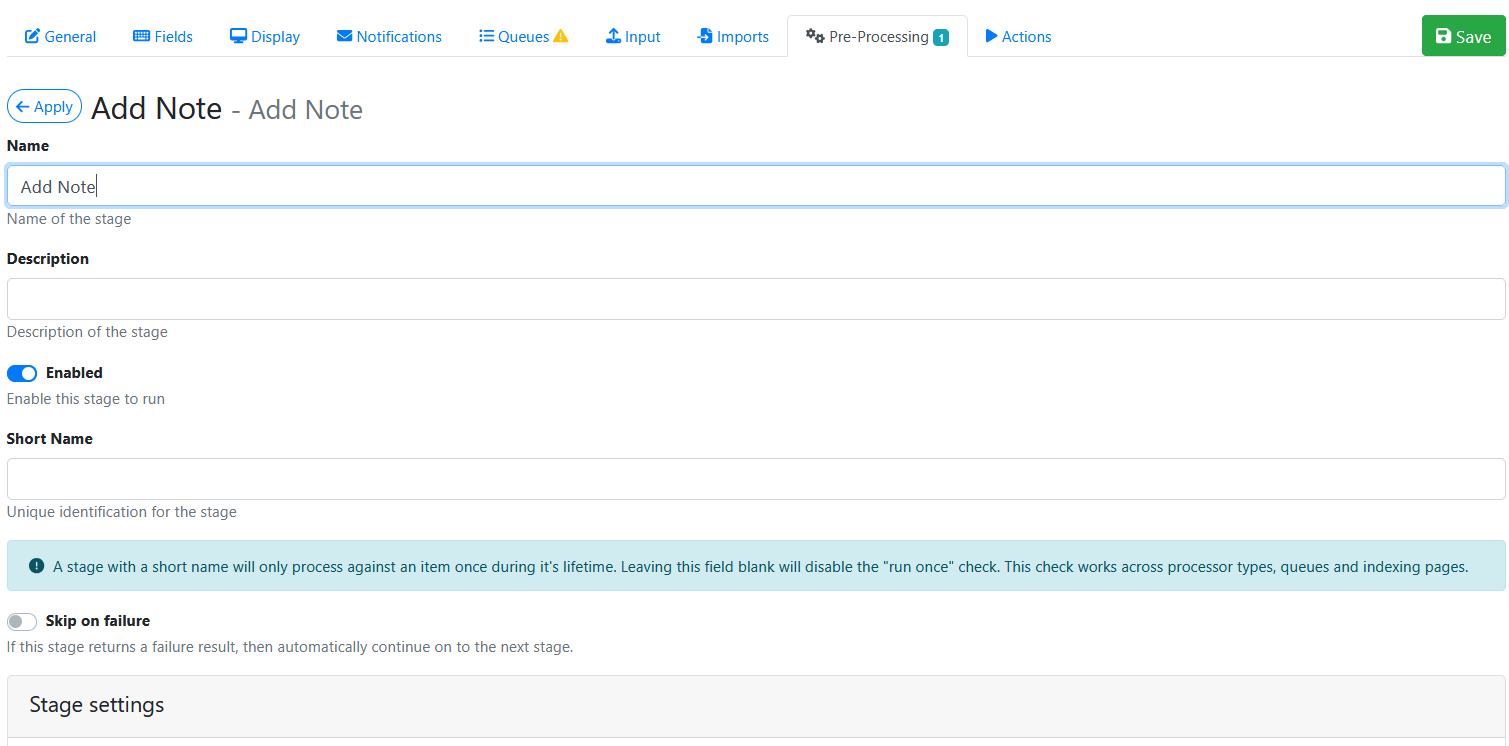
The Add Note screen looks like this.
Stage Settings
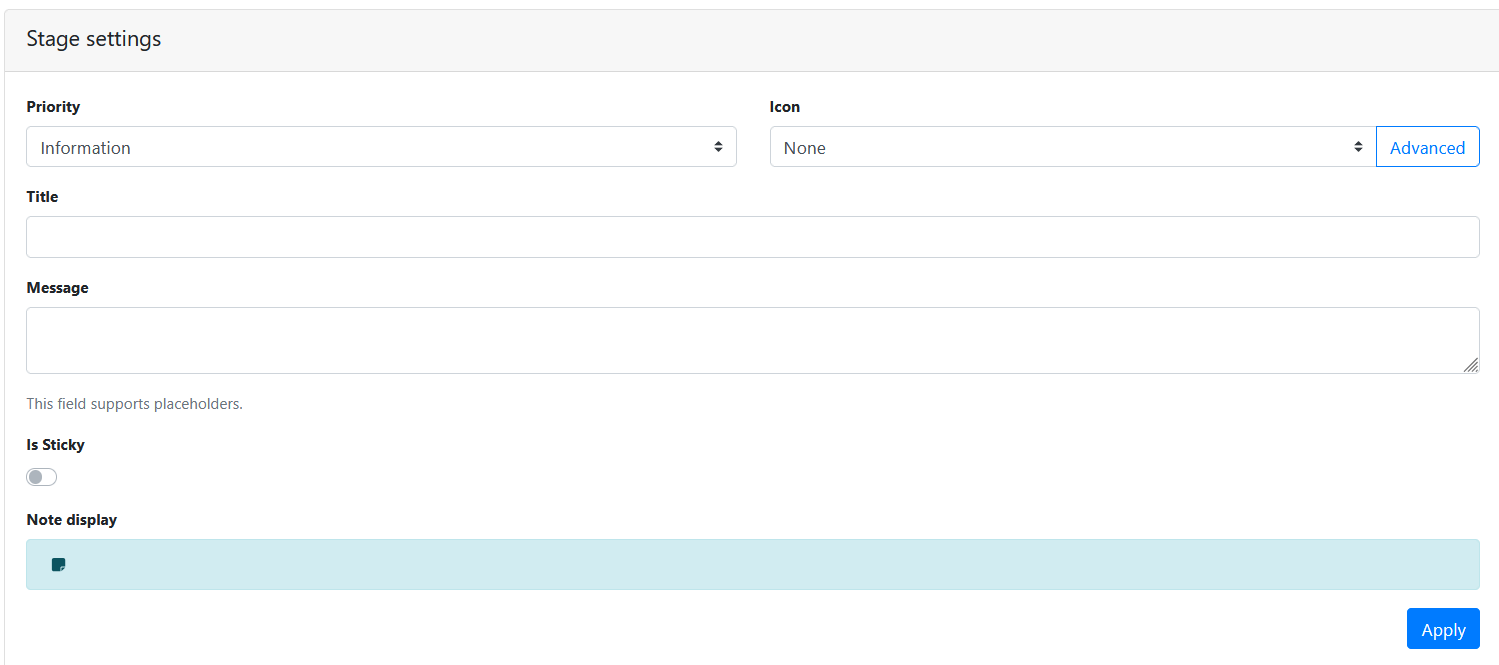
The stage settings options are explained below.
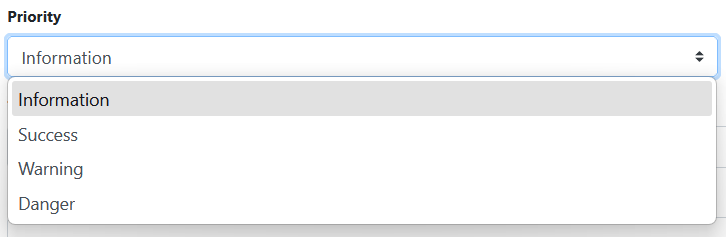
Priority
Choose a priority from the list shown below to display on the note.
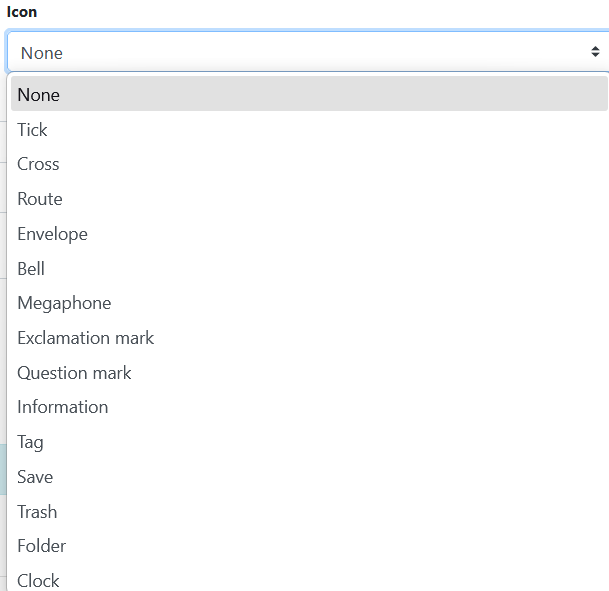
Icon
Choose an icon from the list below to display on the note.
Title
Type the note title you want to display to the queue user.
Message
Type the note message you want to display to the queue user.
Is Sticky
When disabled, the note is only retained whilst the document is in the queue. Once the document leaves the queue the note is removed from the associated metadata file.
When enabled, the sticky note that is added to the document, will be retained if the document is routed to another web apps queue.
Saving the Pre-Processor
Press the Apply button
Saving the RIA Page
Press the Save Button
Testing the Pre-Processor
-
Make sure its enabled.
-
Run an input document through the queue.
-
Confirm that the note is visible when indexing the document.