
The Classify Document pre-processor is used to take the input document and pass it to the classification engine (Document Classification Assistant - DCA) in order to either predict or classify the document.
DCA can be used to classify documents against a list of known document types. This is a locally trained model that is built using your own documents.
The Classify Document pre-processor screen is shown below:
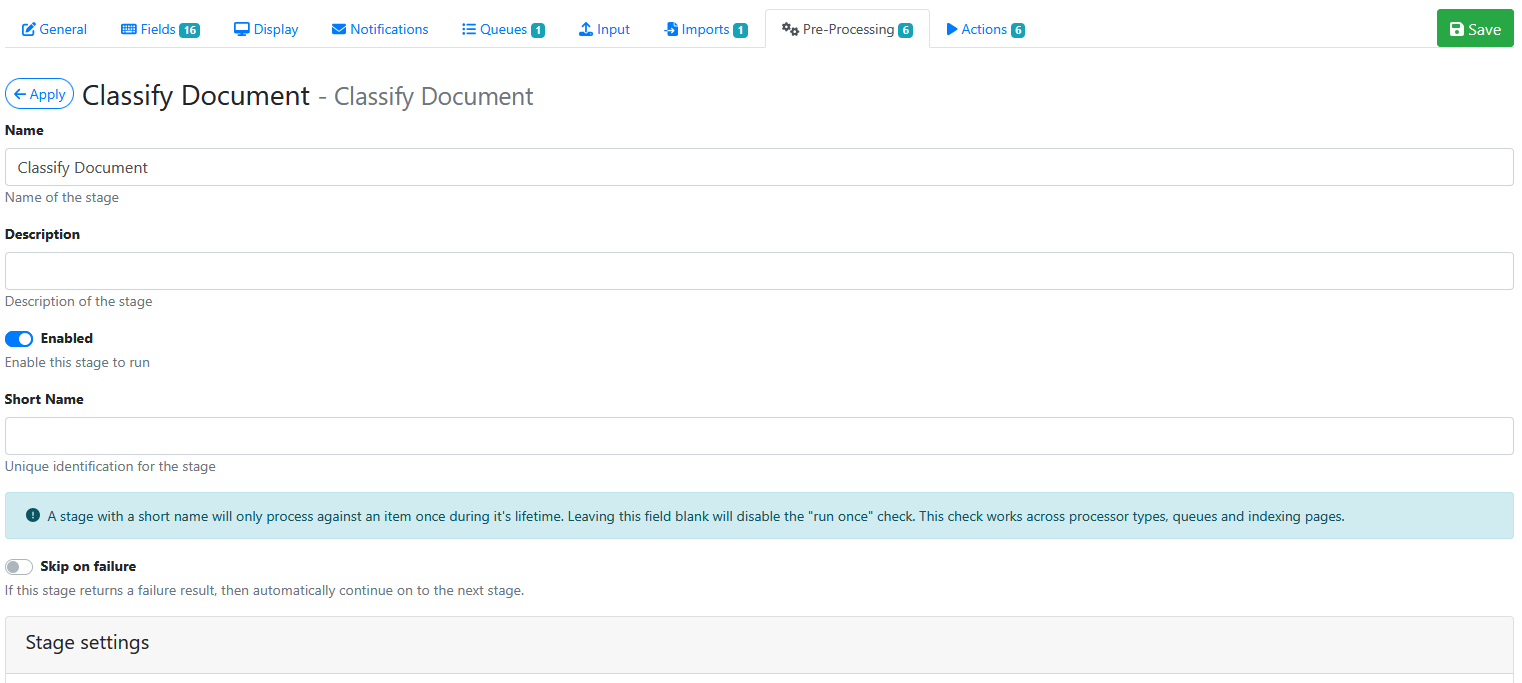
Stage Settings
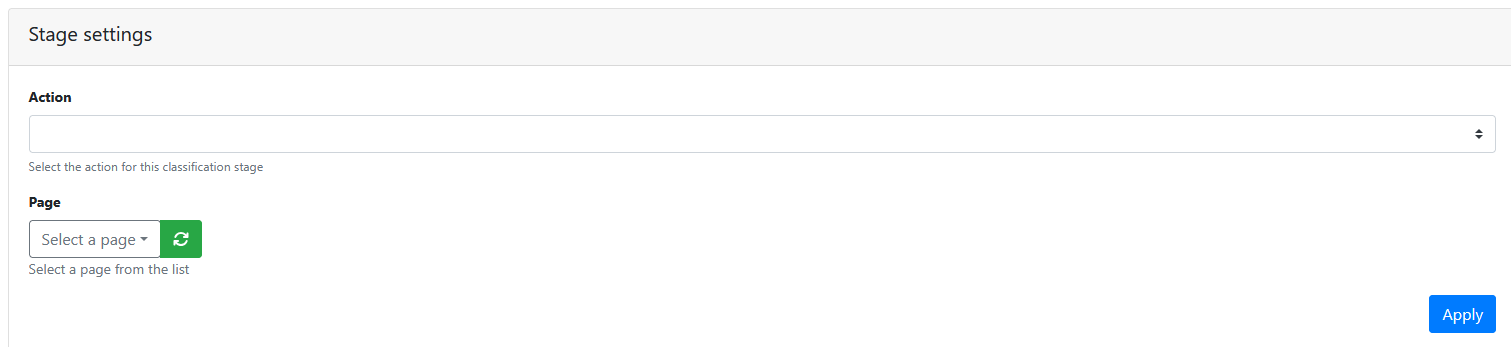
Action
Choose from one these actions:
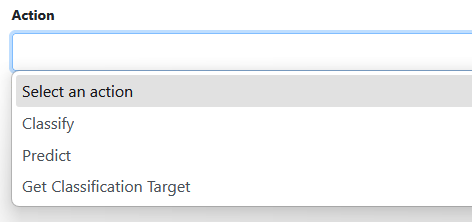
Specify an action for the pre-processor to perform against a DCA page:
Classify
Passes the text layer to the engine and adds it to the training data for the specified classification.
|
Setting |
Description |
|
|---|---|---|
|
Page |
The DCA page that contains the trained model you want to target. |

|
|
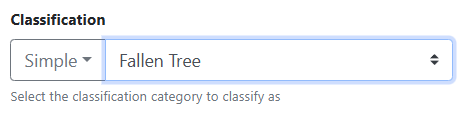
Classification |
The classification category to add the current text layer to training data for. |
|
Predict
Passes the text layer to the engine and returns the top three classifications.
|
Setting |
Description |
|
|---|---|---|
|
Page |
The DCA page that contains the trained model you want to target. |
|
|
Minimum Confidence Level |
Consider a specific category a “successful prediction” if the confidence value is greater than this value. Eg: 80 |

|
|
Confidence Difference Level |
If two “successful predictions” are returned that exceed the minimum confidence level, then this is the difference that must exist between the two results for the higher confidence result to still be considered a “successful prediction”. Eg: 20 |

|
|
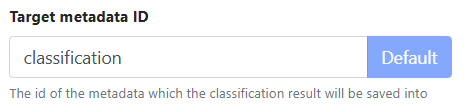
Target metadata ID |
The id of the metadata which the classification result will be saved into |
|
|
Route successful prediction |
Enable this option to take the top “successful prediction” and route the indexing item to the categories target page/queue. |

|
Get Classification Target
Queries the classification engine to return target information for a specific classification.
|
Setting |
Description |
|
|---|---|---|
|
Page |
The DCA page that contains the trained model you want to target. |
|
|
Classification |
The classification category to retrieve the target information for. |
|
|
Target metadata ID |
The id of the metadata which the result will be saved into. |
|
Saving the Pre-Processor
Press the Apply button
Saving the RIA Page
Press the Save Button
Testing the Pre-Processor
-
Make sure its enabled.
-
Run an input document through the queue.
-
Check that the document type has been correctly identified by the Classify Document pre-processor.