
What is MTF?
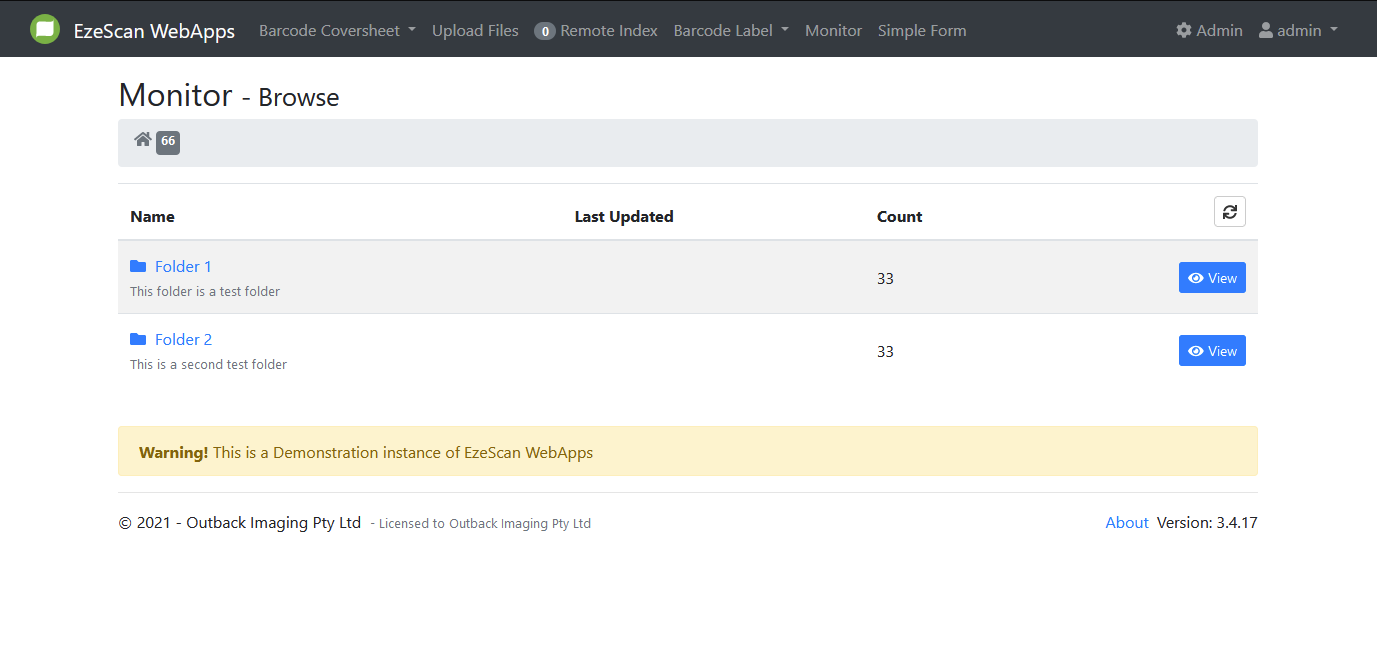
EzeScan’s Monitor These Folders (MTF) is a powerful component of the EzeScan WebApp suite, purpose-built to help EWA users view the output files (document and metadata) that have been saved to a FileSystem or to an Azure Storage Blob.
Here’s how it might look to an end user:
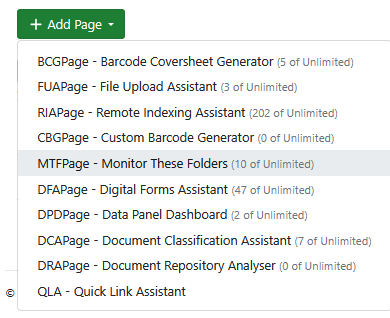
Here’s how its configured in admin panel, App pages.
Monitor These Folders
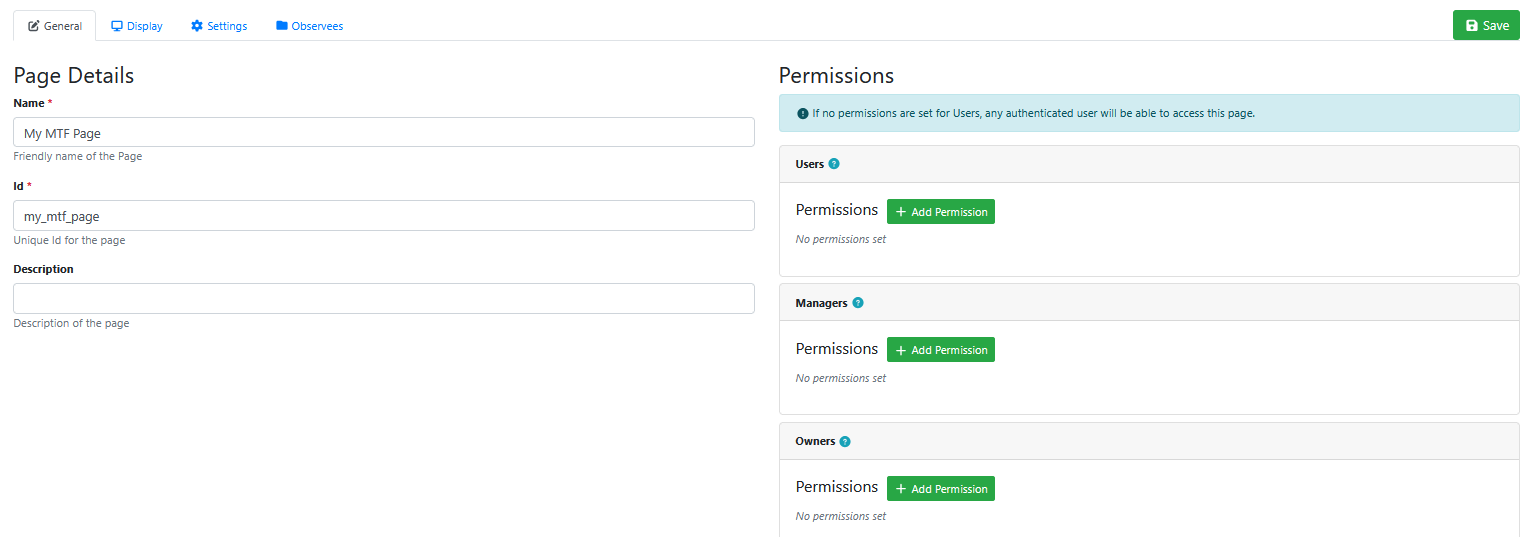
General
This tab allows an administrator to name the MTF page, and set permissions on which EWA users can use the page.
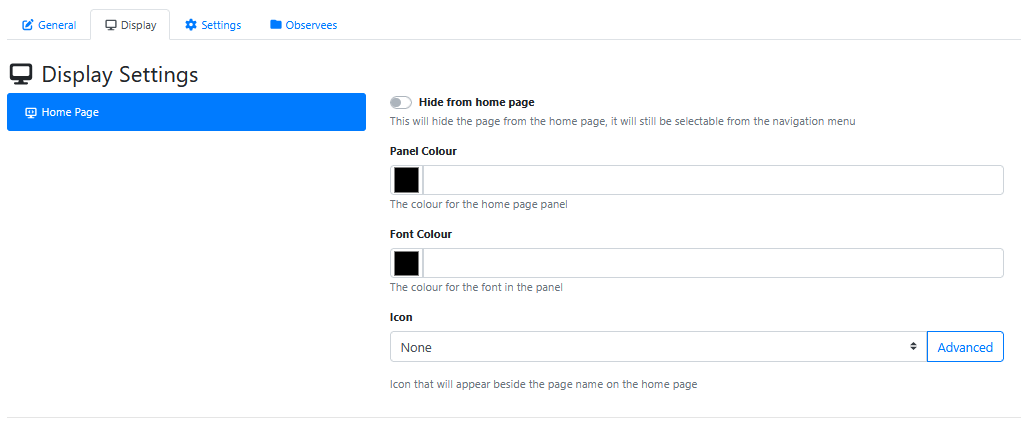
Display
|
Setting |
Description |
|---|---|
|
Hide from home page |
This will hide the page tile from the home page, but it will still be selectable from the navigation menu. |
|
Panel Colour |
This changes the background colour of the tile. It is white by default. To change the colour you can click the black square to select a colour from the colour picker or type a hex code into the text box. 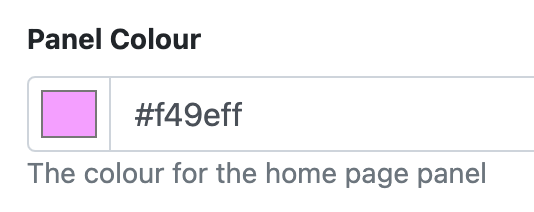
|
|
Font Colour |
This changes the font colour of the text inside the tile. It is blue by default. To change the colour you can click the black square to select a colour from the colour picker or type a hex code into the text box. 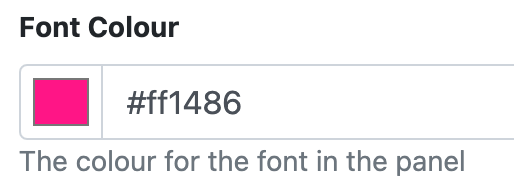
|
|
Icon |
Allows you to select an icon that will appear beside the page name on the tile. This can be done in 1 of two ways:
The selected icon will appear in the grey box. 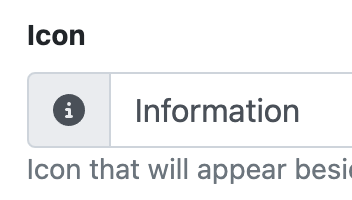
|
Settings
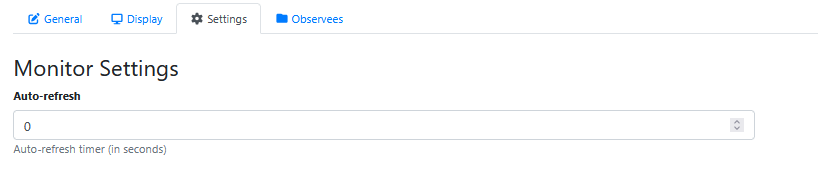
This tab allows the administrator to configure an automatic refresh intervals for an MTF page. It defaults to 0 which is disabled (i.e. the user is expected to press F5 to refresh their browser to see an updated list of folders or their contents). A value of 30 would enable an auto refresh of the view of folder contents every 30 seconds.
It is not recommended to set the value to less than 30 seconds otherwise you may overload the EWA server with MTF folder refresh requests.
Observees
An MTF page is setup to observe folders.
Press the Add Observee button to add a new folder to monitor.
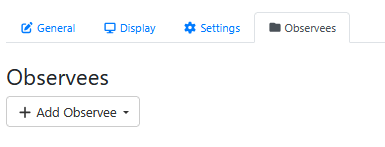
There are 3 types of objects that can be observed (monitored, watched)
-
Directory on a windows filesystem
-
Remote Indexing Queue Output Directory
-
Directory on Azure Blob Storage