What is DFA?
EzeScan’s Digital Forms Assistant (DFA0 is a powerful component of the EzeScan WebApp suite, purpose-built to streamline the creation and use of online forms (e.g. application forms, payment forms, feedback forms, complaint forms, incident response forms)
DFA consist of 4 main components:
-
An admin interface used to design/build a DFA page that is the online form.
-
A static website URL link to that blank form that ad-hoc users can access to fill in and submit their completed form.
-
A campaign interface to create campaigns to email out links for personalised forms to members. (e.g. fund raising Xmas appeal)
-
A forms dashboard where forms usage can be reviewed (e.g. you sent out 100 forms, and there are 10 forms that have been completed by recipients)
Users filling in a DFA form, can save their response part way through and come back later to their saved form and complete their response.
DFA form submissions can be configured to use an optional QA review process to screen out incomplete forms, or forms containing inappropriate content.
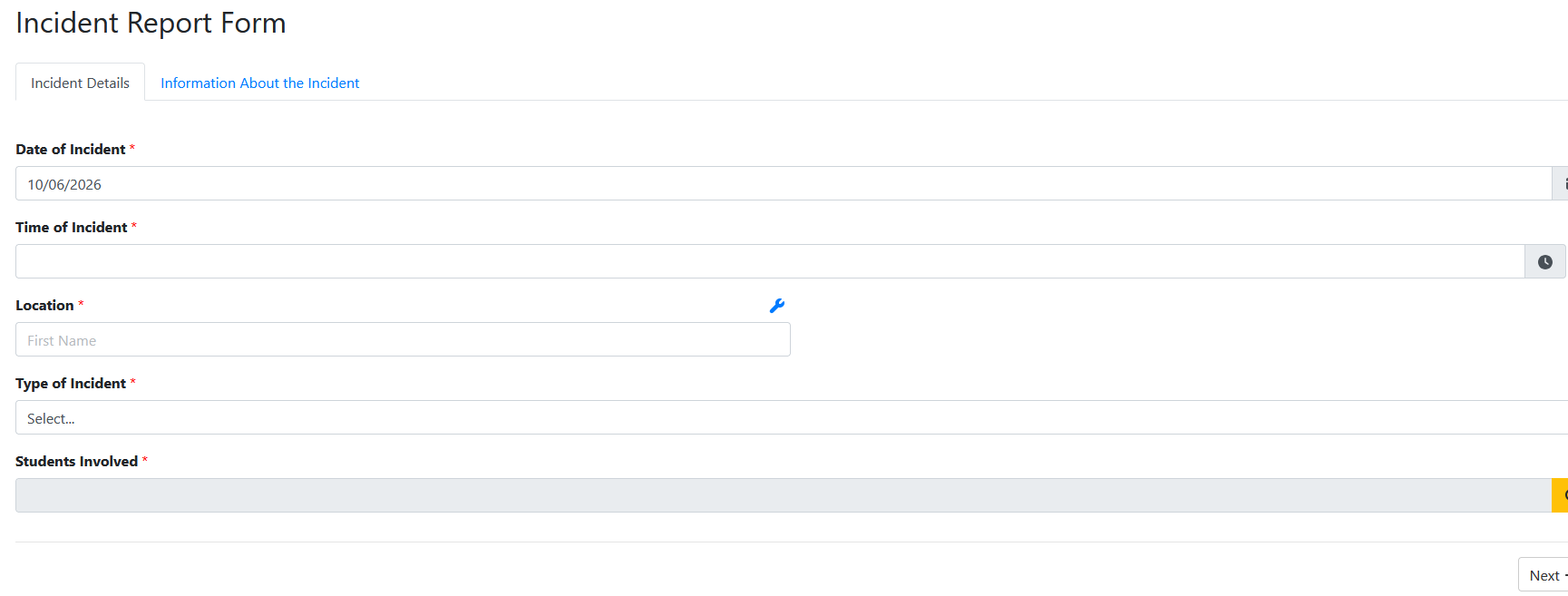
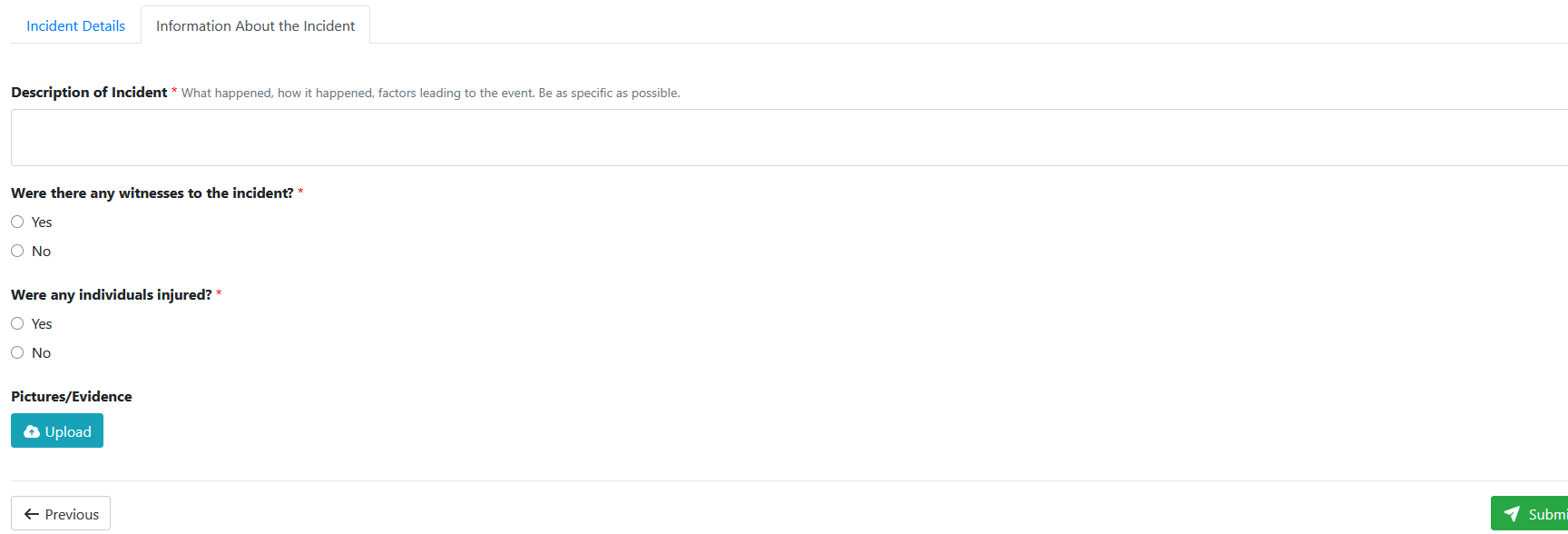
Here’s an example of a simple 2 part form used to log a School Incident Report: