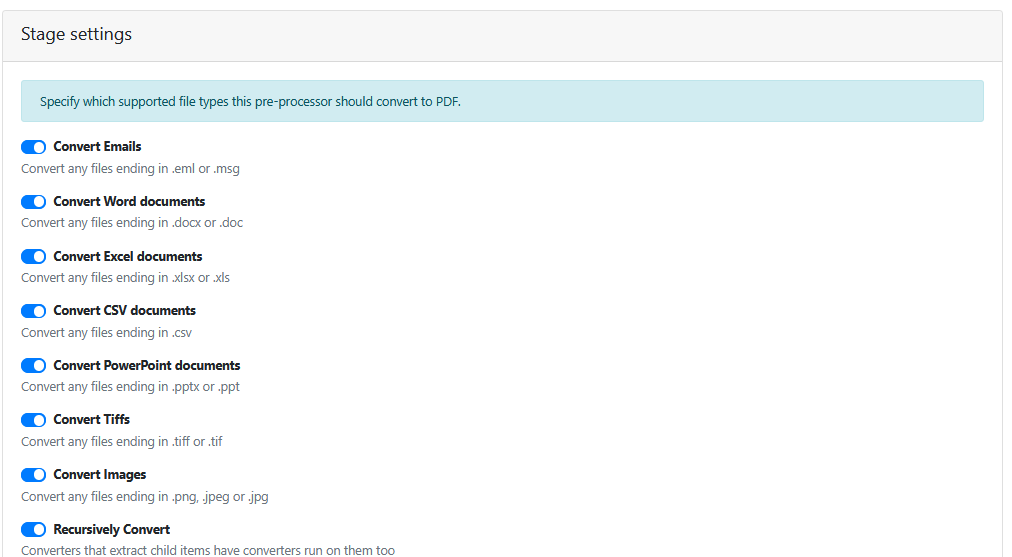
The Viewer in EWA natively displays PDF files only.
If your input documents are not coming in as PDF file format, you must use a File Converter pre-processor to convert them into PDF file format.
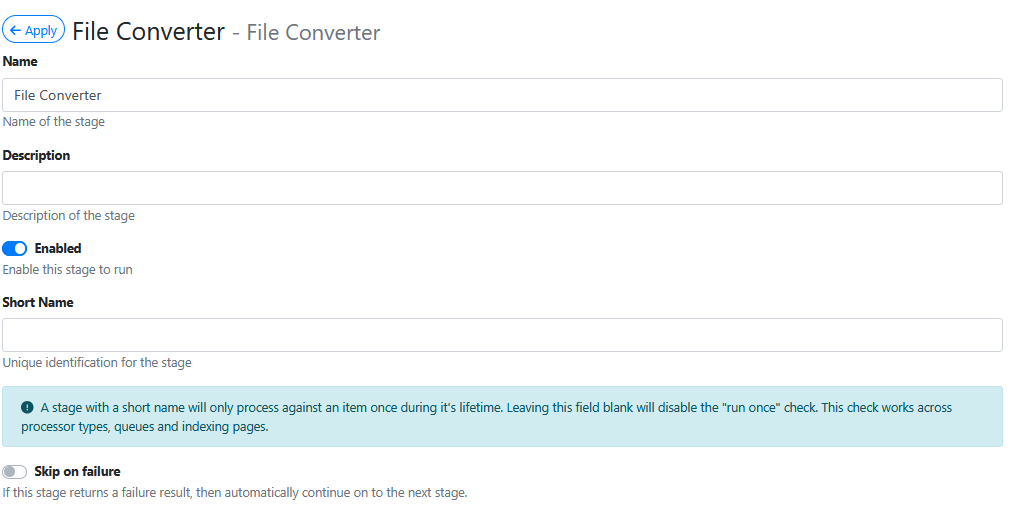
The File Converter screen looks like this:
Stage Settings
In the Stage Settings list below, when enabled each one of the converters takes an input file of that file type and converts it to PDF file format.