
The Merge Attachments pre-processor can be used to merge attachments in an imported document before performing another pre-processor like data extraction.
The Merge Attachments screen looks like this:
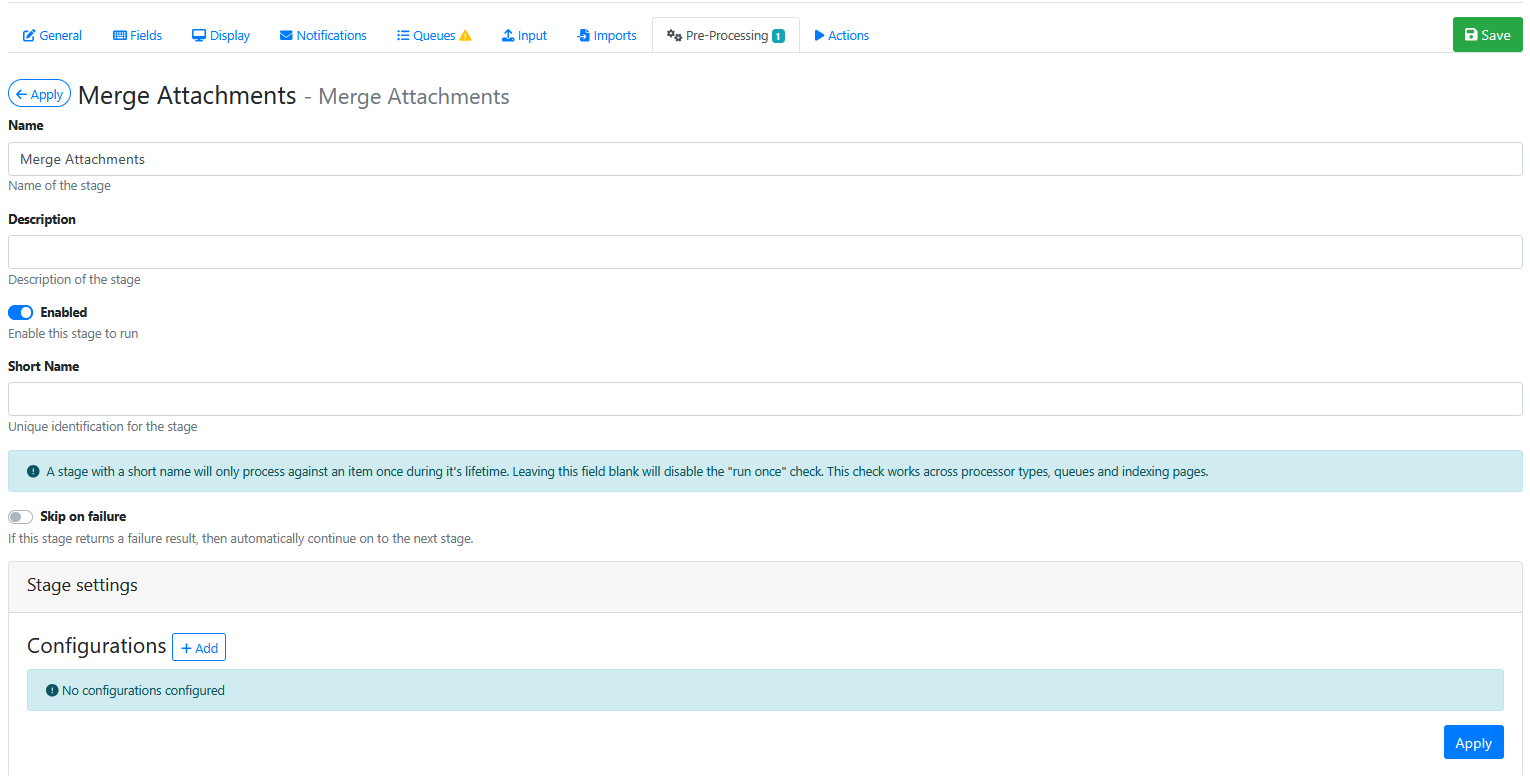
Stage Settings
Press the Configurations Add button 

Attachment Selection
Choose from 1 of 3 options
-
All
-
Remaining
-
Single
In most cases this option would be set to All, unless you want to merge a specific attachment.
Attachment Id
Will be disabled, unless you have set the Attachment Selection to Single.
When enabled you need to specify the Id of the attachment that needs to be merged.
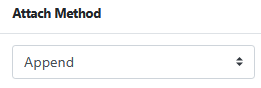
Attach Method
Choose from 1 of 3 options
-
Append
-
Prepend
-
No Action.
In most cases this option would be set to Append.
Delete Attachment(s)
In most cases this option would be enabled, because the attachment pages are now included in the primary document, so they can be removed from being separate attachments.

Press Apply button 
Saving the Pre-Processor
Press the Apply button
Saving the RIA Page
Press the Save Button
Testing the Pre-Processor
-
Make sure its enabled.
-
Run an input document through the queue.
-
Compare the original input document to the output document and confirm that the specified number of attachments have been merged into the correct place in the indexed document.