
The Delete Pages pre-processor can be used to delete pages from an imported document before performing another pre-processor like data extraction, or can be used to delete one or more pages from the document before it is finally generated as an output document.
The Delete Pages pre-processor configuration screen looks like this:
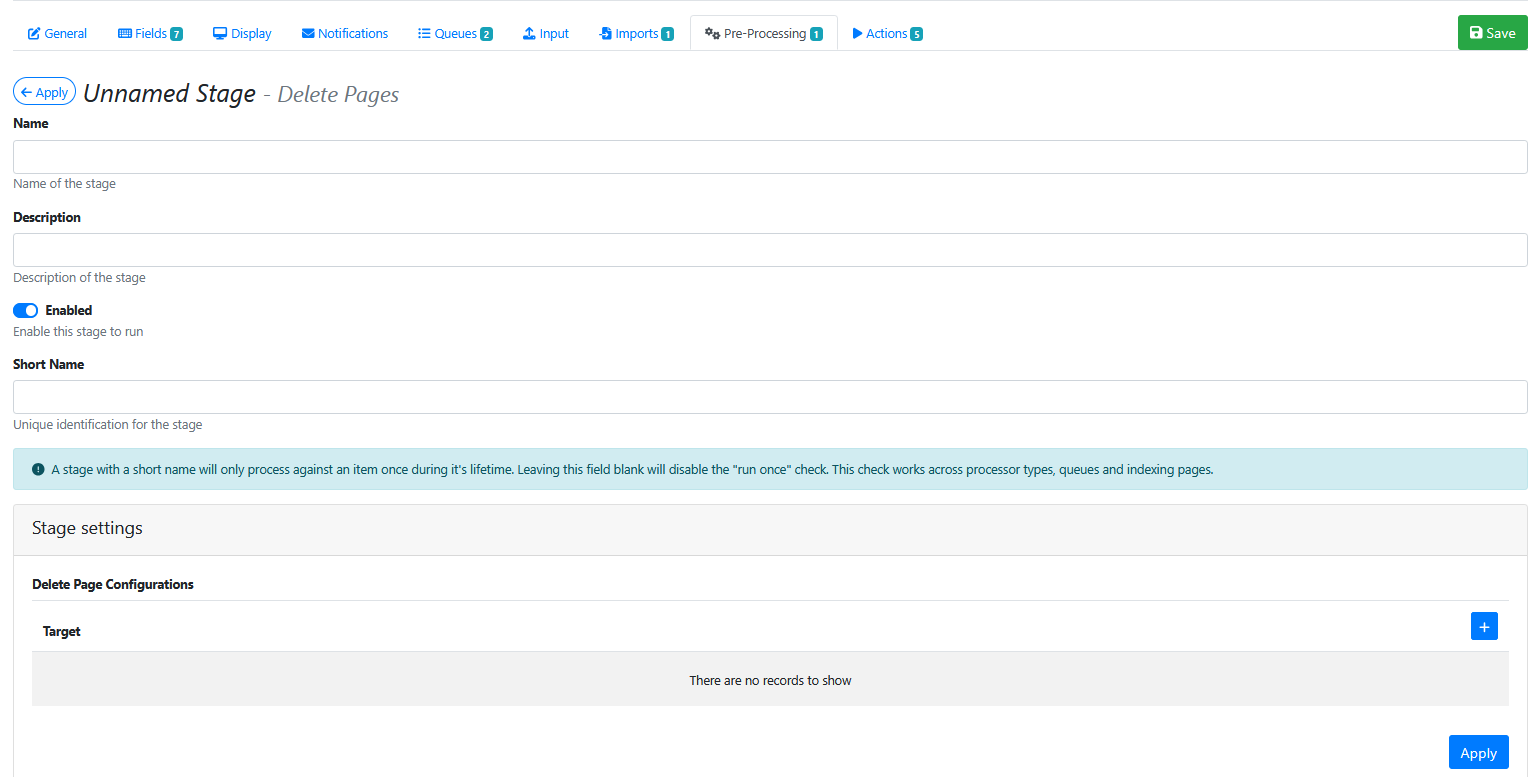
Stage Settings
Press the blue + button 
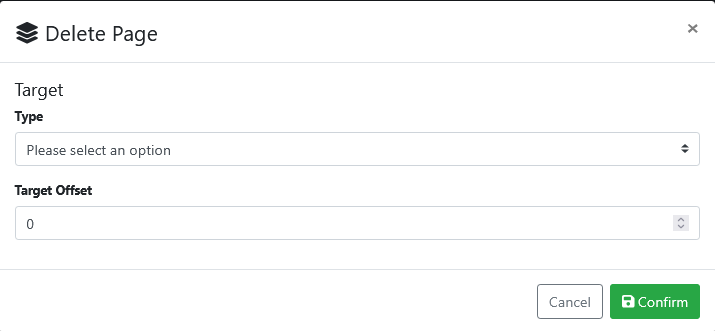
Drop down the Type list options and choose one of these options
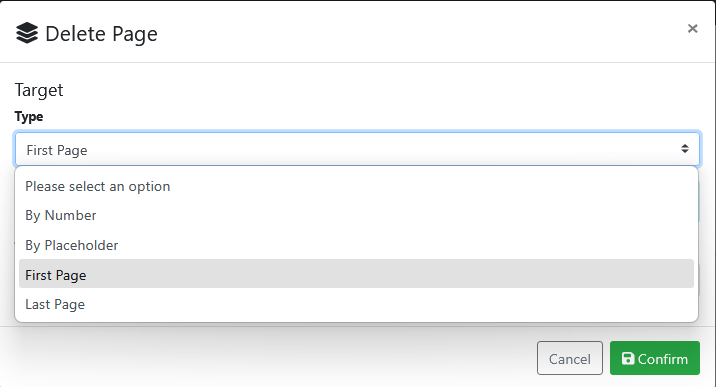
Choose By Number iand specify which page(s) (e.g. 1,2) or page range to delete (e.g. 1-3)
Choose By Placeholder and specify the name of the placeholder that will contain the pages number(s) or page range to delete.
Choose First Page if you want to remove a coversheet from the document.
Choose Last Page if you want to remove a one page appendix from the document.
Press Confirm button 
Saving the Pre-Processor
Press the Apply button 
Saving the RIA Page
Press the Save Button 
Testing the Pre-Processor
-
Make sure its enabled.
-
Run an input document through the queue.
-
Compare the original input document to the output document and confirm that the correct number of pages have been deleted.