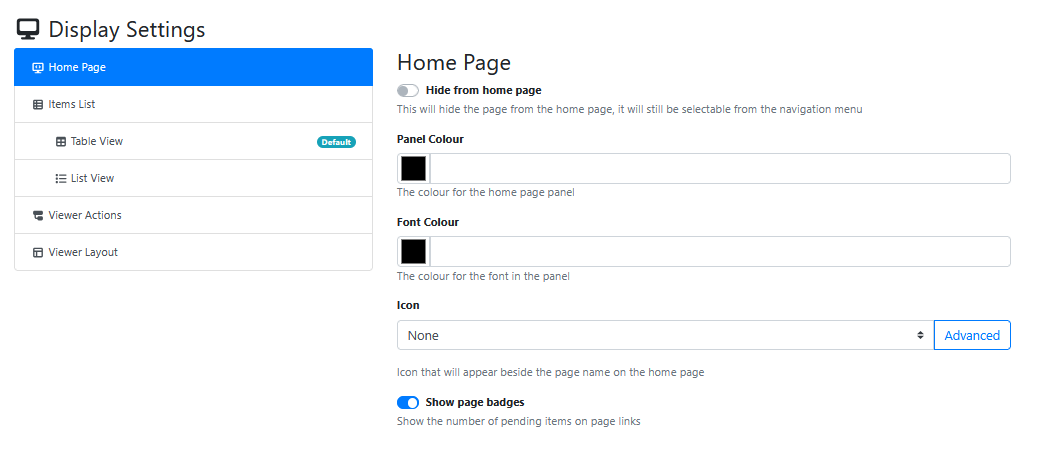
Display Settings
This tab is used for the settings that control the look and feel of a RIA App Page.
It has 6 major sub groups of settings
Home Page
Items List
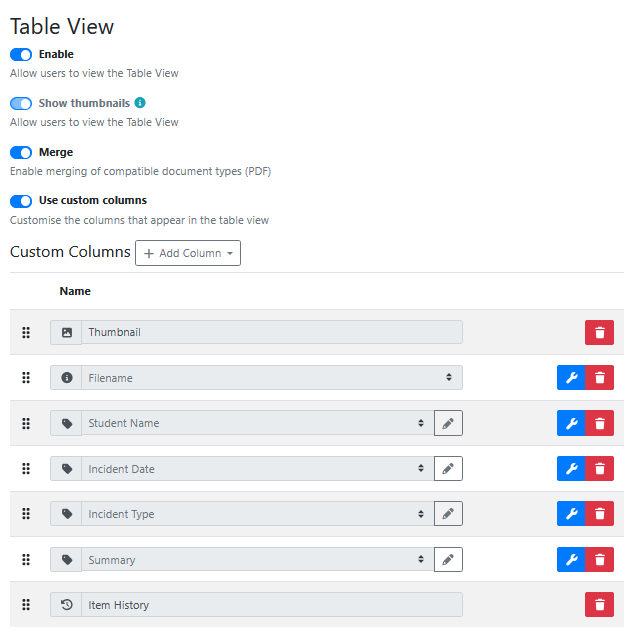
Table View
List View
Viewer Actions
Viewer Layout
Home Page
Items List
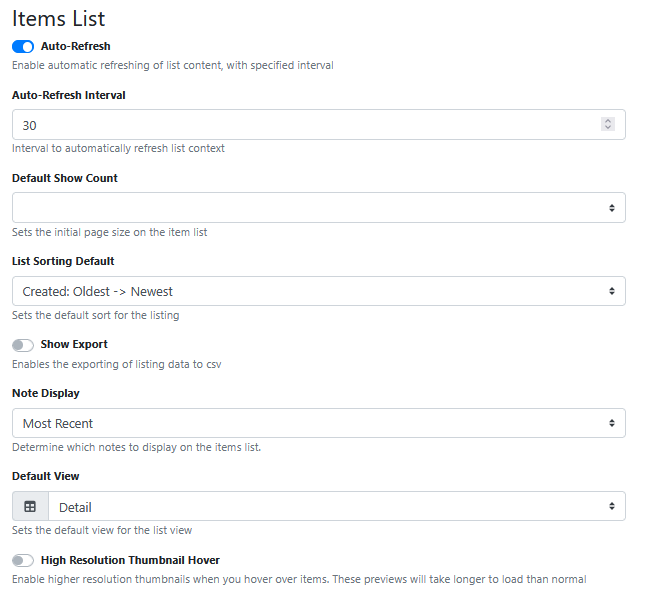
Table View
List View
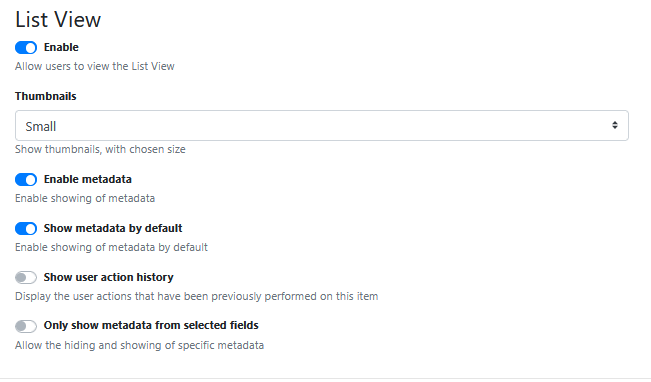
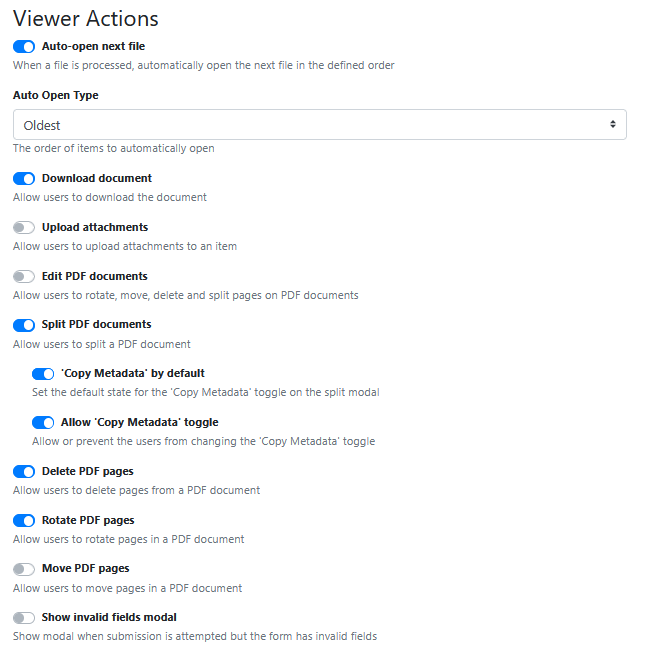
Viewer Actions
Viewer Layout
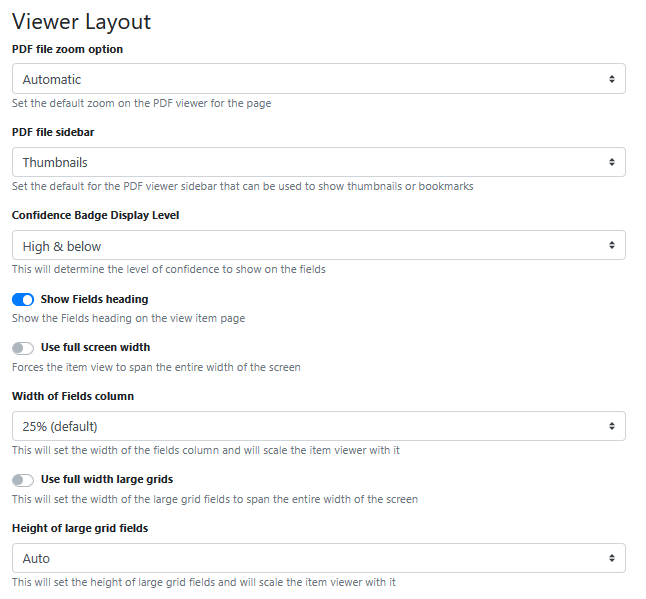
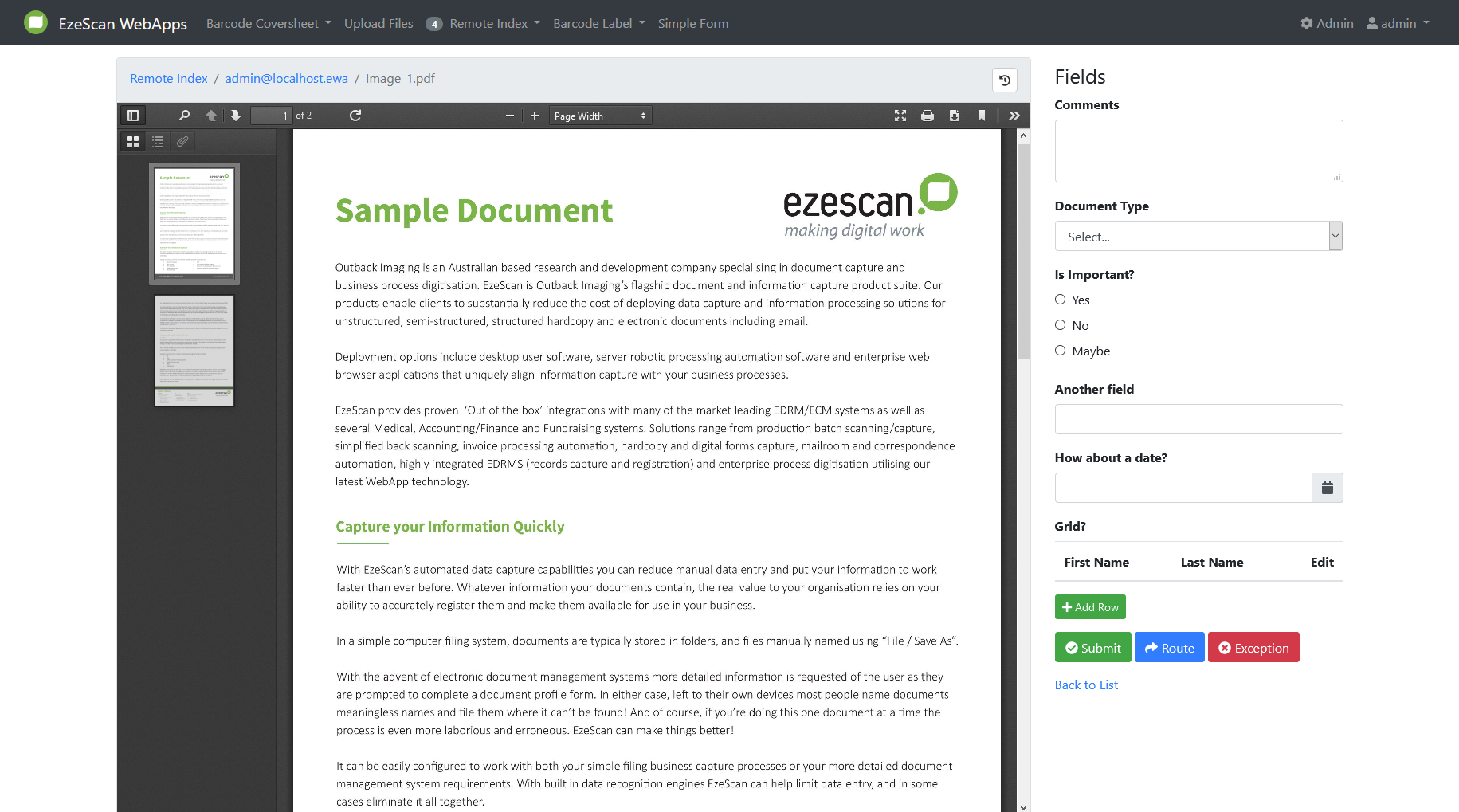
Use full screen width
Forces the item view to span the entire width of the screen.
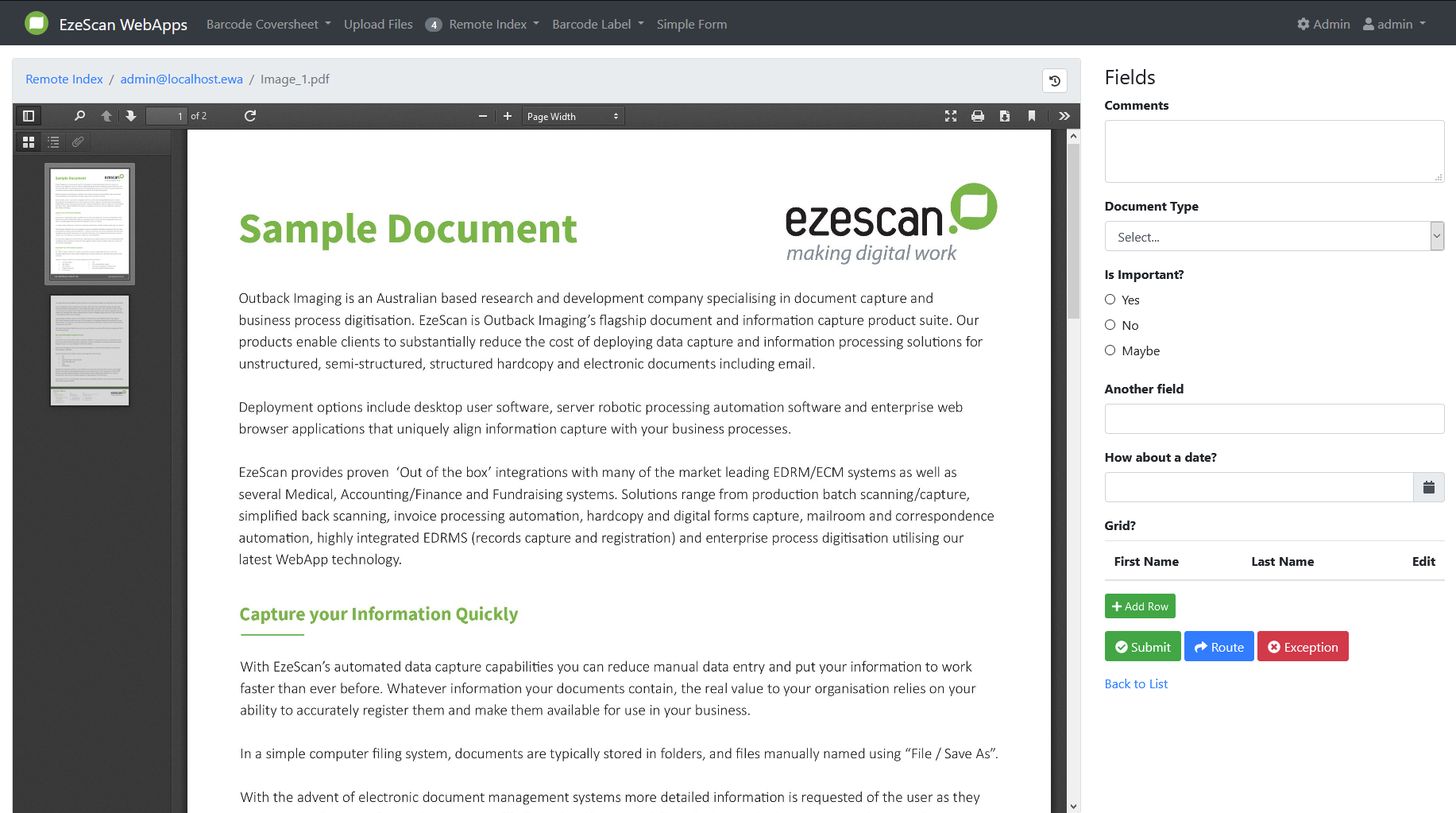
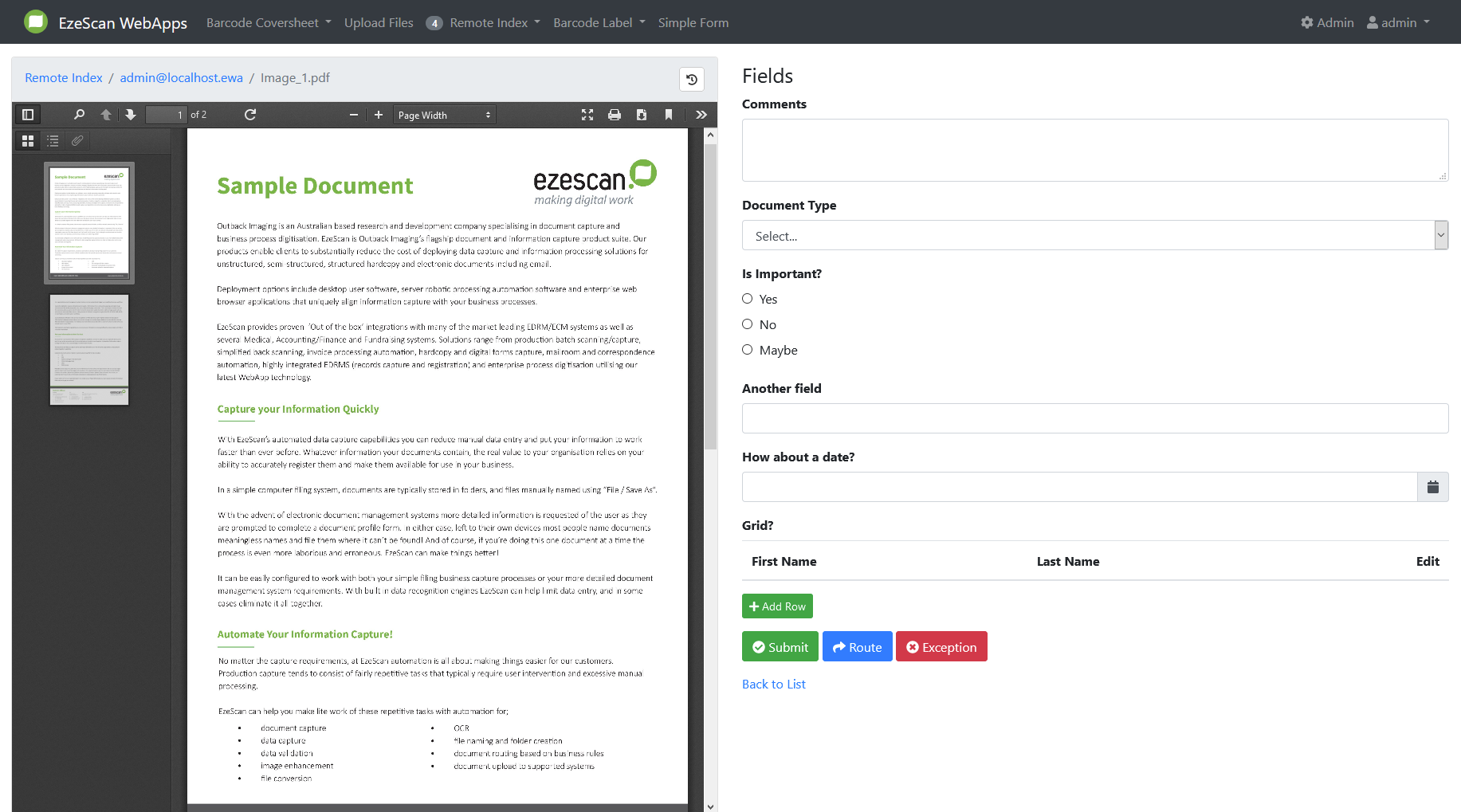
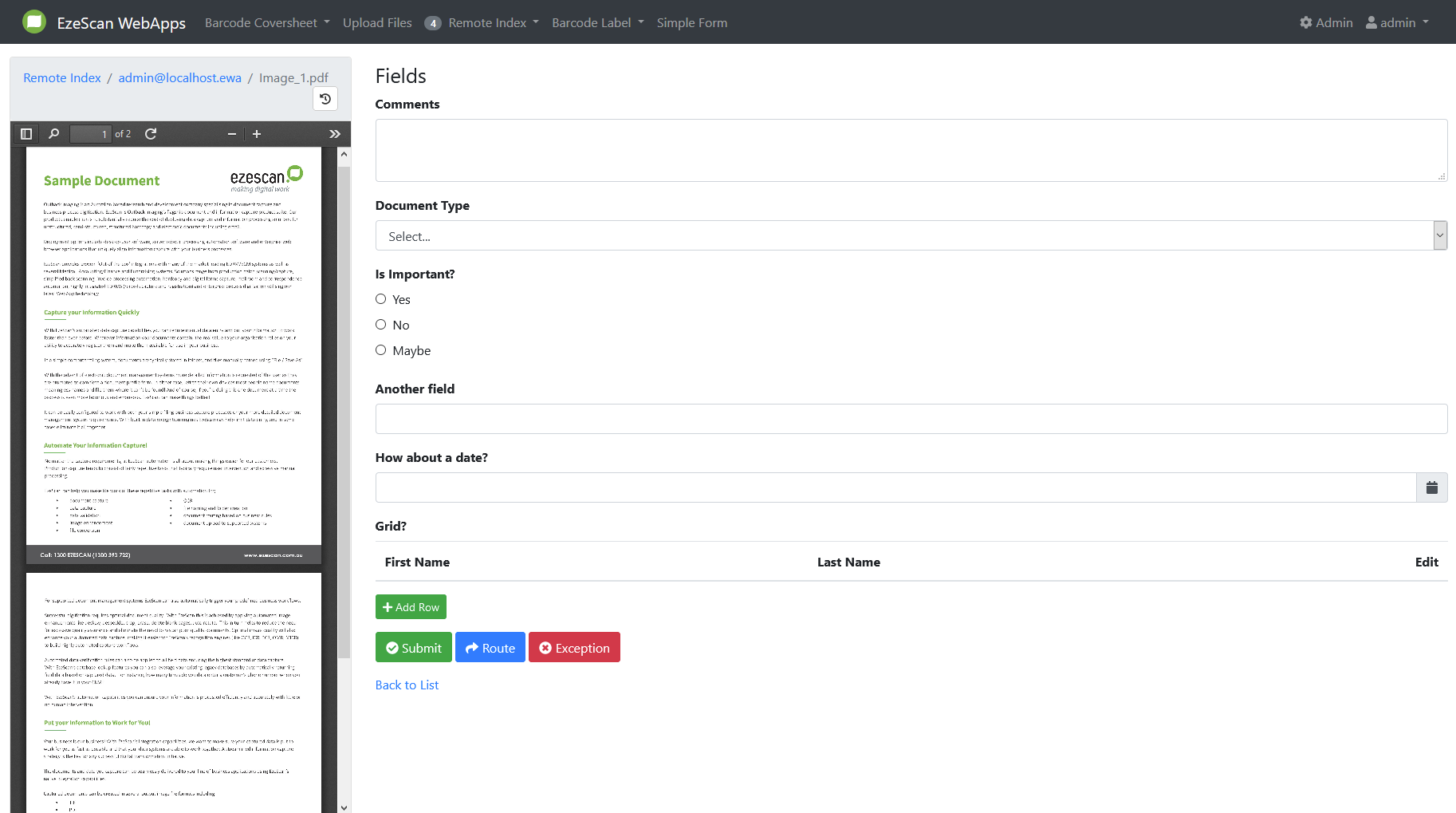
Width of Fields column
This will set the width of the fields column and will scale the item viewer with it.
Available values: 25% (default), 33%, 50%, 60%, 75%
Use full width large grids
This will set the width of the large grid fields to span the entire width of the screen.
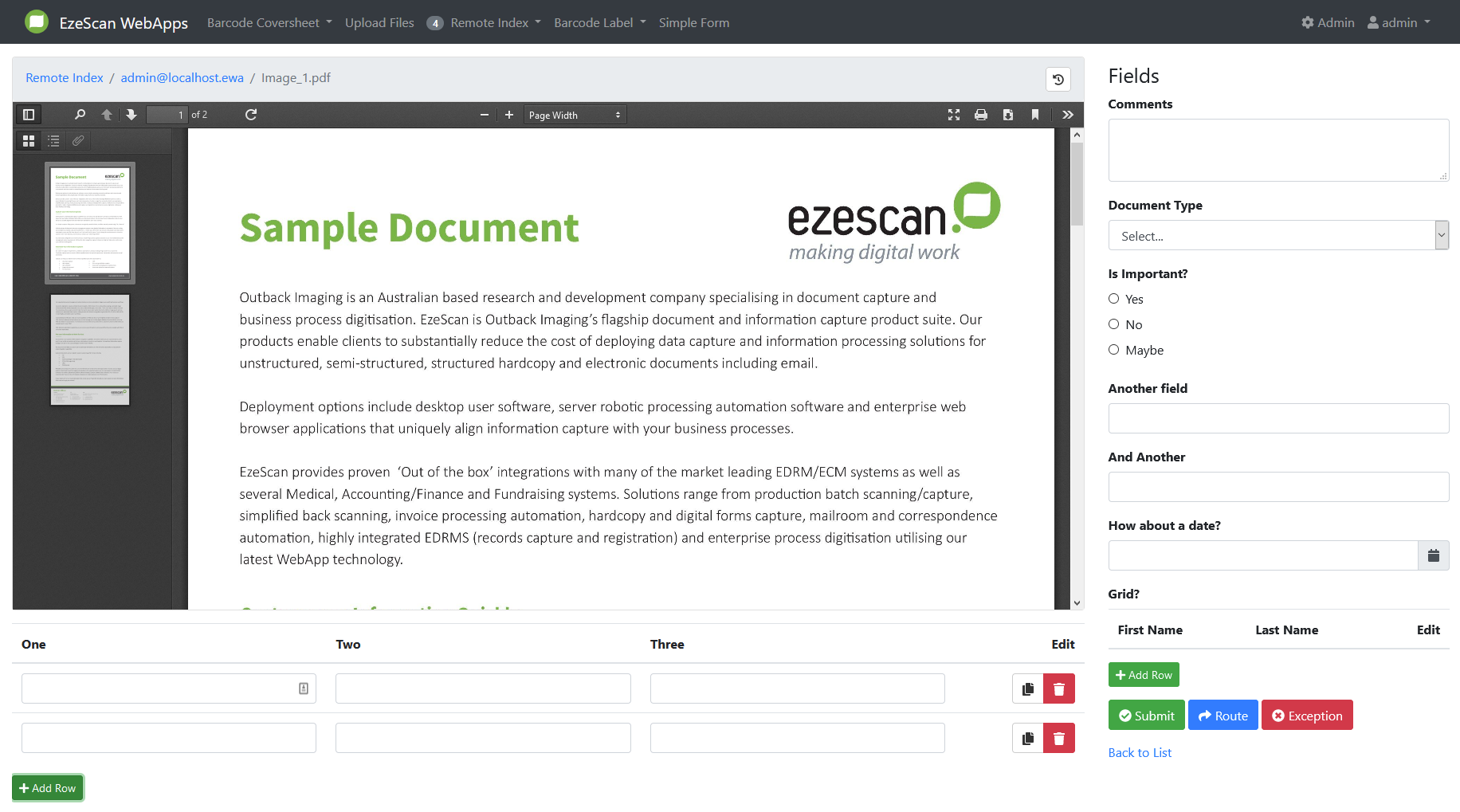
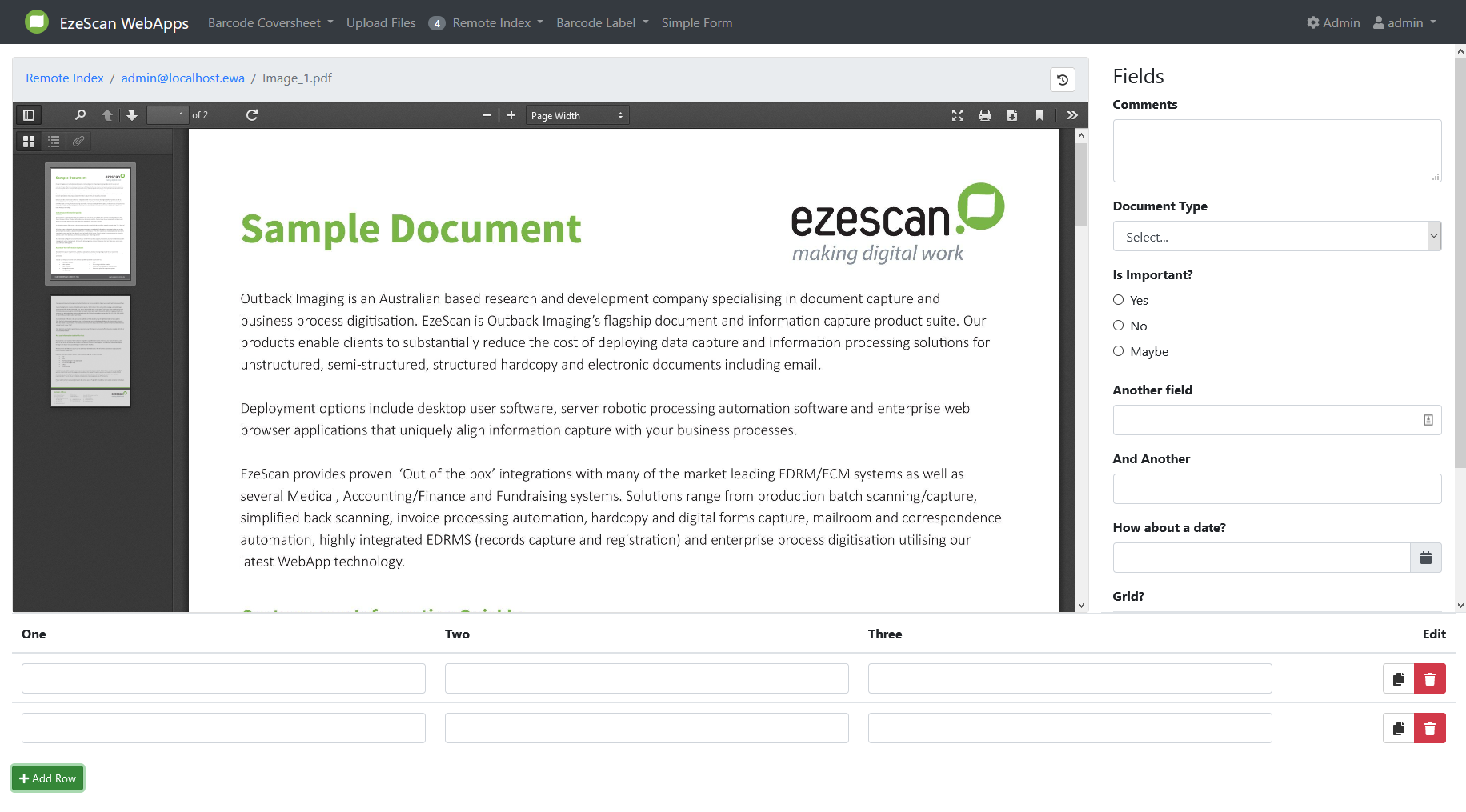
Height of large grid fields
This will set the height of large grid fields and will scale the item viewer with it.
Available values: Auto (default), 25%, 33%, 50%, 66%, 75%