Skip to main content
EzeScan Authority Server
Remote Assistance
Support
Main navigation
EzeScan Authority Server
Close navigation
Main
Remote Assistance
Support
Main
Installation
Overview
Appendix
System Requirements
Configuring the Authority Service
Configure Hosting Path Base
Configuring SQL Server as database provider
Open EzeScan Authority Server in a browser
Server Status tab
License Management tab (Concurrent Licenses)
Config Profiles tab
Throughput Quota tab
ID Counters tab
Tables tab
User Management tab
Managing Concurrent Licenses on the EzeScan (PC) client
Managing Configuration Profiles on the EzeScan (PC) client
Troubleshooting the EzeScan Authority Server
Updating and Migrating an Authority Instance
How to Reset Admin Password
Breadcrumbs
Home
EzeScan Authority Server
On this Page
Throughput Quota tab
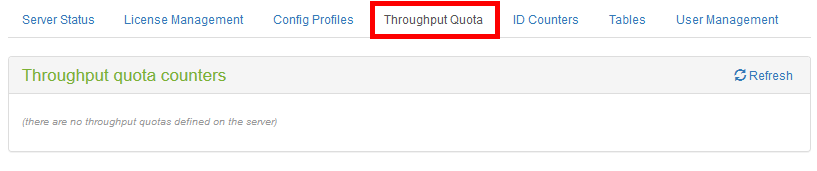
Figure 20 - Throughput Quota tab
Xxxx