-
In the Admin Panel ensure you have created a connection to Microsoft Graph (Mailbox).
-
You will need a Tenant Administrator to approve the connection to your Microsoft 365 Tenancy if it's never been linked before.
-
Instead of using the Inbuilt authentication type your administrator may wish to use the Custom option to grany access to specific mailboxes without having to login as a particular user account interactively.
-
If this is the case, then your tenant administrator will need to create custom app registration with the relevant permissions required and grant that application access to the required mailboxes.
-
-
-
Create an Indexing Page and configure an Microsoft Email Import on the “Imports” tab.
-
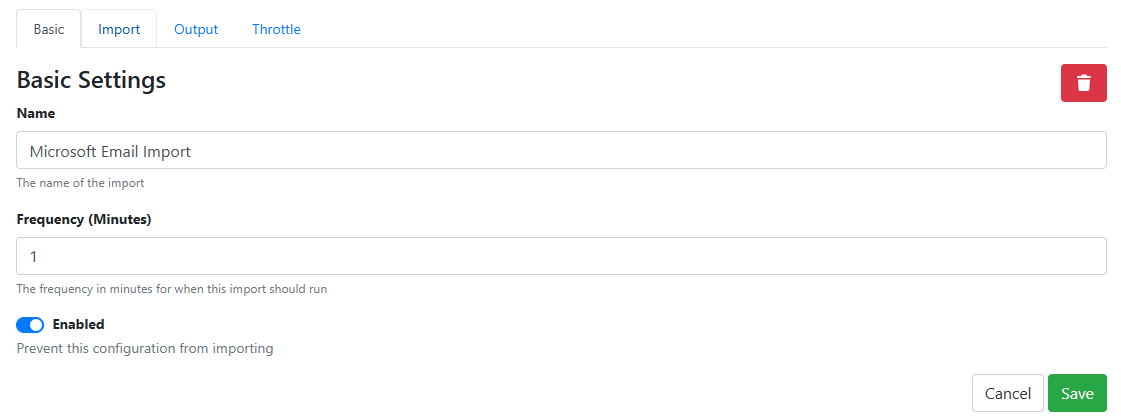
The Basic tab can be left as defaults
-
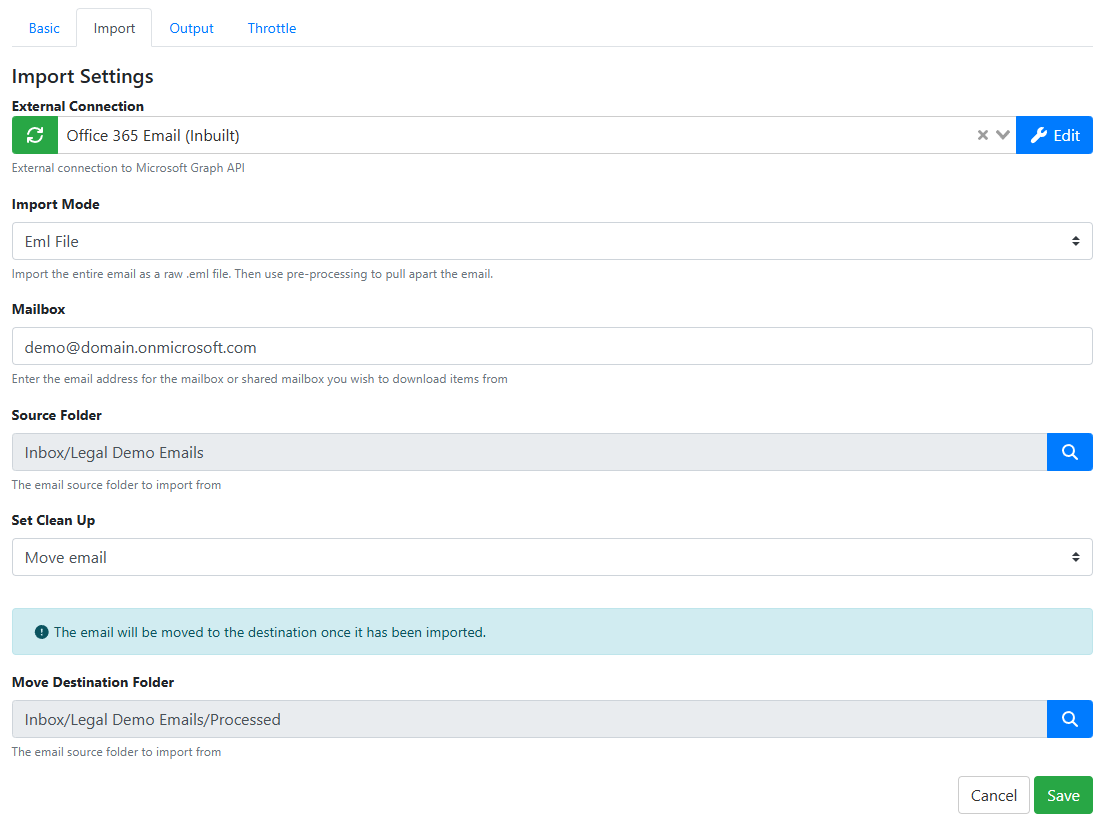
The Import tab will need to be completed like the following example
-
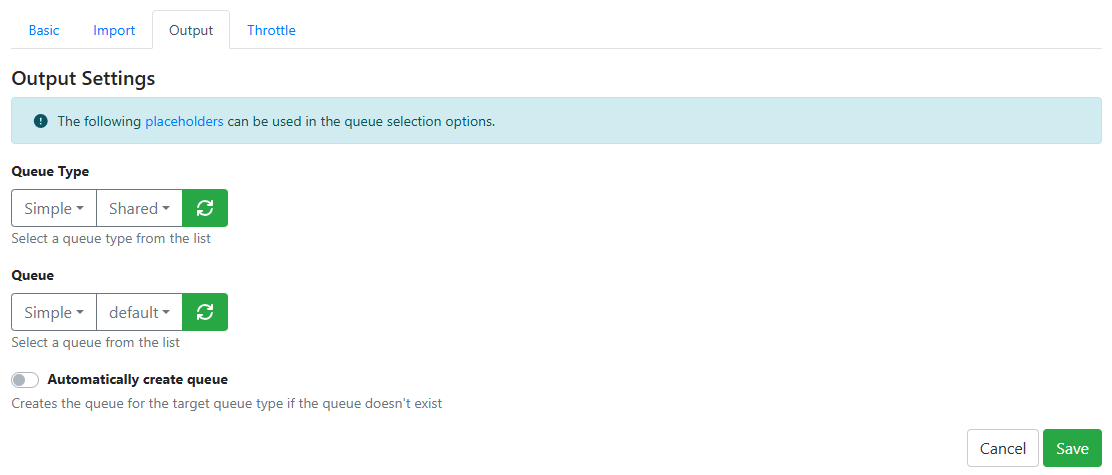
The Output tab will need to be configured to put the items into the correct queue
-
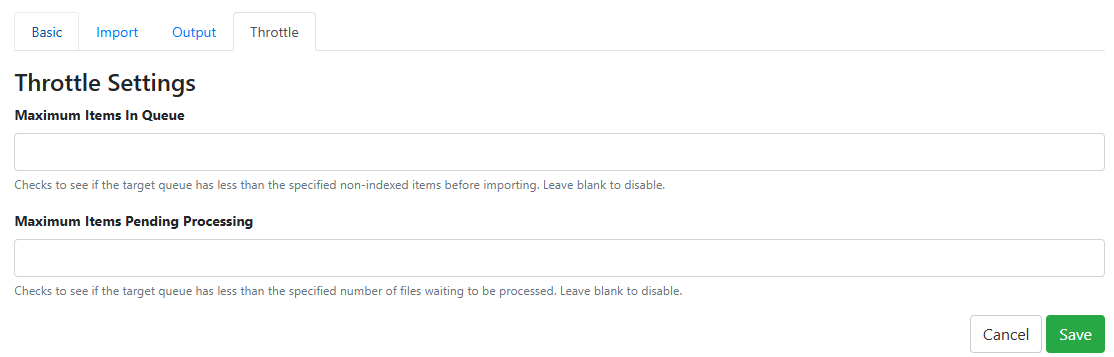
The Throttle tab can be left as default values (empty).
-
-
After saving the Import Configuration and the Indexing page you will need to wait for the Import job to run.
-
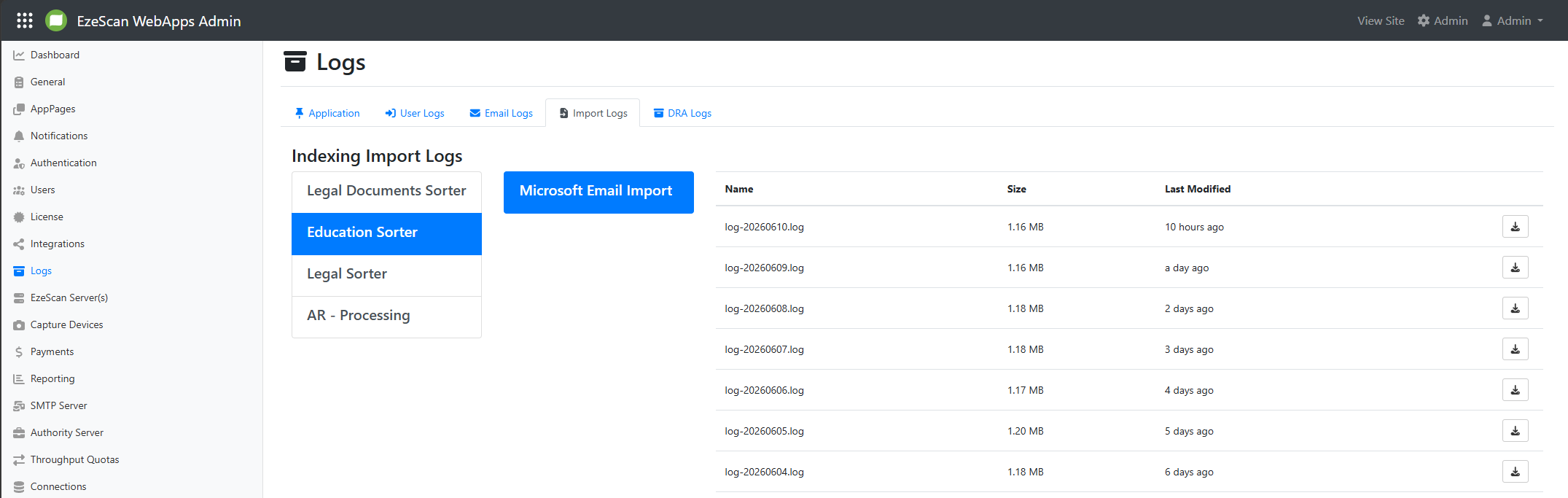
You can check the import logs in the Logs > Import Logs part of the Admin Panel.