Purpose
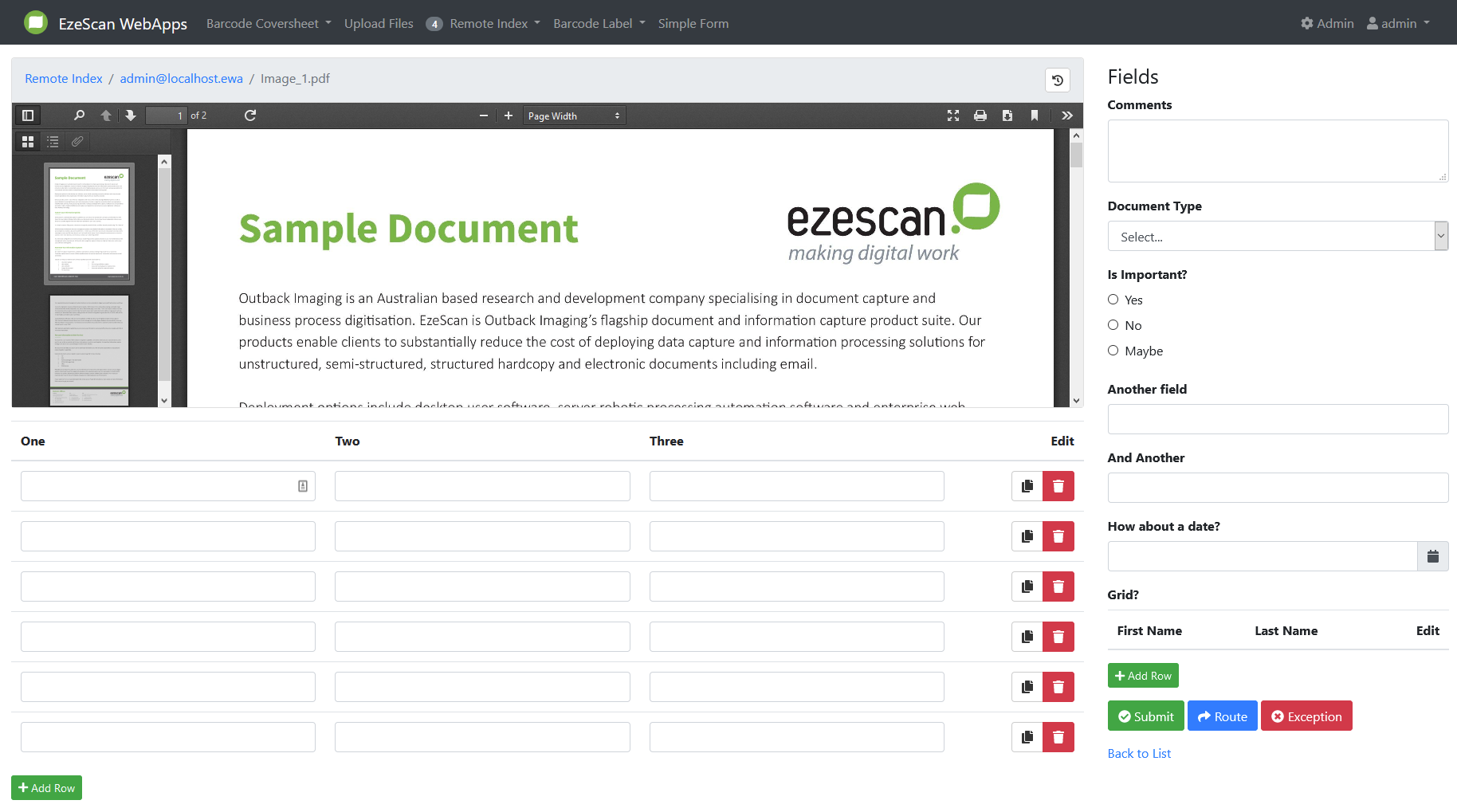
The Display tab allows administrators to configure how the RIA Queue and RIA Page are presented to end users.
Display settings are organised into the following sections:
-
Home Page: Controls how the RIA Page is displayed as a tile on the Home Page.
-
Items List: Controls how documents and their associated information are displayed within the RIA Queue.
-
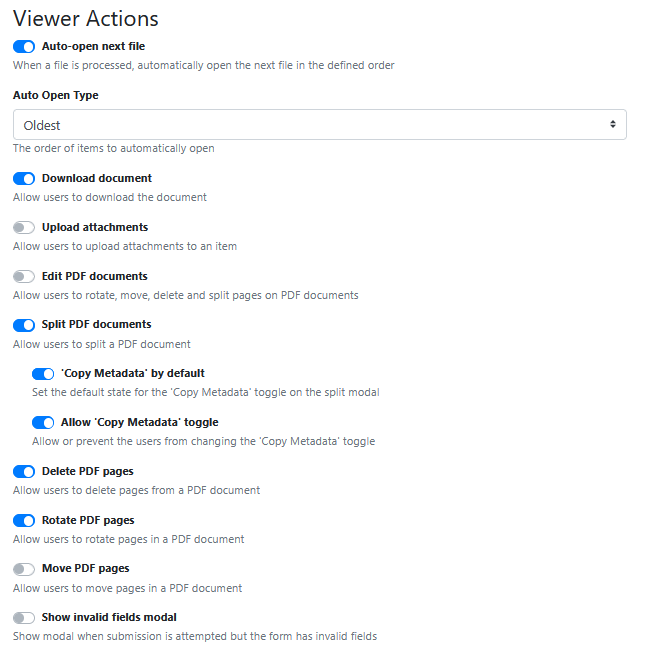
Viewer Actions: Controls the actions available to users within the RIA Page Viewer.
-
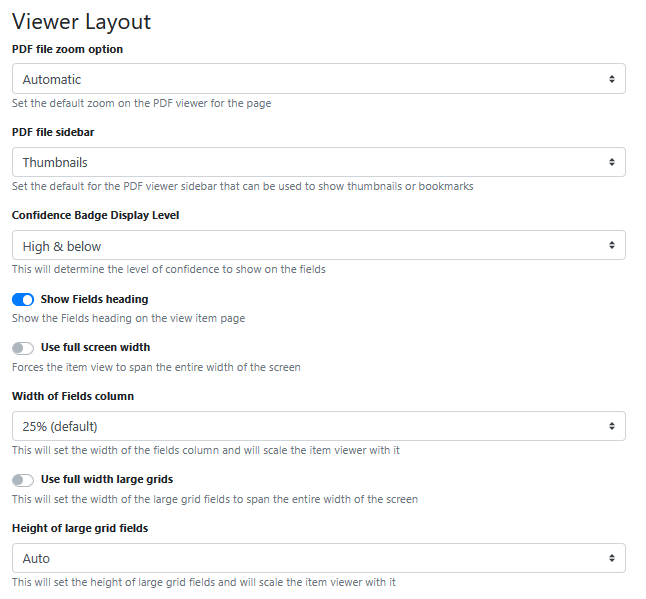
Viewer Layout: Controls the layout and presentation of information within the RIA Page Viewer.Home Page
Home Page
Home page settings are configured in the same way across all supported app pages. For information about the available settings and their configuration, see Home Page Display.
Items List
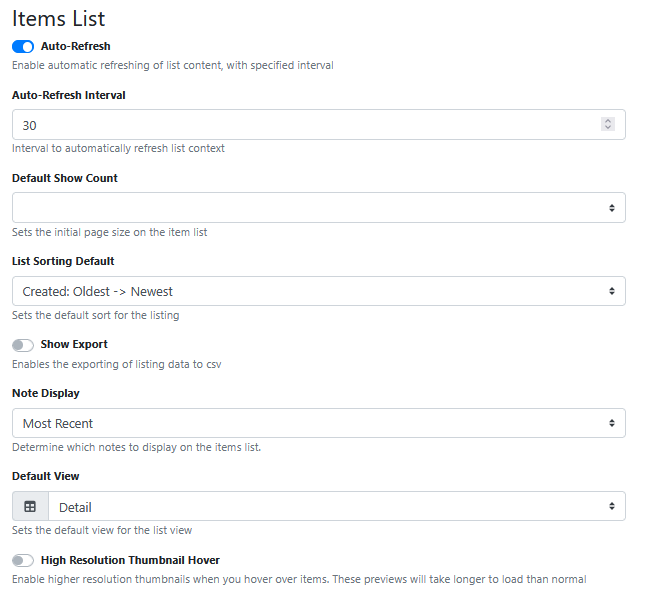
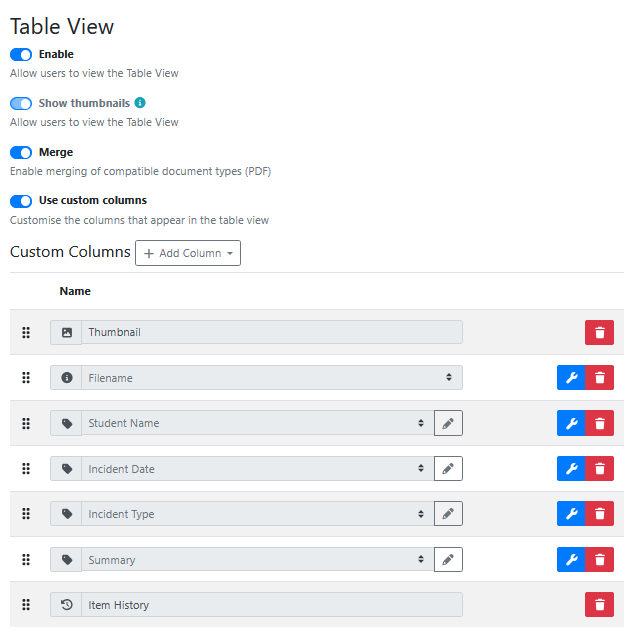
Table View
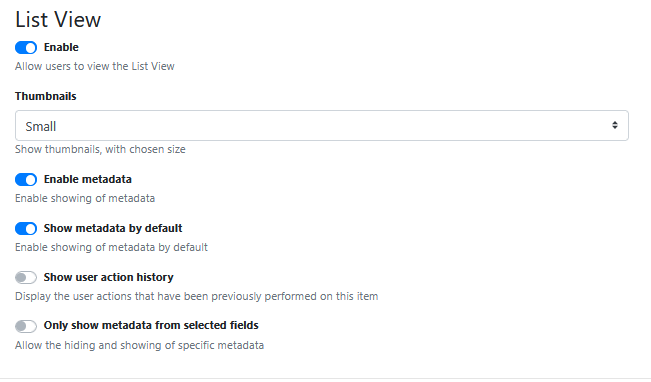
List View
Viewer Actions
Viewer Layout
Use full screen width
Forces the item view to span the entire width of the screen.
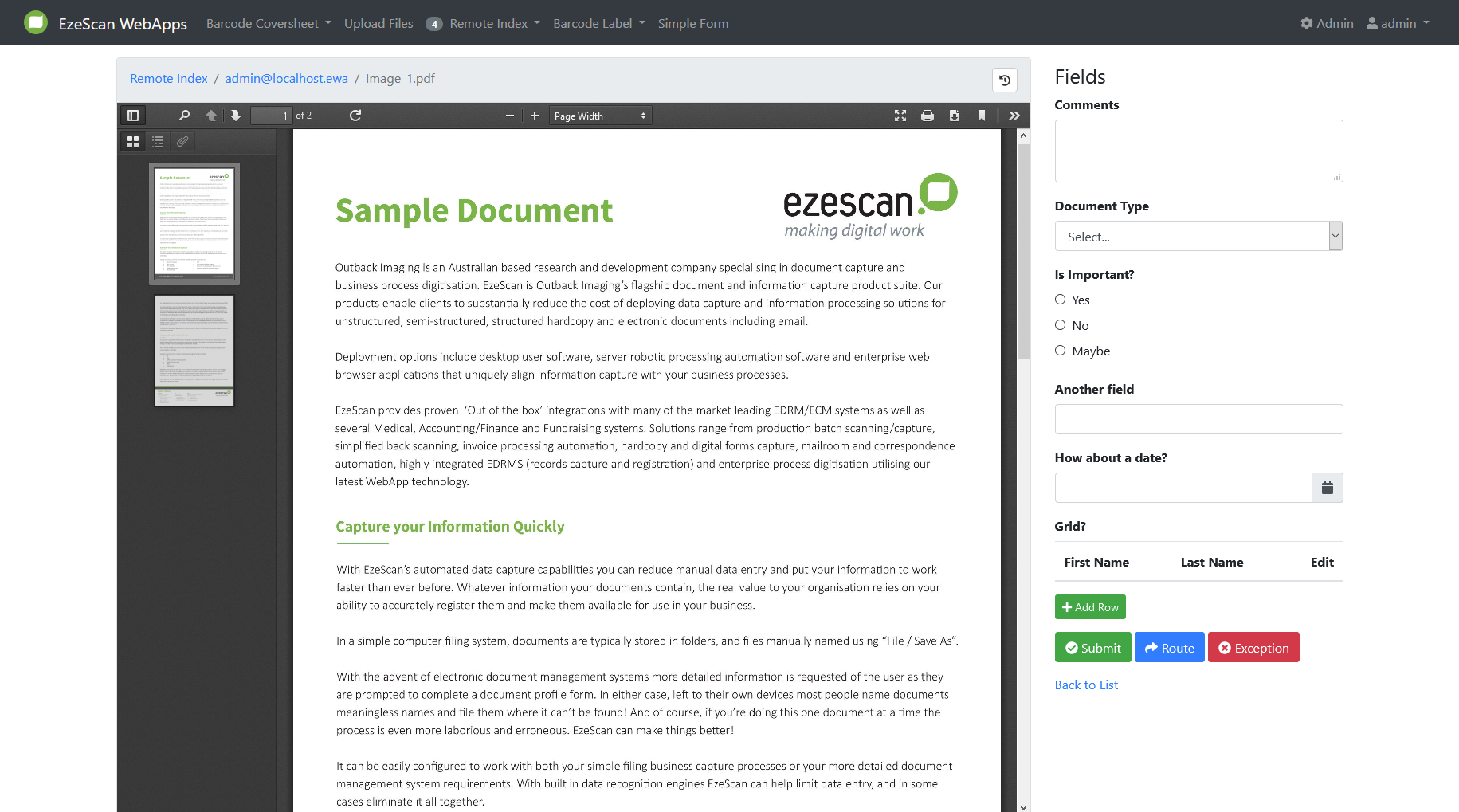
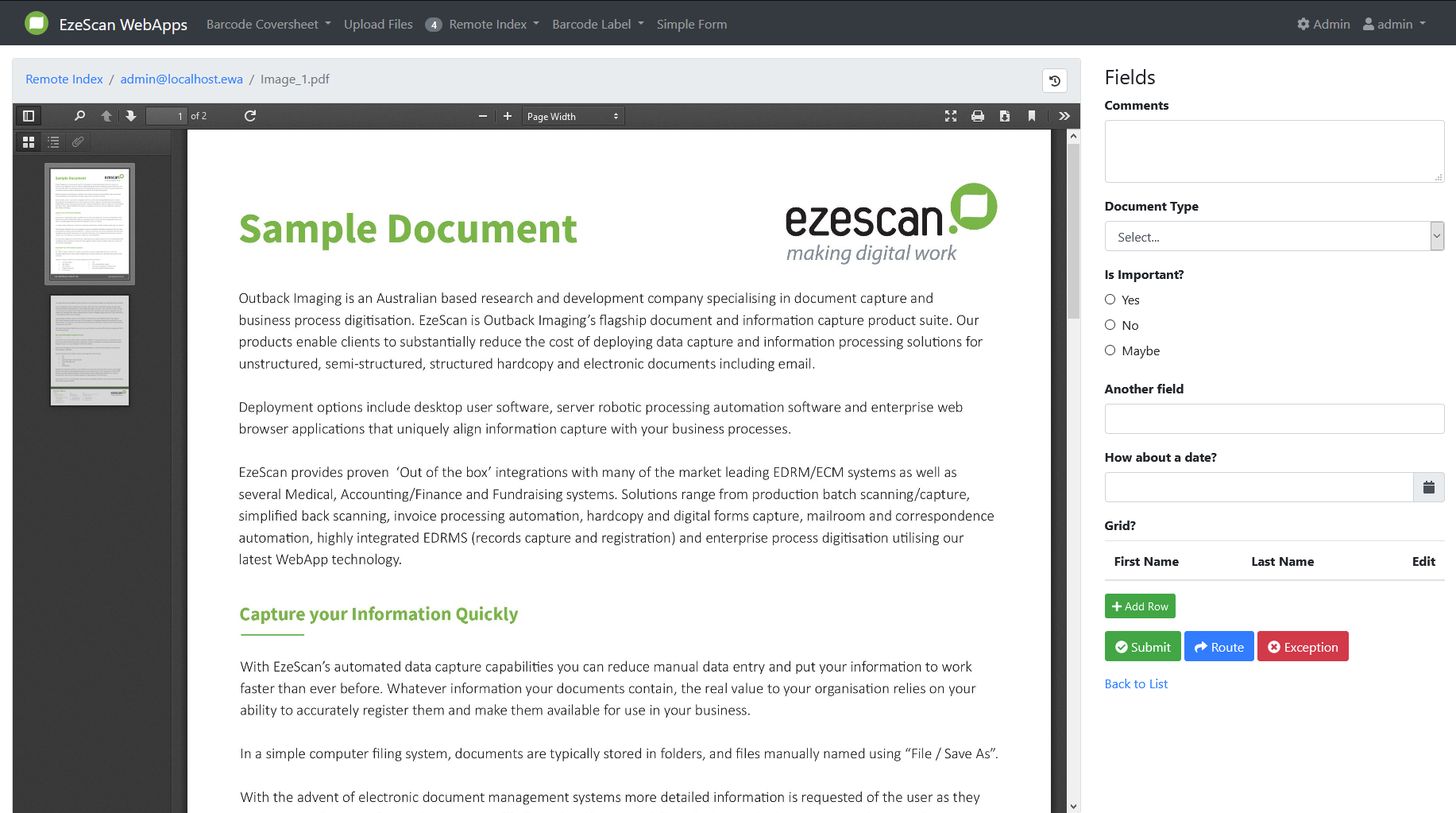
Width of Fields column
This will set the width of the fields column and will scale the item viewer with it.
Available values: 25% (default), 33%, 50%, 60%, 75%
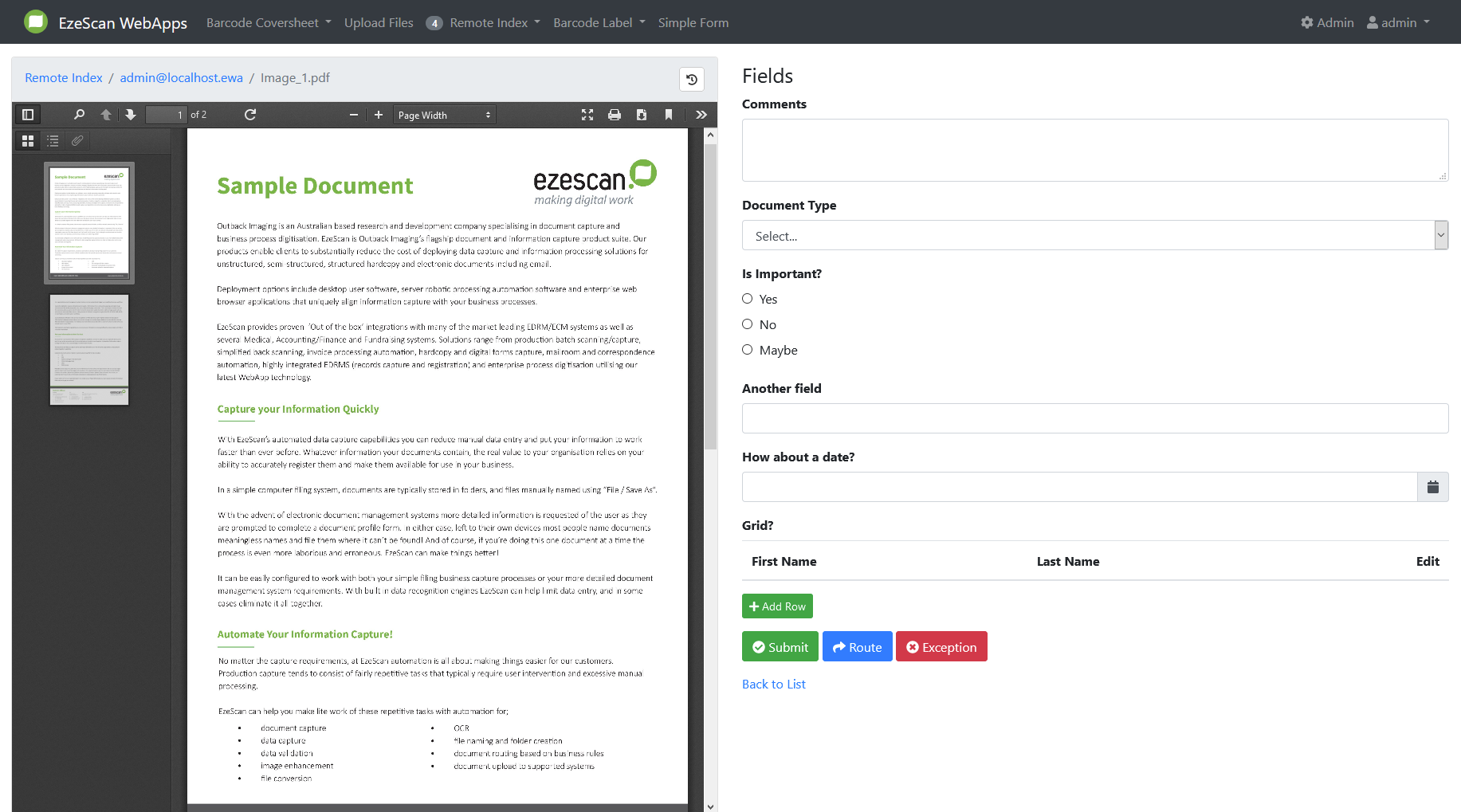
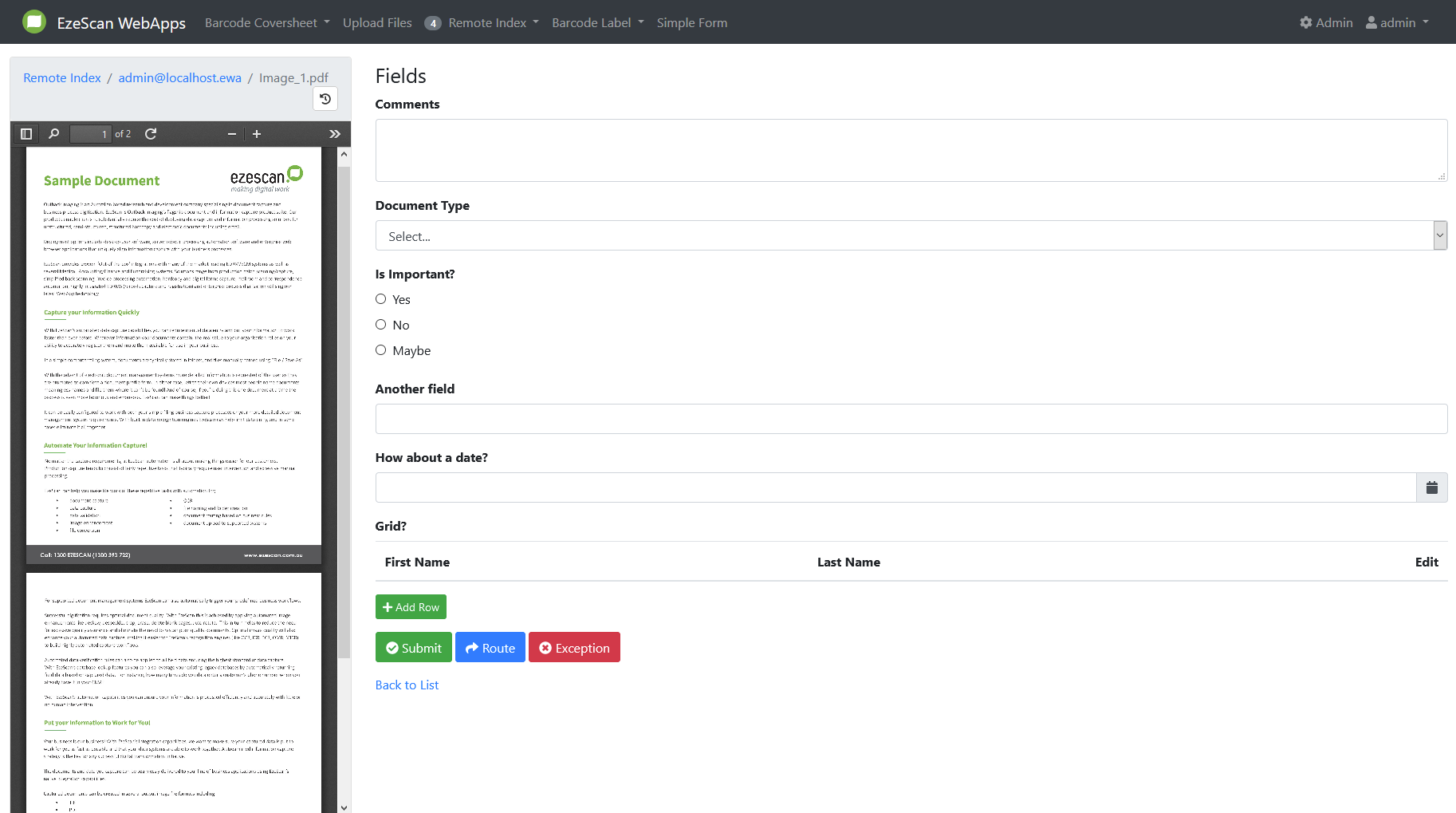
Use full width large grids
This will set the width of the large grid fields to span the entire width of the screen.
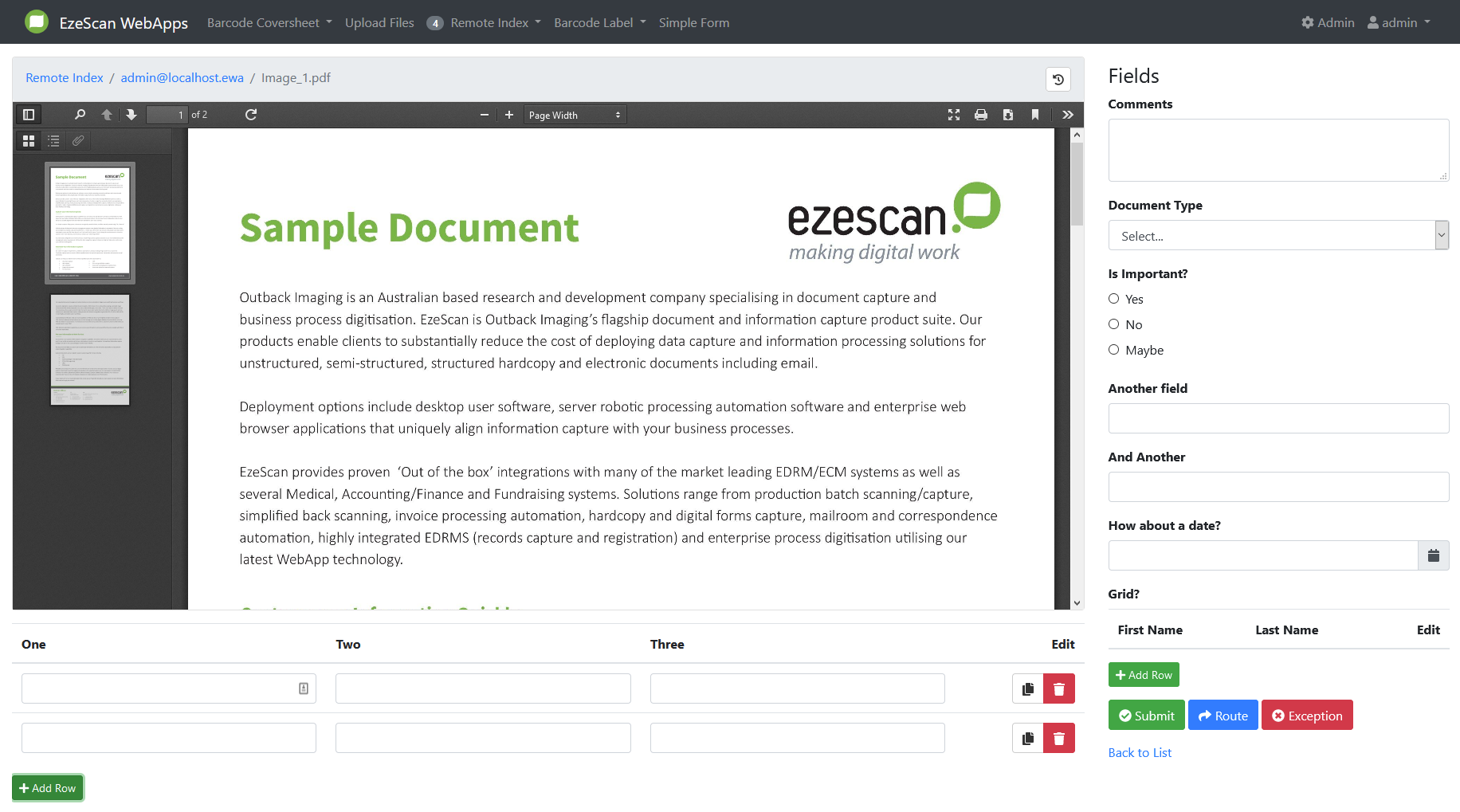
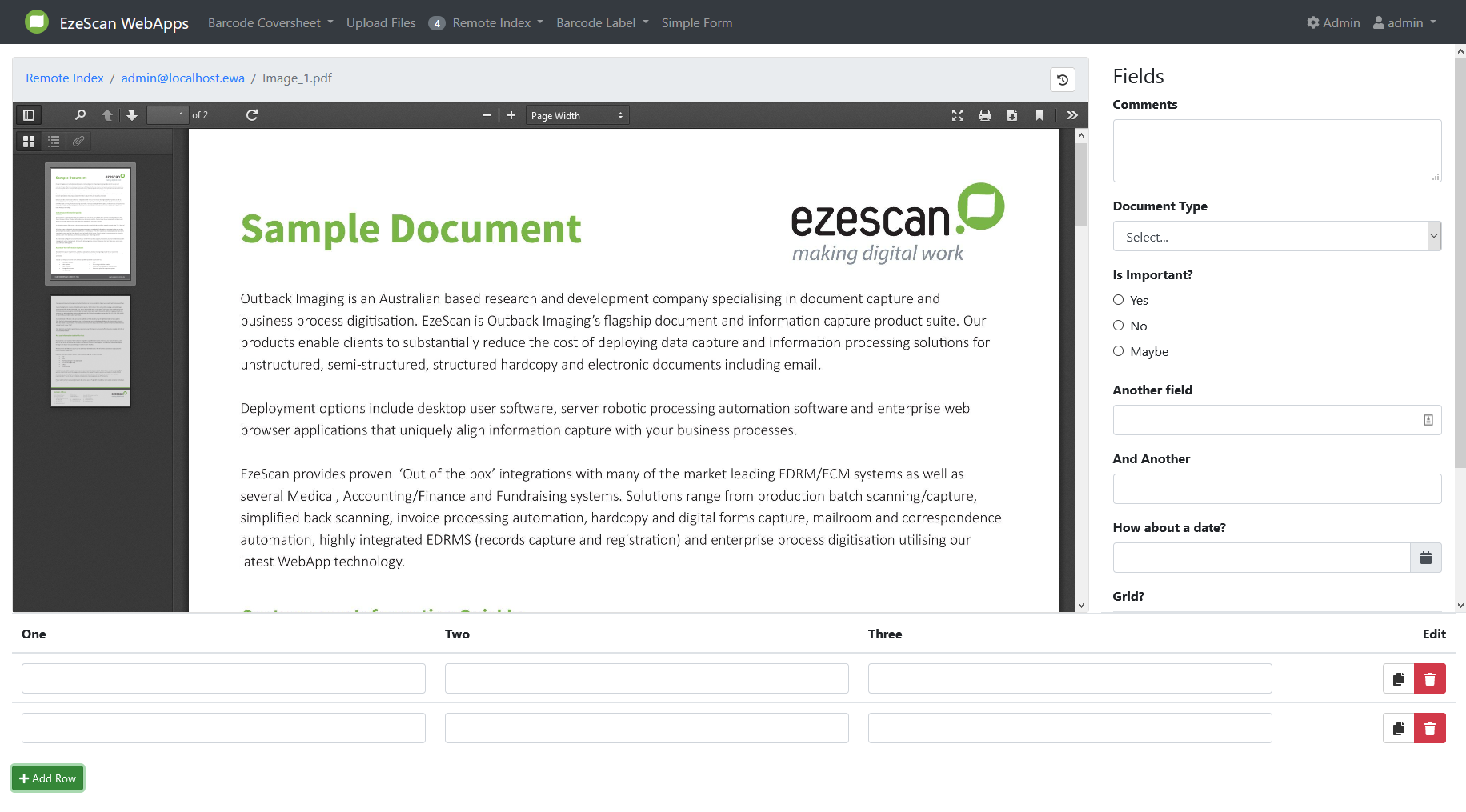
Height of large grid fields
This will set the height of large grid fields and will scale the item viewer with it.
Available values: Auto (default), 25%, 33%, 50%, 66%, 75%