Schedule Tab
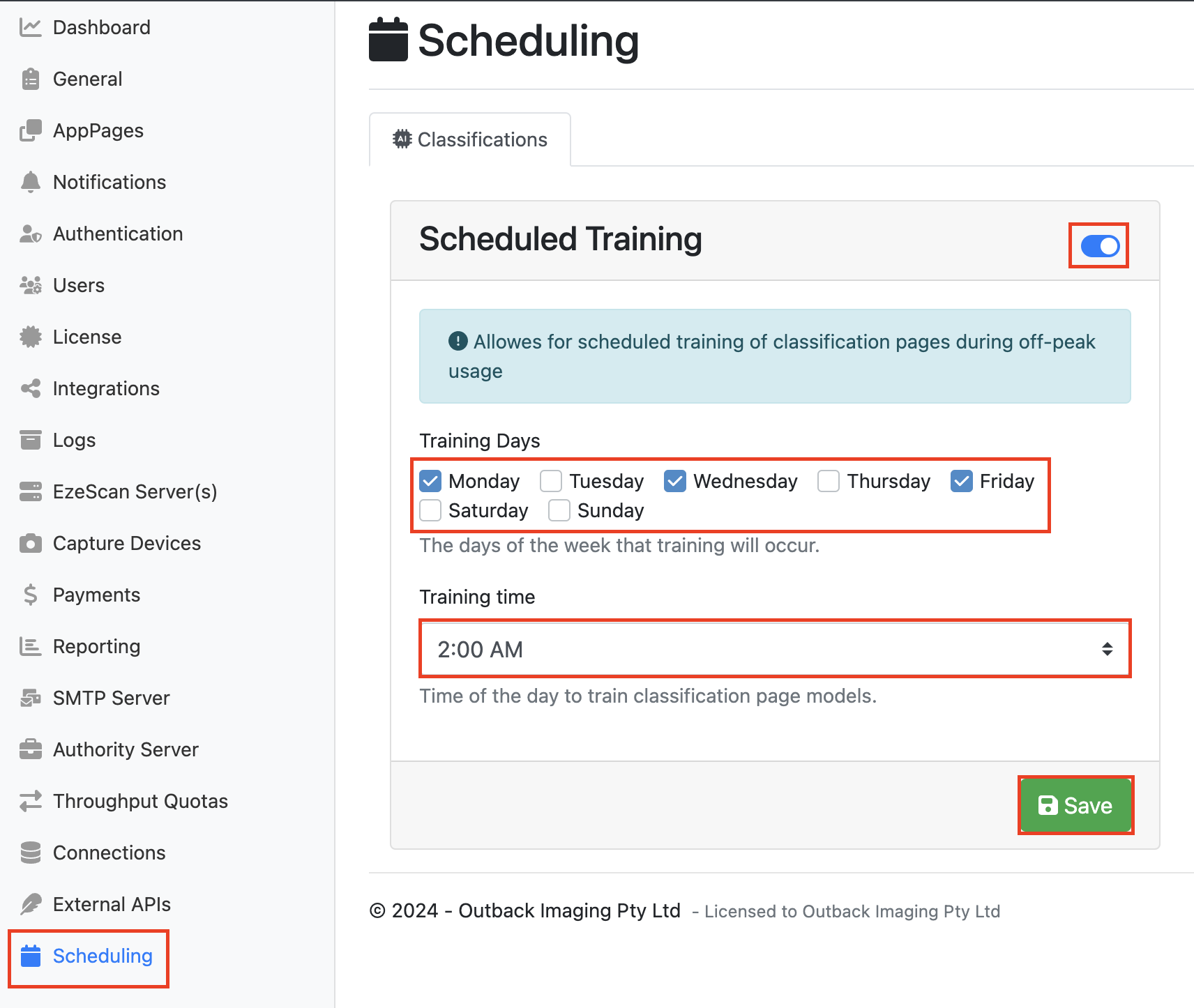
On the Schedule tab, you can configure whether DCA training should run automatically on a scheduled basis. When Train Automatically with Schedule is enabled, the classification engine will retrain each night at 12:00 AM using documents that have been processed since the previous training cycle.
Tip: you can select the days to schedule the engine to train by going to the scheduling tab on the Admin Toolbar. Click the toggle on to modify the schedules training, select your training days and training time, and then click Save