
Purpose
The Display tab allows administrators to configure how the DFA Page and form messages are presented to end users.
Display settings are organised into the following sections:
-
Home Page: Controls how the DFA Page is displayed as a tile on the Home Page.
-
Form Options: Configures form behaviour and available options after a form has been submitted.
-
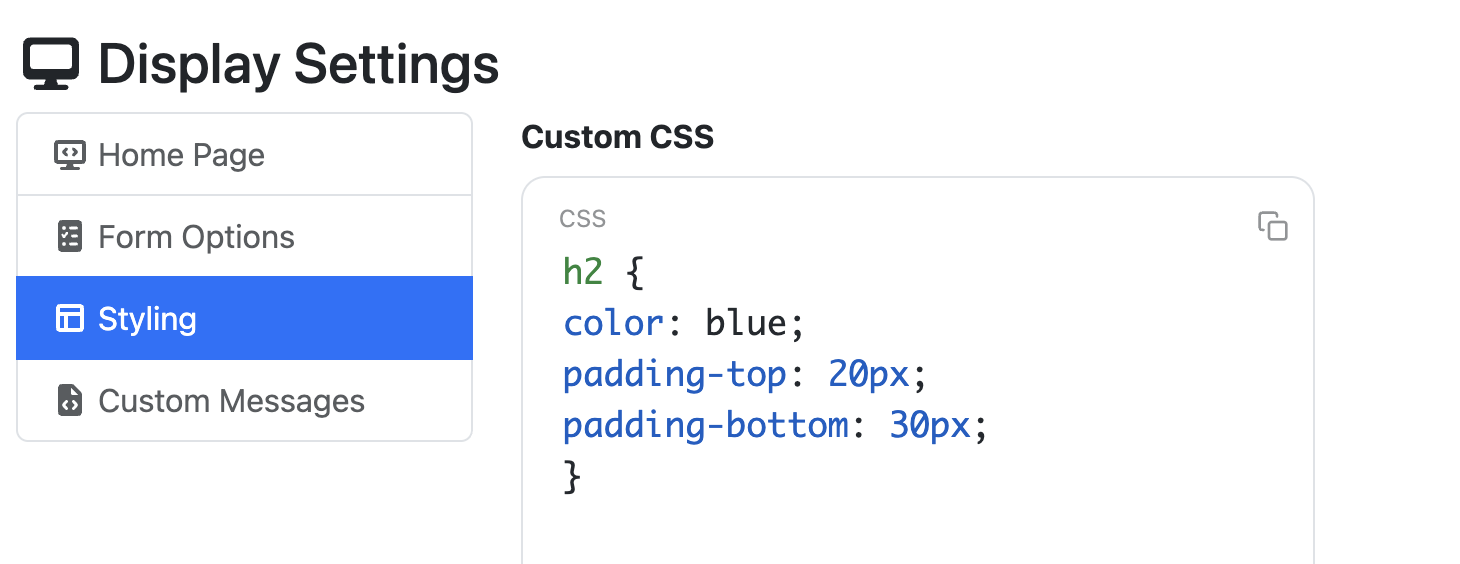
Styling: Provides a Custom CSS field for applying custom styling to the form.
-
Custom Messages: Allows custom HTML messages to be created and displayed to users at various stages of the form workflow.
Home Page
Home page settings are configured in the same way across all supported app pages. For information about the available settings and their configuration, see Home Page Display.
Form Options
|
Setting Name |
Description |
|---|---|
|
Show Start Over Button |
Ability to show a 'Start over' button after the submission has been completed. This is turned off by default. 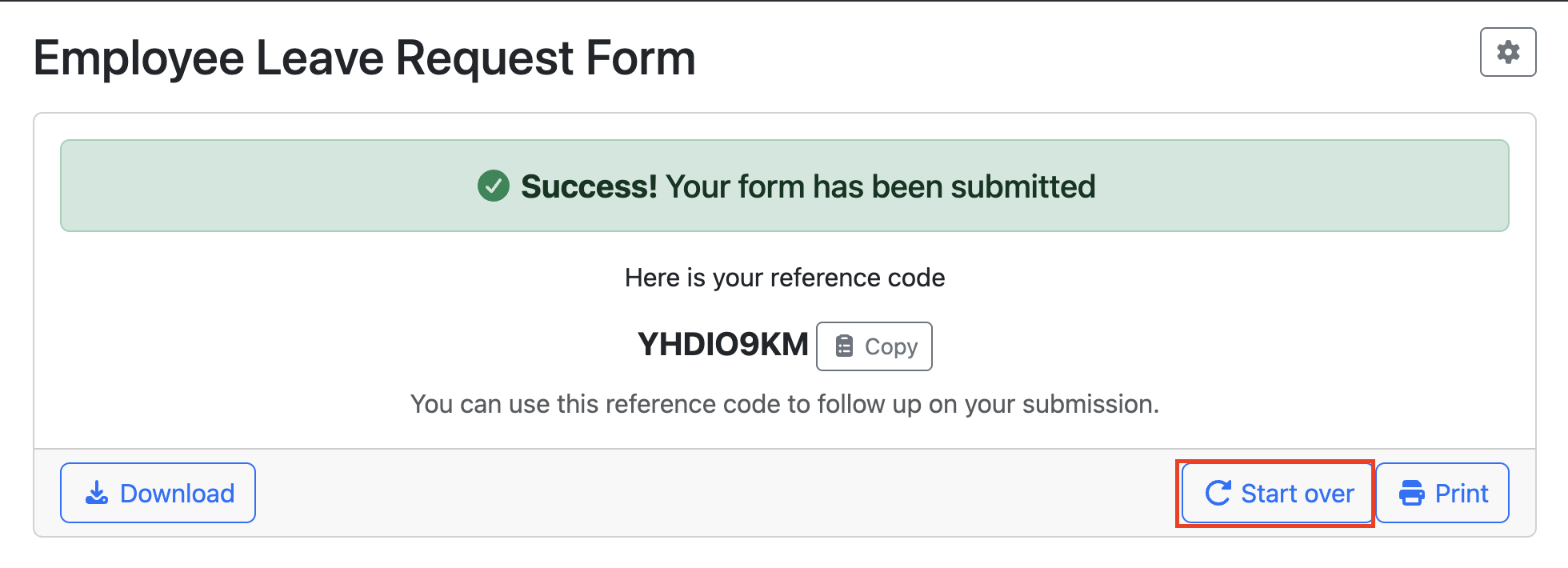
|
|
Show Invalied Fields Modal |
Show modal when submission is attempted but the form has invalid fields. This is on by default. 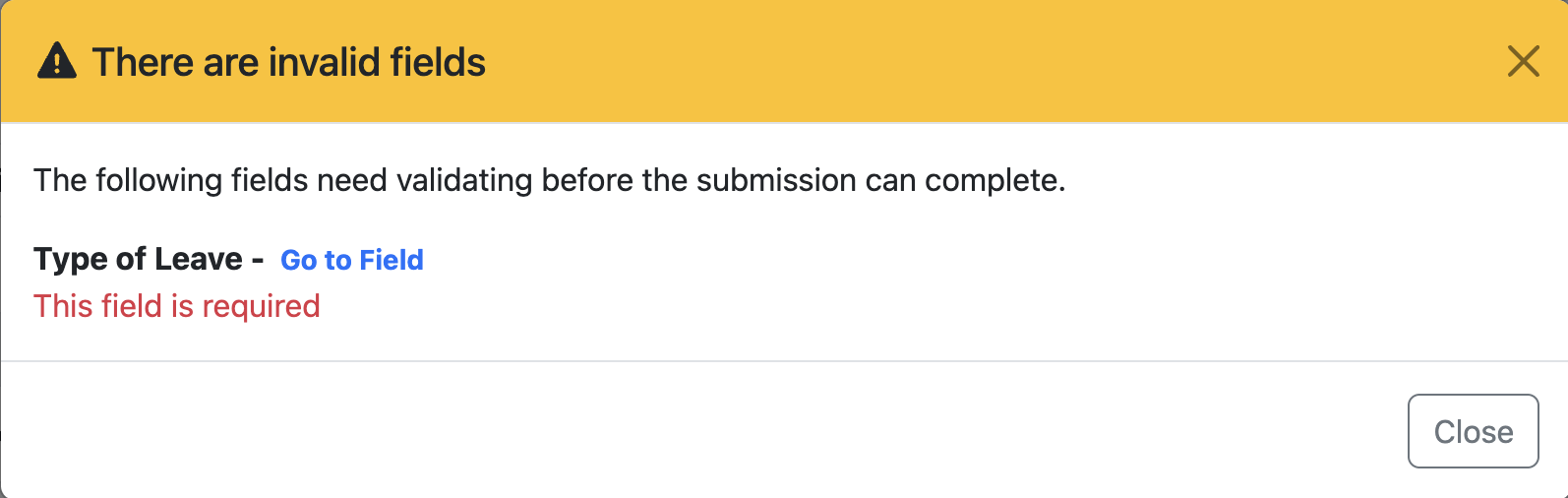
|
Styling
This Custom CSS field enables you to apply your own styling to the form. In the example below, custom CSS has been used to change the form header colour to blue and increase the top and bottom padding.
Custom Messages
This section allows you to customise the standard HTL form messages. To modify a message, click the Edit button and enter your replacement HTML in the editor provided.
Please note that the existing message content cannot be edited directly. Instead, you will need to create and enter the new message from scratch.
To restore the original message, simply remove all HTML from the custom message field and save your changes.
|
Message Type |
Description |
Current Message |
|---|---|---|
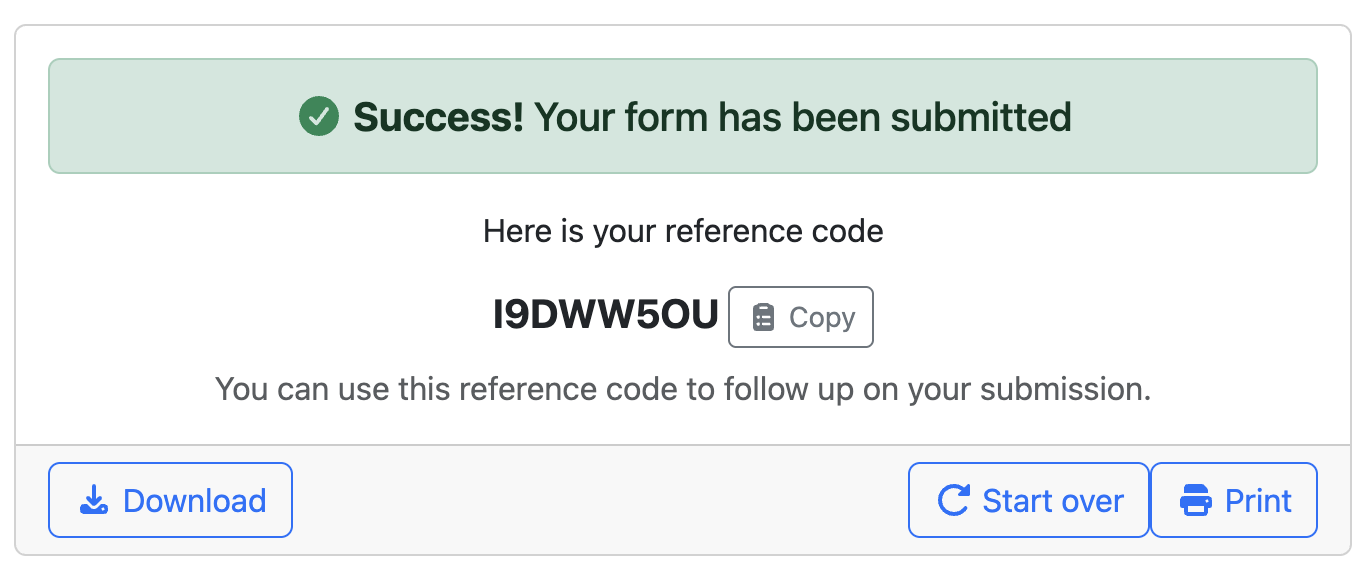
success message
|
This HTML will be displayed when a user successfully submits the form. |
|
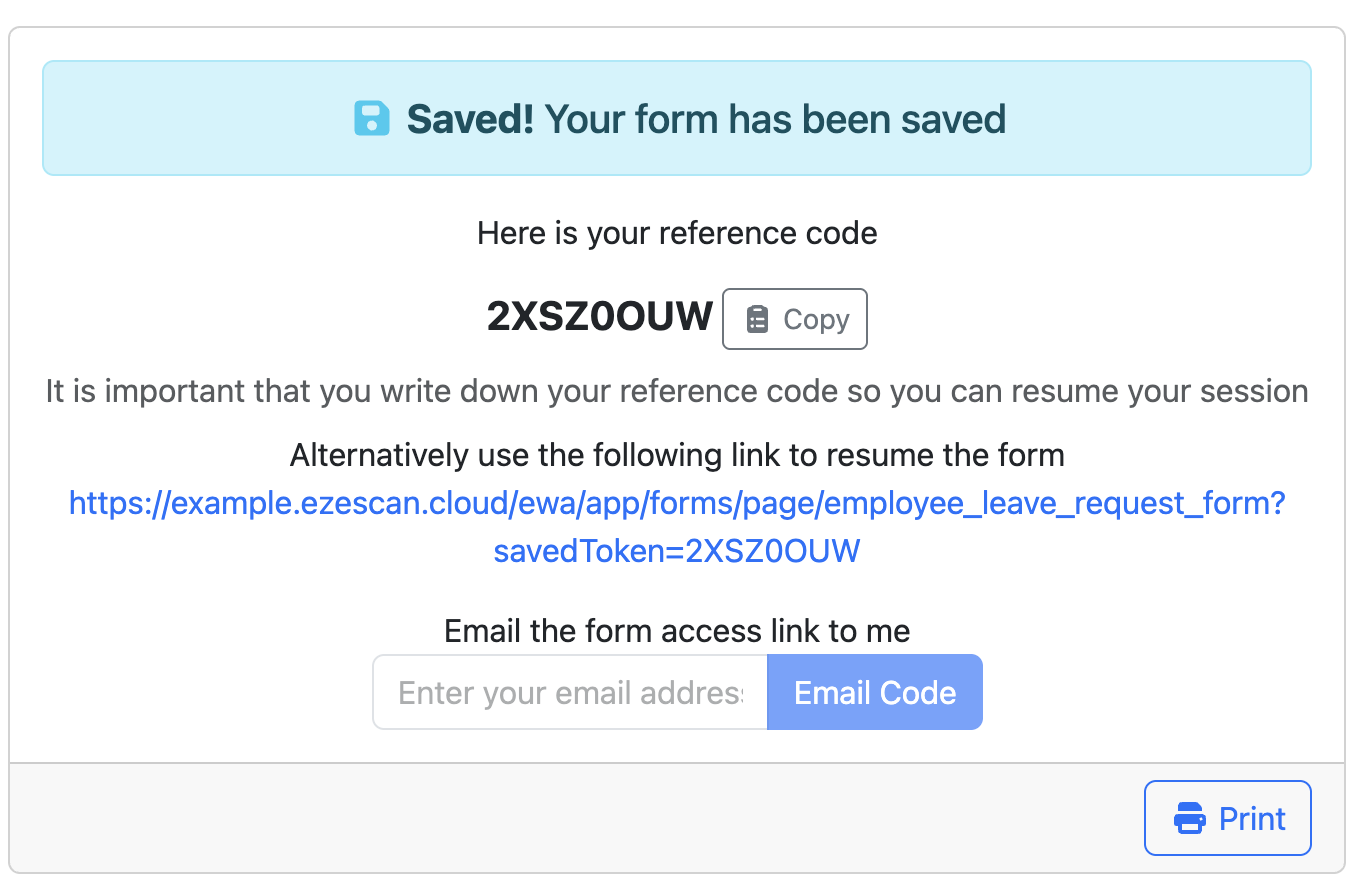
Save message
|
This HTML will be displayed when a user saves a form. |
|
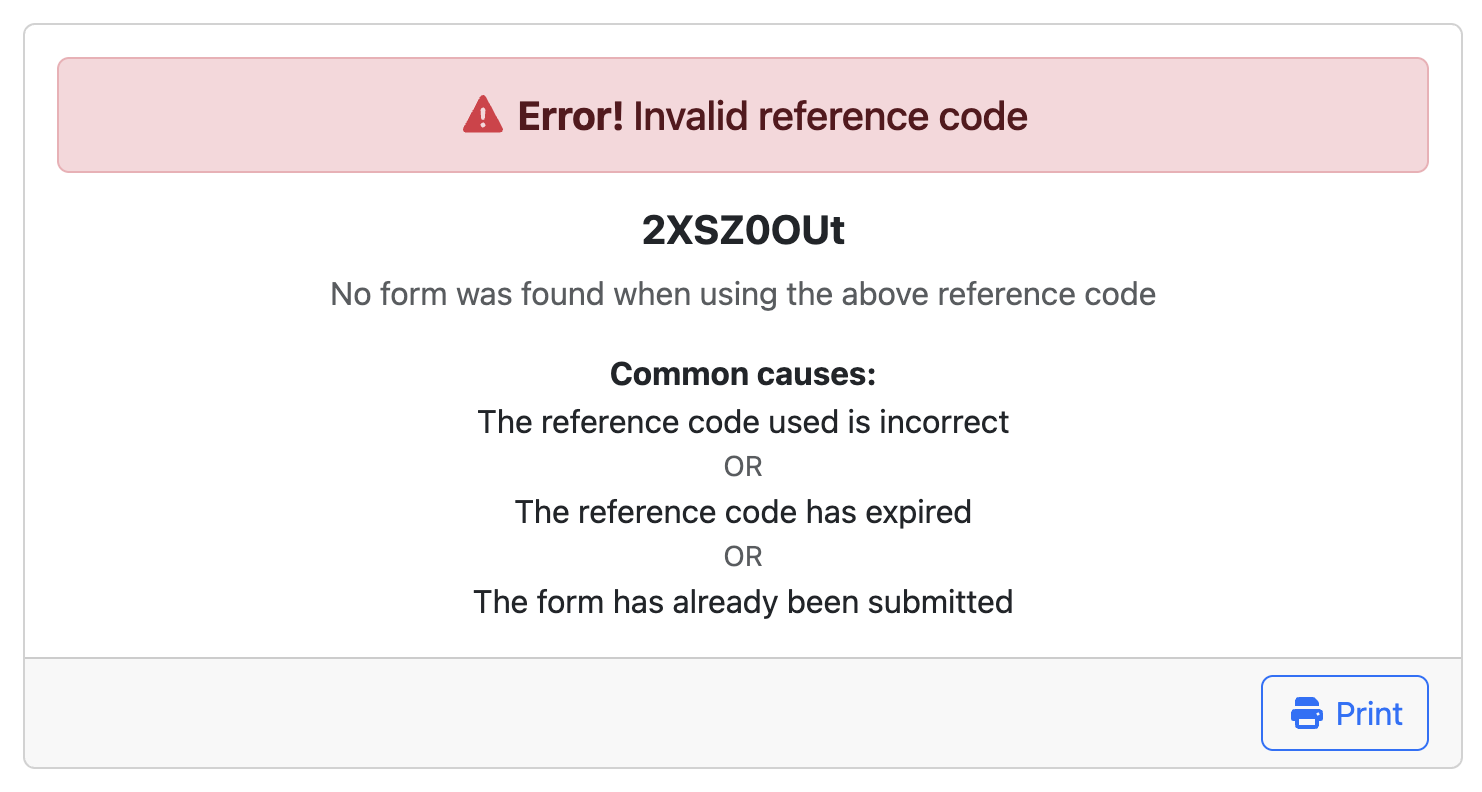
Token error message
|
This HTML will be displayed when a user enters an invalid token. |
|