
Purpose
Built-in integrations provide native connectivity to supported repositories, business systems, and applications.
They can be used throughout EzeScan WebApps to browse content, perform searches and lookups, validate information, and upload documents or metadata.
Available Integrations
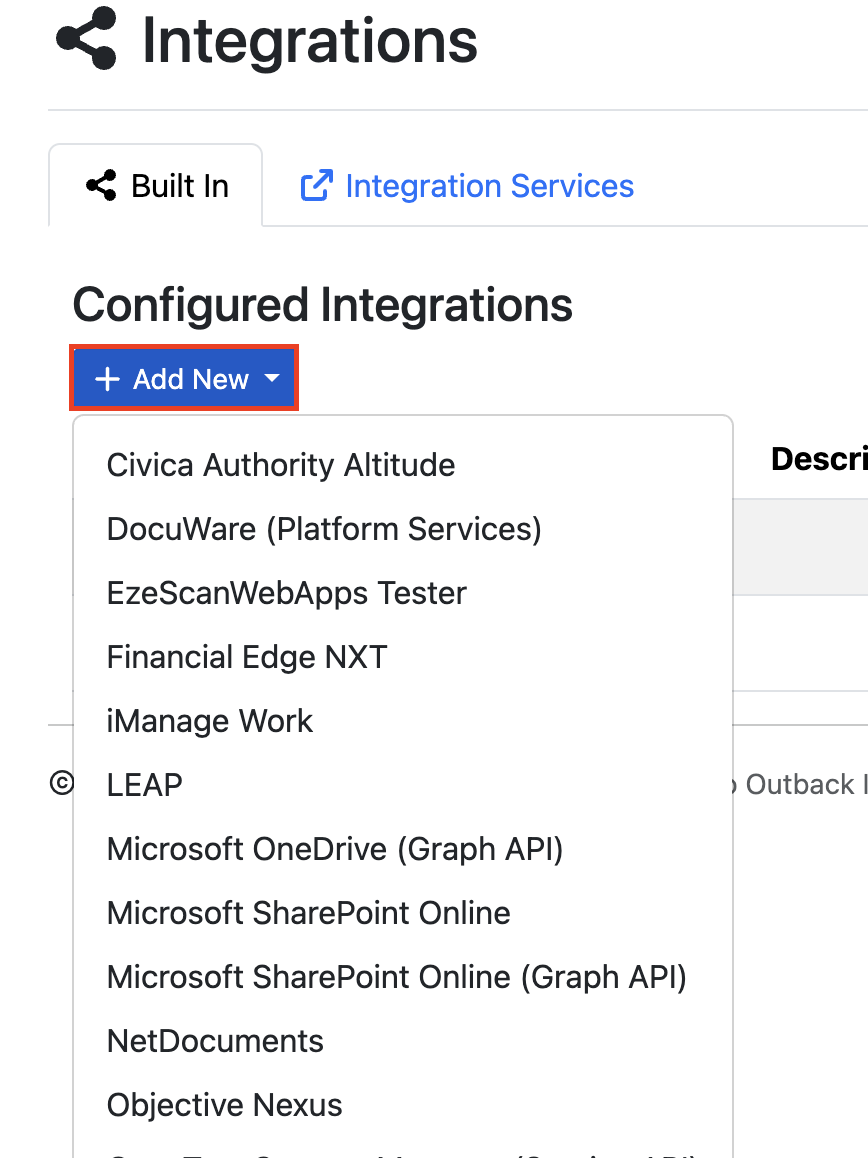
The following built-in integrations are available within the platform:
-
Civica Authority Altitude -
DocuWare (Platform Services) -
Financial Edge NXT (Blackbaud) -
LEAP -
Microsoft OneDrive (Graph API) -
Microsoft SharePoint Online -
Microsoft SharePoint Online (Graph API) -
NetDocuments -
Objective Nexus -
OpenText Content Manager -
OpenText Content Server REST -
OpenText eDOCS (REST API) -
Prime EcoSystem -
TechnologyOne ECM (CMIS) -
TechnologyOne Financials CiA -
Xero -
iManage Work
Adding a Built-In Integration
To add a new integration, select the required integration type from the + Add New drop-down list and complete the configuration settings.
Connector Instance Settings
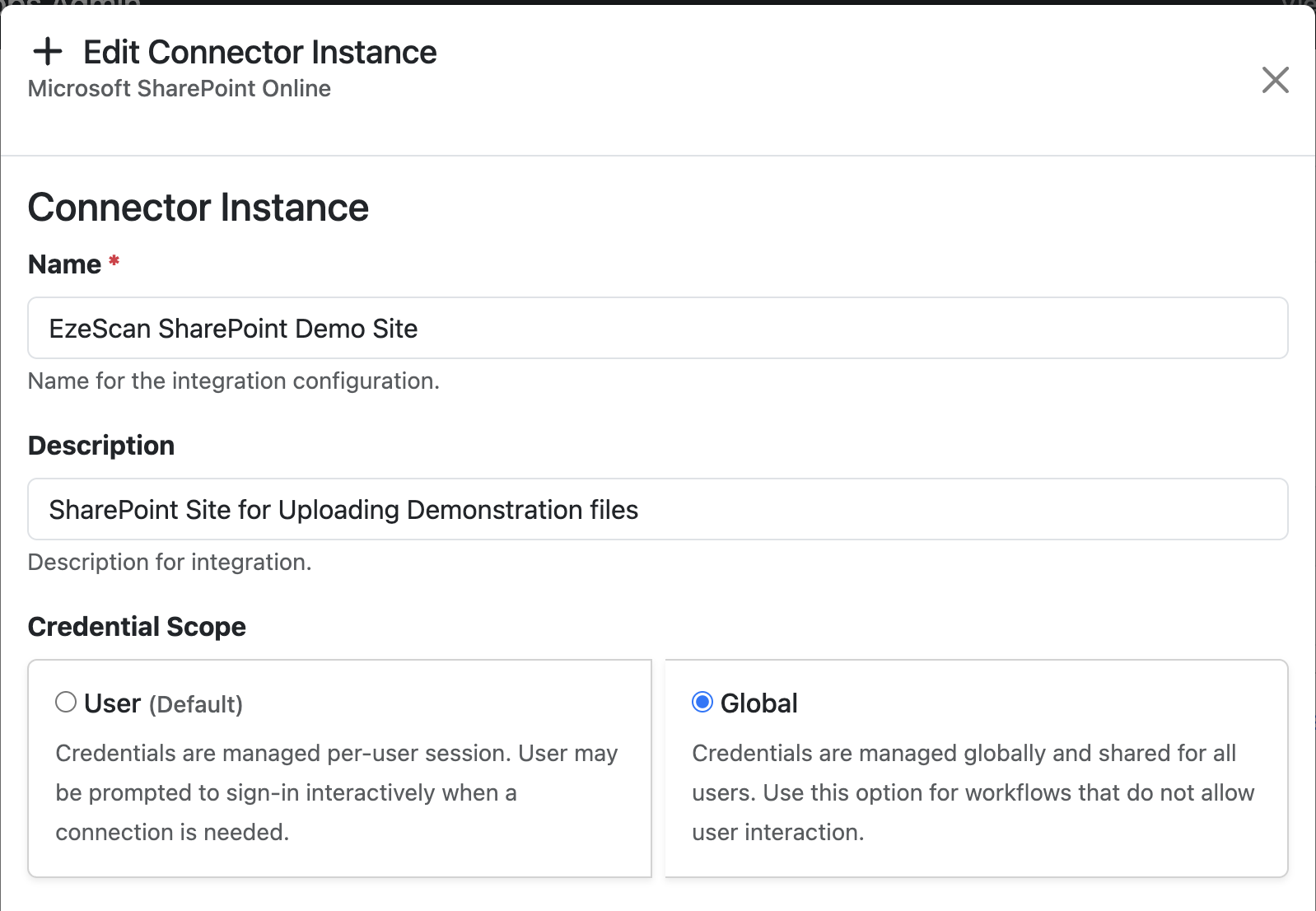
The following settings are common to all built-in integrations:
|
Field |
Description |
|---|---|
|
Name |
A unique name used to identify the integration within the platform. |
|
Description |
An optional description explaining the purpose or intended use of the integration. |
|
Credential Scope |
Determines how authentication credentials are managed for the integration.
|
Connection Settings
Connection settings are specific to the selected integration type. Refer to the documentation for the corresponding integration for details on the required configuration options.
Managing Connected Integration
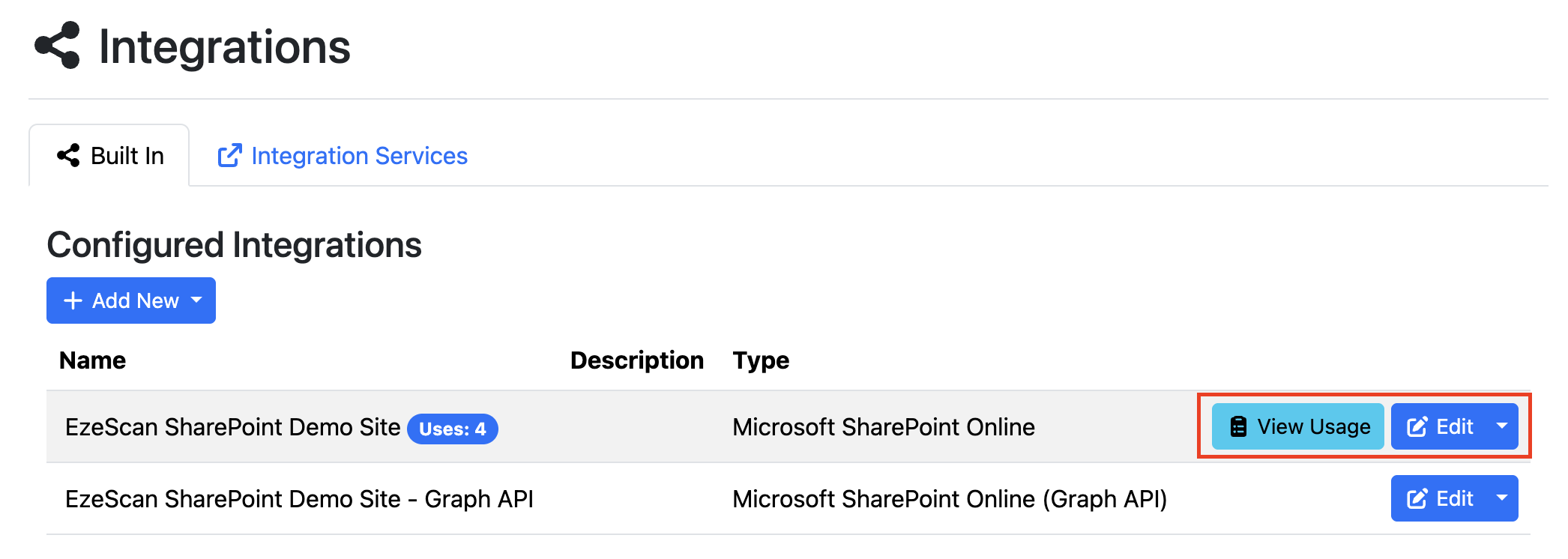
Configured integrations are displayed in a list where administrators can view, modify, share, or remove them.
|
Button |
Description |
|---|---|
|
View Usage |
Displays a list of pages that use the configured integration. This button is only available when the integration is currently in use. |
|
Edit |
Opens the integration configuration, allowing changes to be made to its settings. |
|
Share |
Generates an access key that can be used to share the integration configuration with other users or environments. |
|
Delete |
Permanently removes the integration from the platform. If your integration is being used by any page you will not be able to delete it. You will need to remove it from your pages before being able to delete it. |