
|
Integration Lookup fields provide the capability to connect to an integration site and perform a Search Action that will display in the field a dropdown list of the returned values for that search type. For example a User Search might display a list of all User Names. Choose an Integration from the list of available Integration Sources. 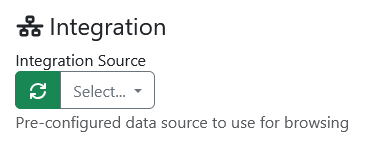
Below we have selected Built-in SharePoint online 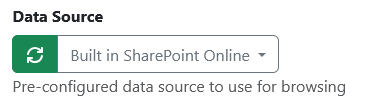
Then dropdown the list of available Search Actions and choose the one you want to use. 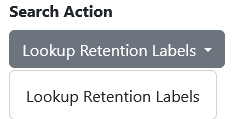
Search Actions are specific to each Integration. There is no standard for what Actions an Integration supports. Some integrations may support multiple search actions. |