
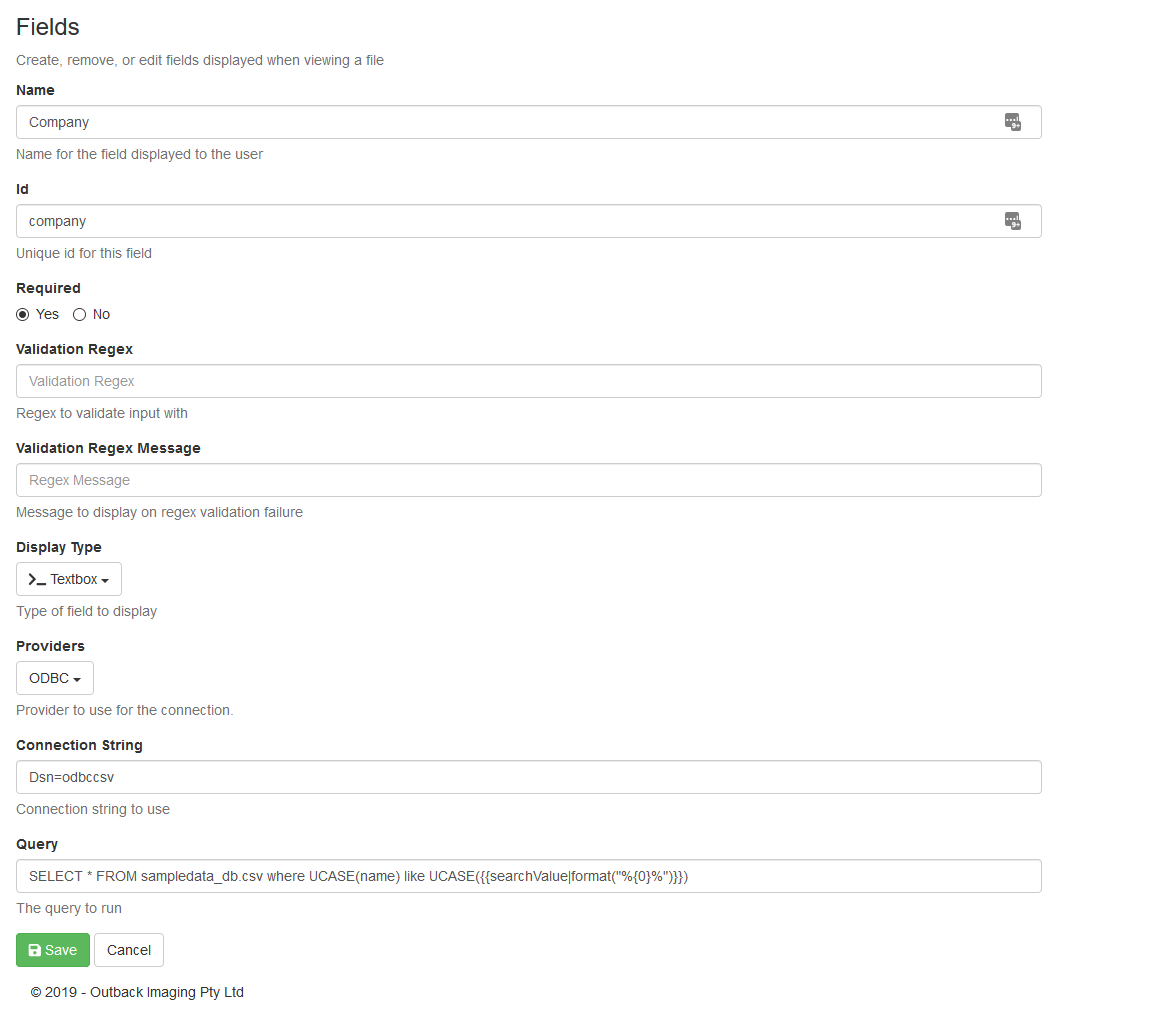
Providers
ODBC - Select this to use an ODBC datasource.
SQL - Select this when using a Microsoft SQL server.
Connection String
For ODBC provider using the Microsoft Text Driver would be:
DSN=odbccsv
For SQL provider would be something like:
Data Source=192.168.0.53;Initial Catalog=Active;User ID=sa;Password=Password
Query
This is the query to run, all of the values returned will get put into the results.
Placeholders
LookupFieldType = TextBox
|
Variable |
Result |
Example |
|
{{searchValue}} |
Searchvalue |
SELECT SupplierName FROM Supplier WHERE SupplierName LIKE '%' + {{searchValue}} + '%' |
|
{{searchValue|format("%{0}%")}} |
%searchvalue% |
SELECT RTRIM(SupplierName),RTRIM(SupplierID) FROM Supplier WHERE SupplierName LIKE {{searchValue|format("%{0}%")}} |
LookupFieldType = DropDown, CheckBoxes, MultiSelect, or RadioButtons (can also use these for TextBox)
|
Variable |
Result |
Example |
|
{{fields["dbs_suppliername"]}} |
dbs_suppliername |
SELECT RTRIM(SupplierName) FROM Supplier WHERE RTRIM(SupplierName) LIKE '%' + {{fields["dbs_suppliername"]}} + '%' |
|
{{fields["dbs_lookup"]|split("|",2)}} |
Splits dbs_lookup on | and returns 2nd part. e.g. if dbslookup = 1|2|3 then {{fields["dbs_lookup"]|split("|",2)}} returns 2 |
SELECT RTRIM(SupplierName) FROM Supplier WHERE RTRIM(SupplierID) = LTRIM(RTRIM({{fields["dbs_lookup"]|split("|",2)}})) |
Display Type
|
Type |
Description |
Standard |
Editing |
|---|---|---|---|
|
Textbox |
|
|
|
|
Textarea |
|
|
|
|
Dropdown |
|
|
|
|
Radio Buttons |
|
|
|
|
Checkboxes |
|
|
|
|
Multi-Select |
|
|
|
|
Queryable Dropdown |
|
|
|
|
Queryable Multi-Select |
|
|
|
|
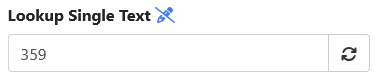
Single Textbox |
Will take the first result returned by the query and display it in a textbox. |

|
|
|
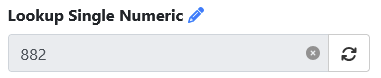
Single Numeric |
Will take the first result returned by the query and display it in a numeric input. |
|

|