
NetDocuments (NetDocs) is a matter-centric legal practice management platform.
EzeScan EWA integrates directly with NetDocuments to capture, index, and deliver documents directly into the correct client matter with the right metadata, reducing manual steps and improving compliance.
Requirements
-
EzeScan WebApps 3.10.x or higher
-
NetDocuments account
-
Network access to https://oauth.services.ezescan.net for OAuth redirects
Configuration
To add a new built-in integration go to the Integrations Tab on the Admin Panel and on the Built-in tab select Add New. Select NetDocuments from the drop-down menu.
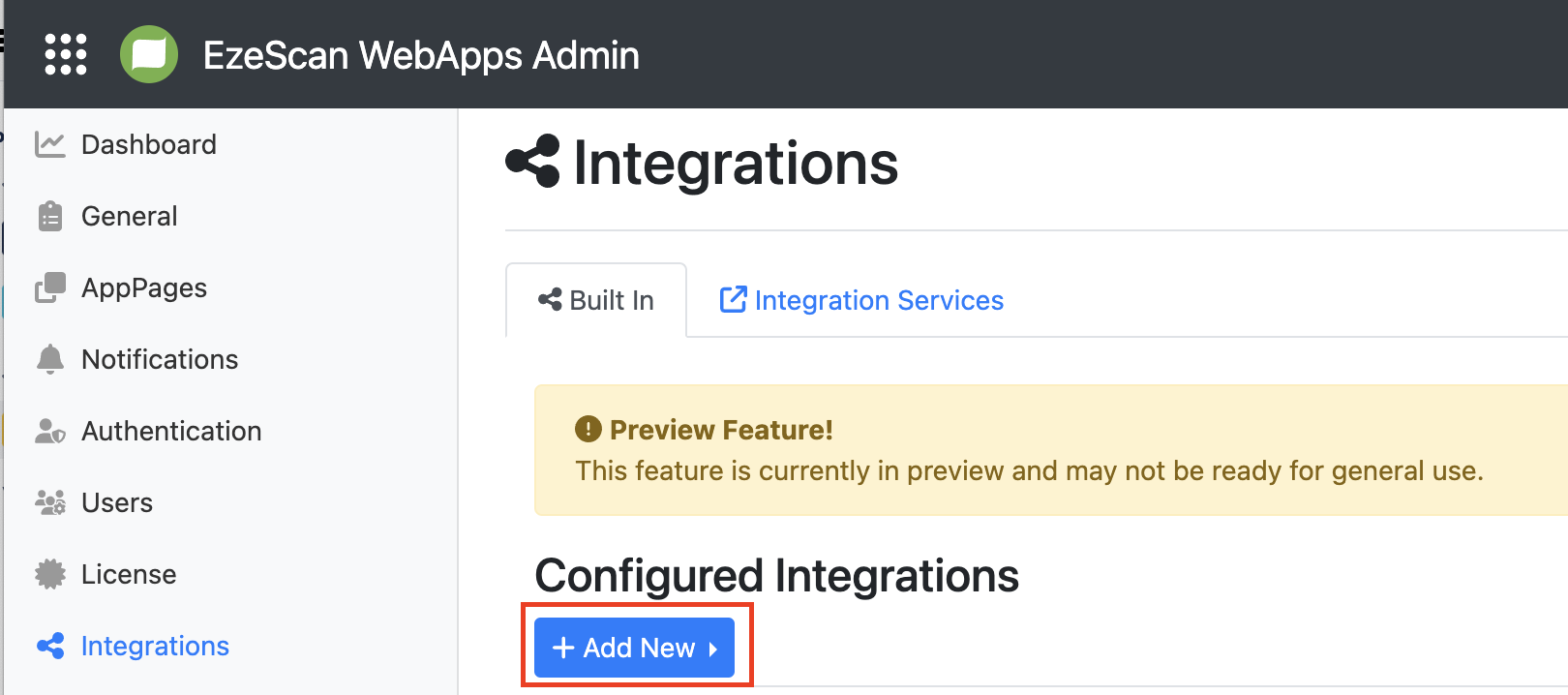
Give your connector a name and description, and fill in the connection settings as detailed below.
Standard Connection Options
|
Option |
Description |
|---|---|
|
Region |
Select the region your NetDocuments repository is located in. The available options are:
* Currently not available. Use Custom registration instead. |
|
OAuth Registration |
Select |
|
Redirect URI |
This URL is required for the NetDocuments login page to return back to the EzeScan WebApps on completion. The URL must be formatted as follows:
For EzeScan Cloud the redirect URI would be: https://{tenant}.ezescan.cloud/ewa/api/integrations/oAuthCallback where you would replace {tenant} with your tenant name. |
|
Repository ID |
Optional. The ID of the repository to be used for organisational login. |
Advanced Connection Options
The following requires a custom app registration to be created in NetDocuments by your administrator. We recommend following the standard options unless one or more of the following statements are true:
-
Client Credentials grant type is needed for headless server authentication
-
Your repository is located in Canada or Germany
|
Option |
Description |
|---|---|
|
Region |
Select the region your NetDocuments repository is located in. The available options are:
|
|
OAuth Registration |
Select |
|
Grant Type |
The OAuth grant type to use for authorisation. Options are:
|
|
Client ID |
Client ID of the application registered in NetDocuments by your administrator. |
|
Client Secret |
Secret for the application registered in NetDocuments by your administrator. |
|
Redirect URI |
This URL is required for the NetDocuments login page to return back to the EzeScan WebApps on completion. The URL must be formatted as follows:
For EzeScan Cloud the redirect URI would be: https://{tenant}.ezescan.cloud/ewa/api/integrations/oAuthCallback where you would replace {tenant} with your tenant name. |
|
Repository ID |
The ID of the repository to be used for organisational login or Client Credentials grant type. |
Lookup Workspaces List
Allows the list of workspaces to displayed as a dropdown combox in RIA using the Integration Lookup field type.