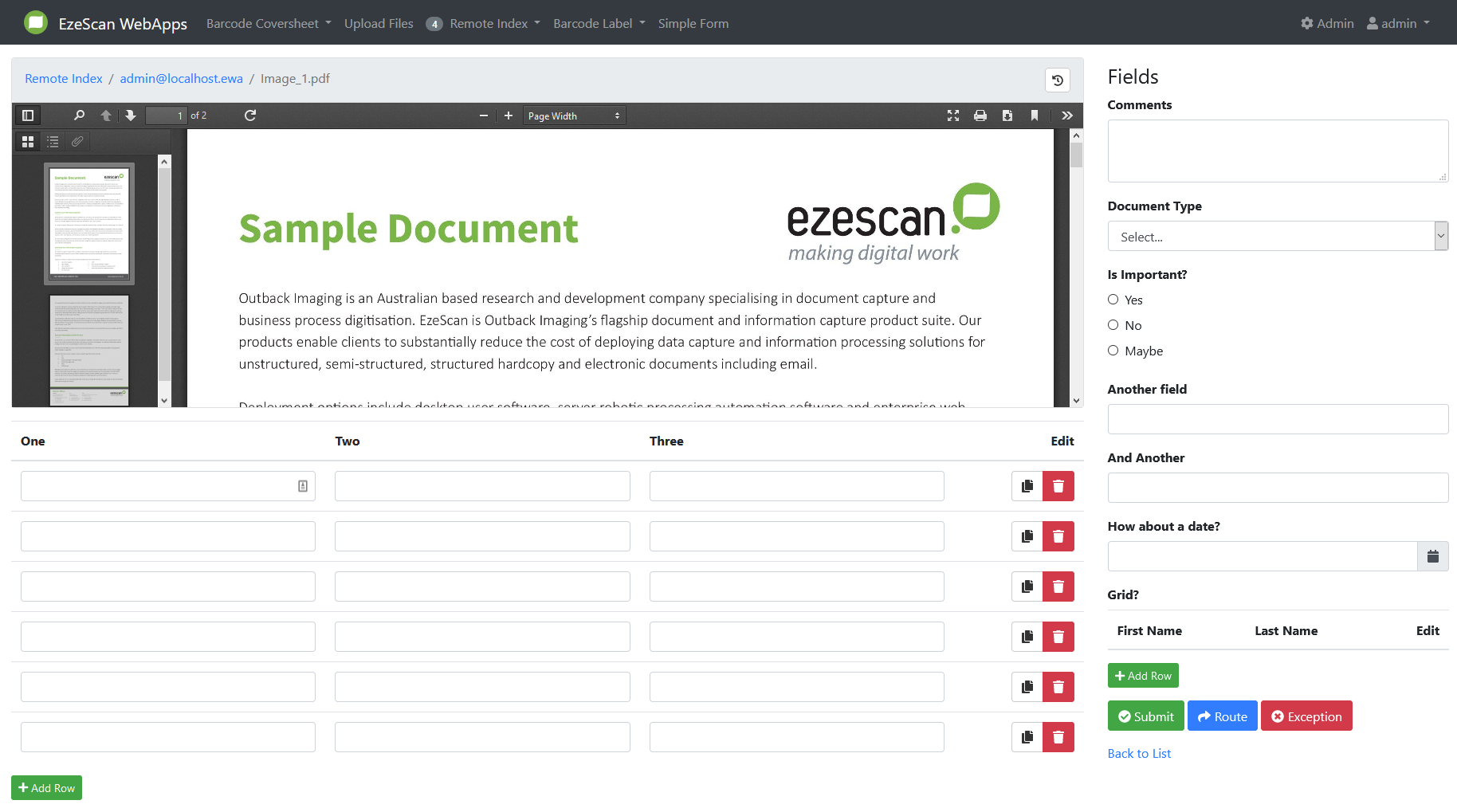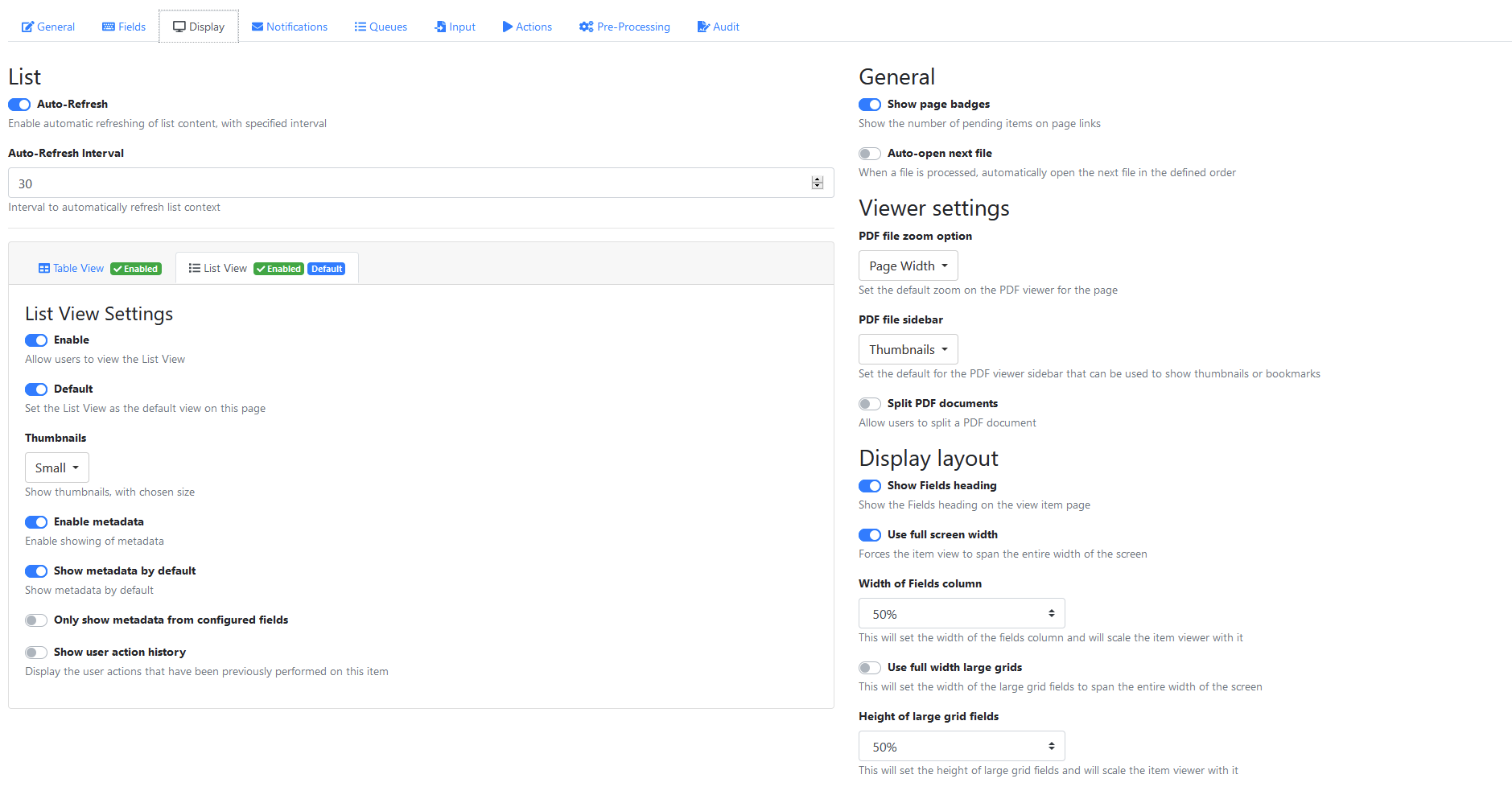
Display Layout
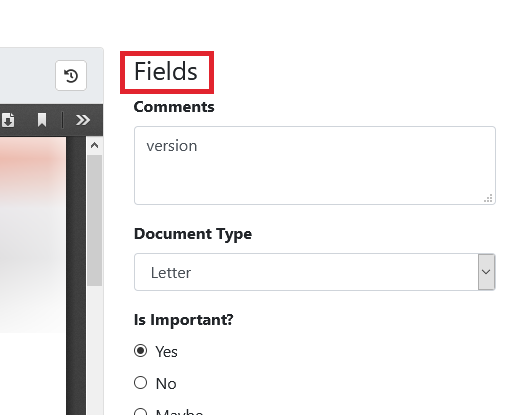
Show Fields heading
Enable this to show the "Fields" label on the detail page.
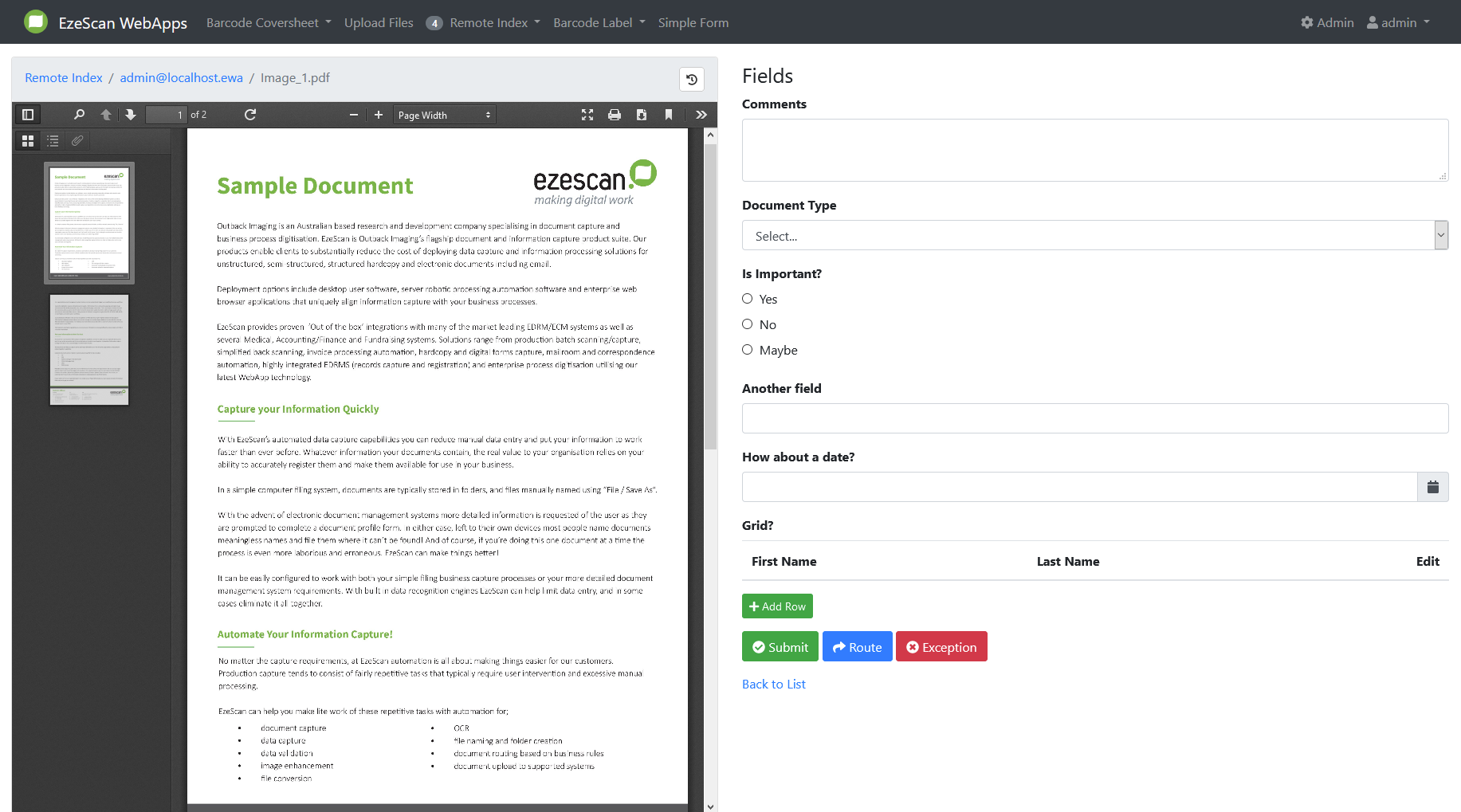
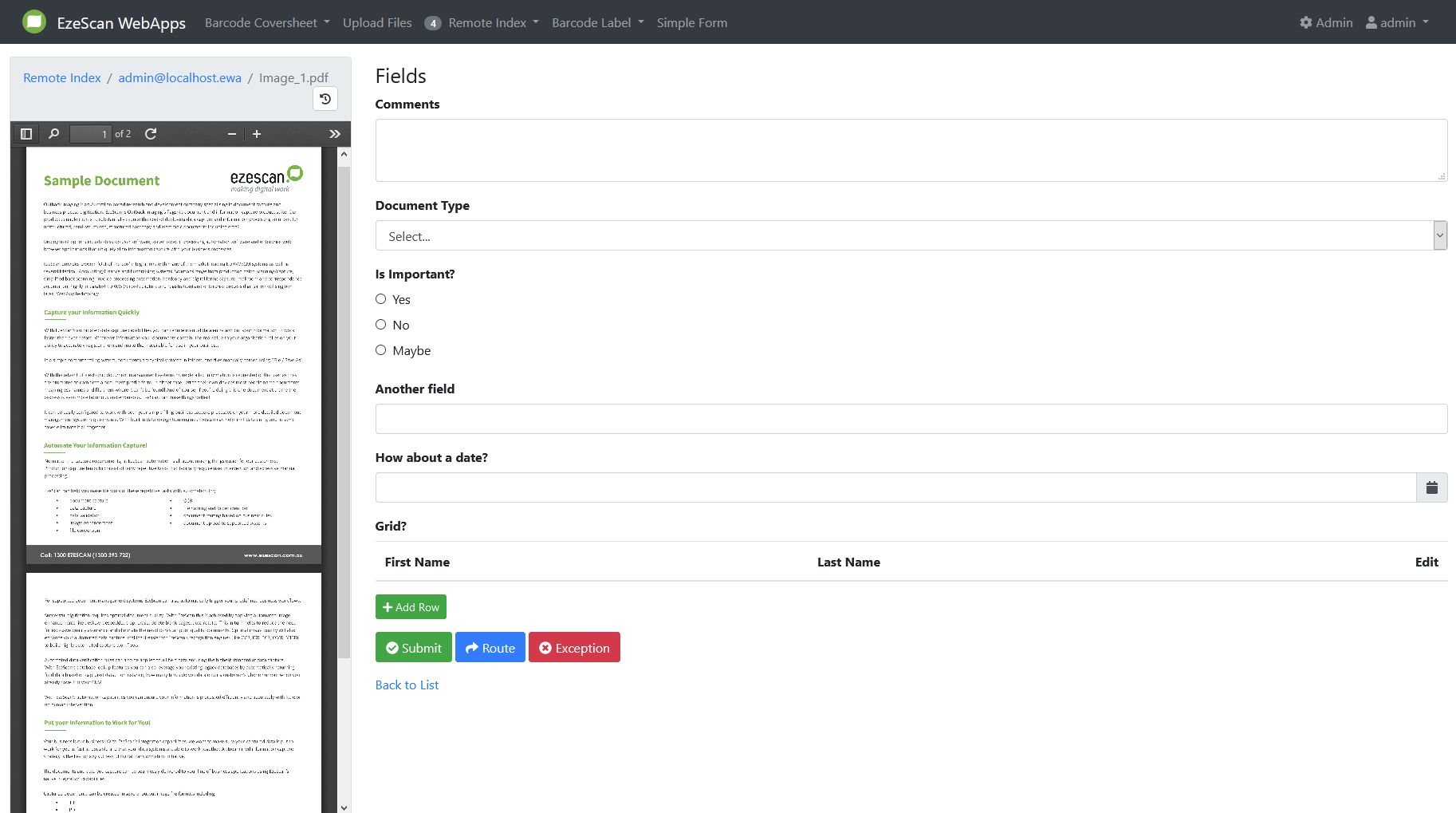
Use full screen width
Forces the item view to span the entire width of the screen.
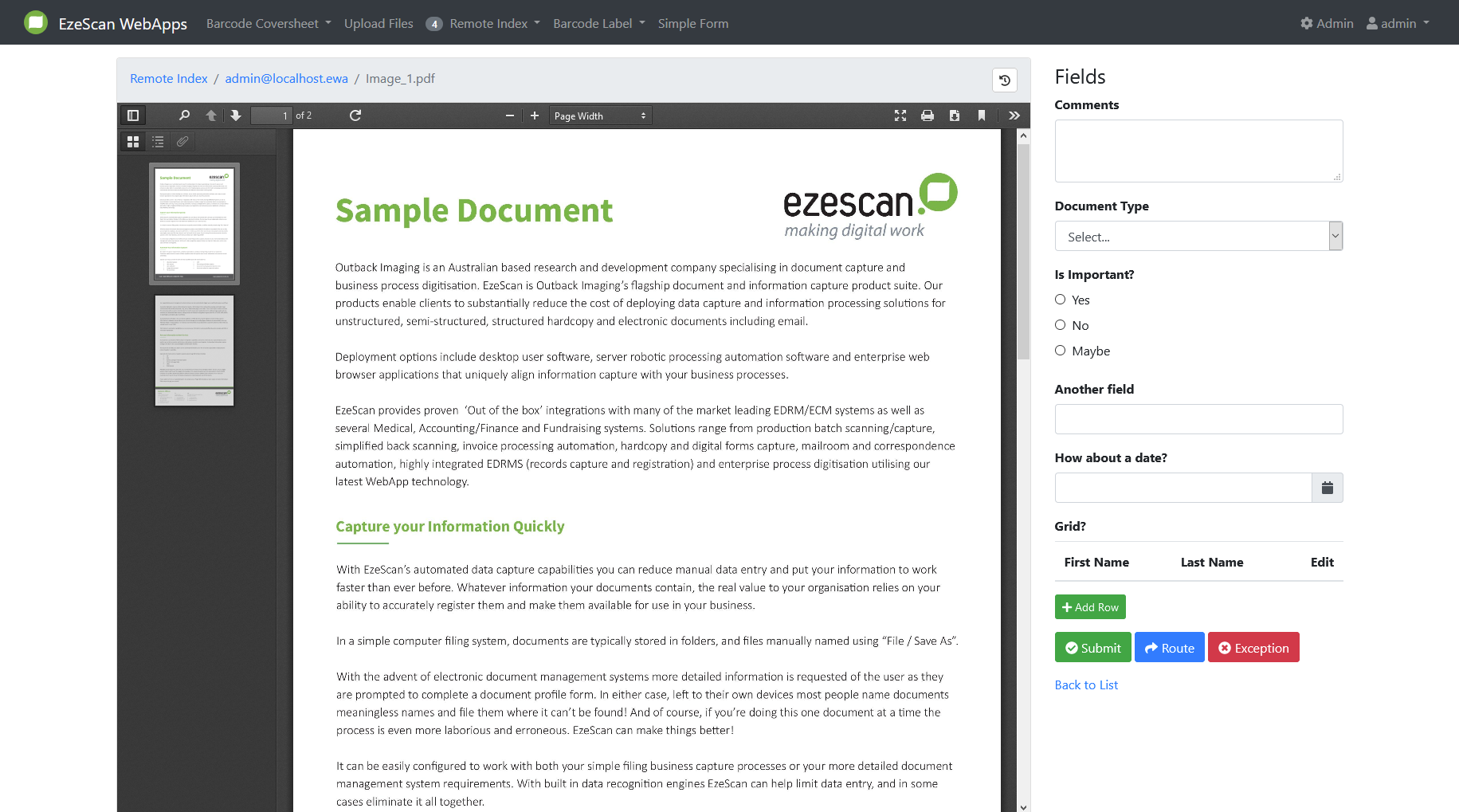
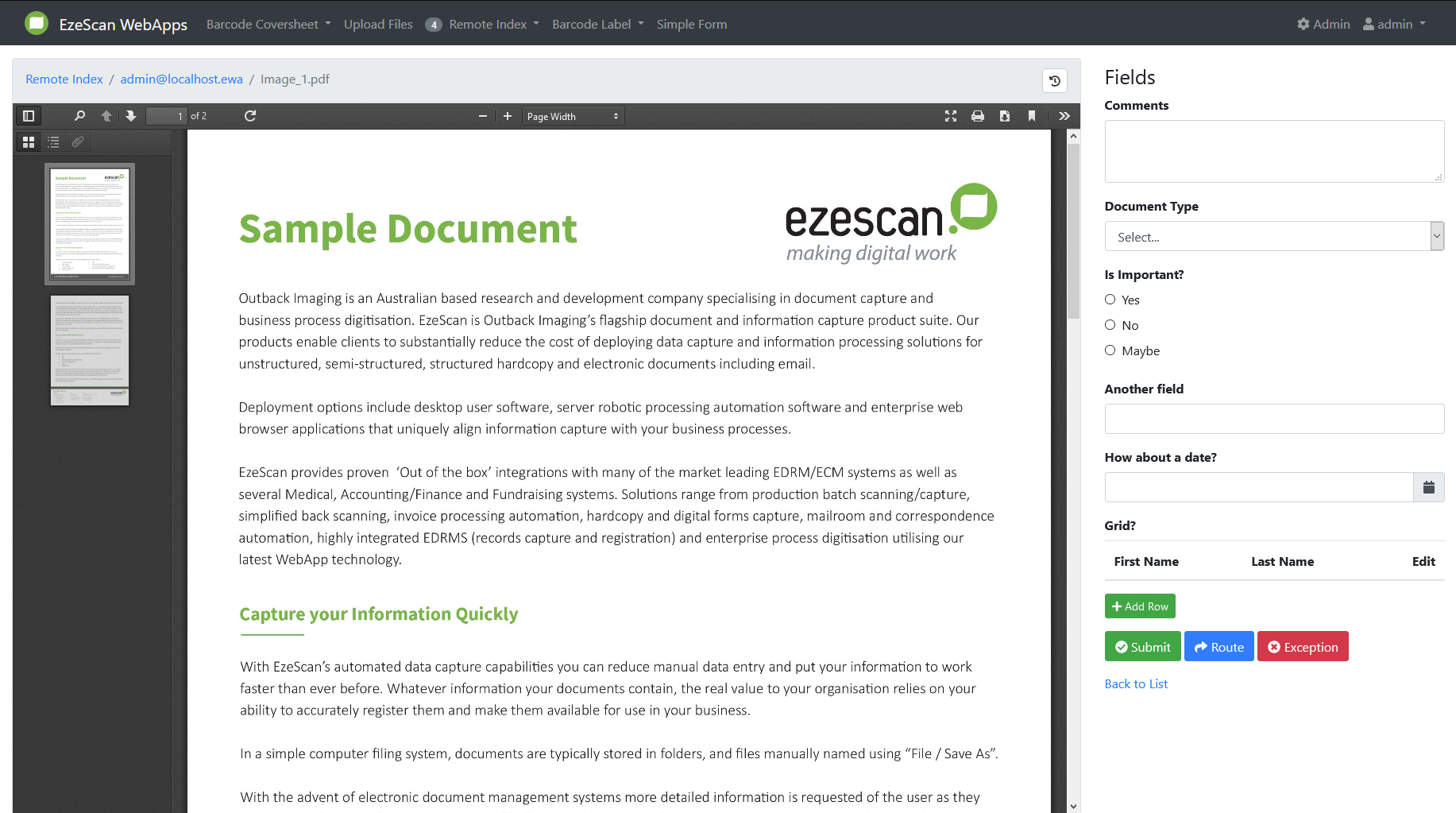
Width of Fields column
This will set the width of the fields column and will scale the item viewer with it.
Available values: 25% (default), 33%, 50%, 60%, 75%
Use full width large grids
This will set the width of the large grid fields to span the entire width of the screen.
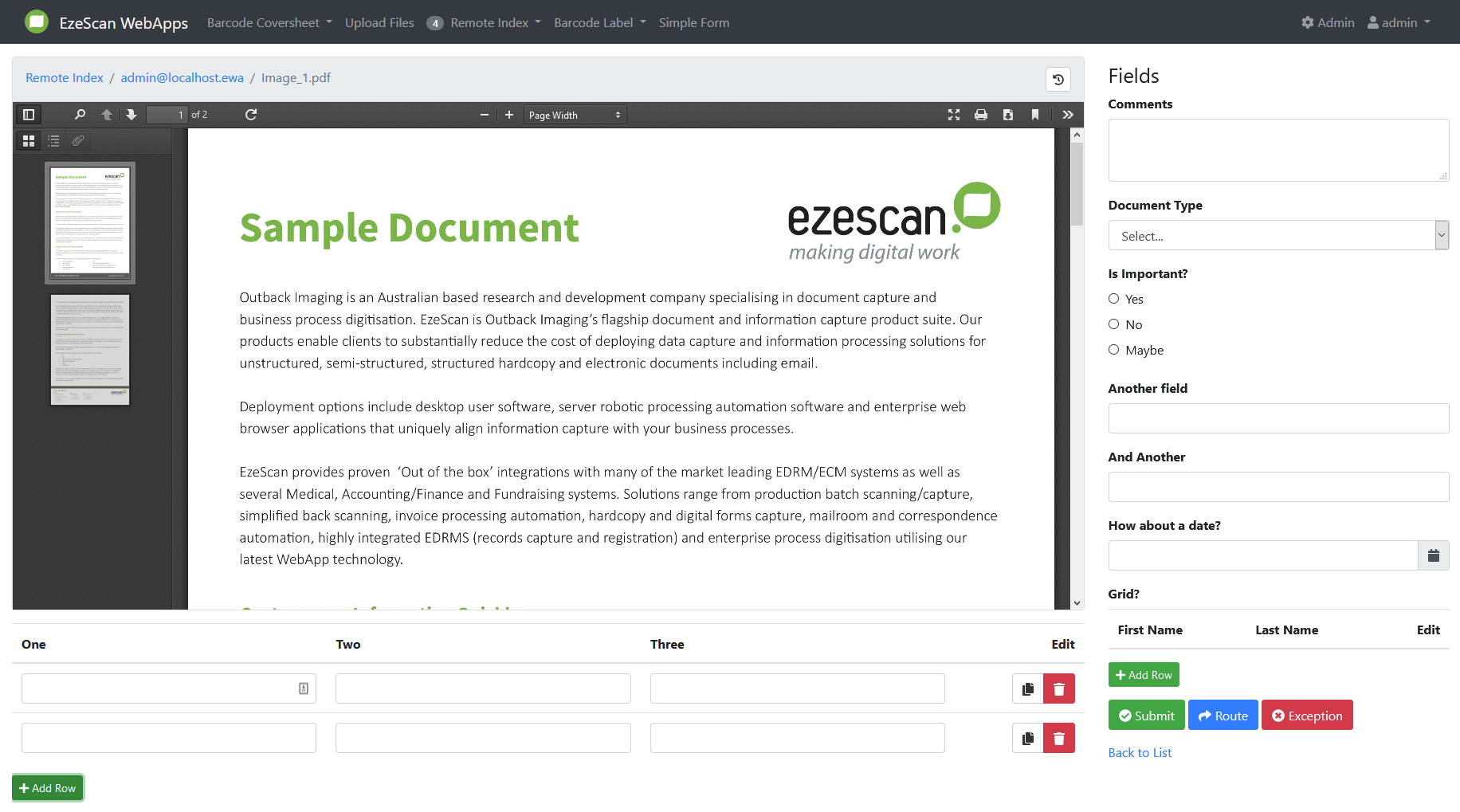
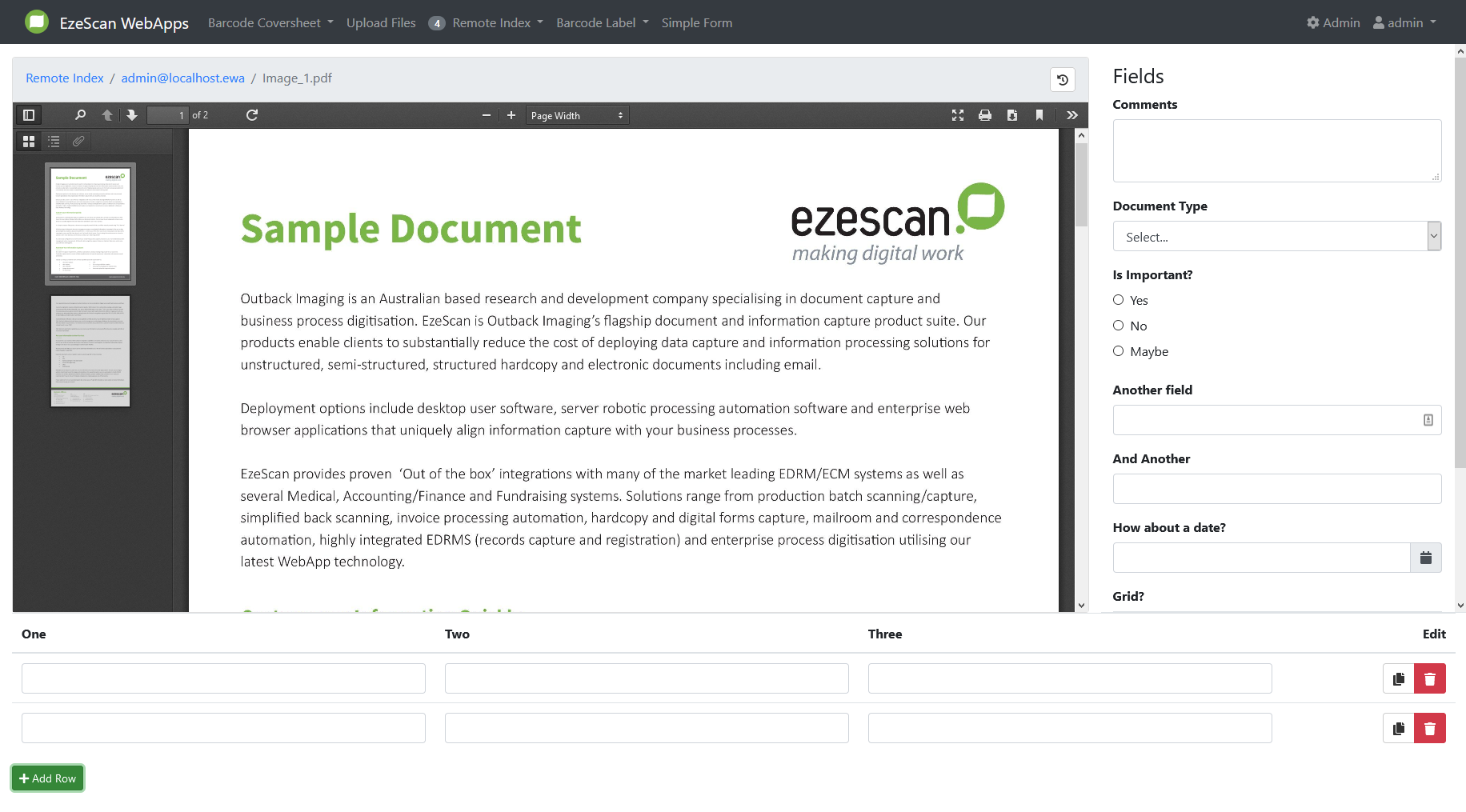
Height of large grid fields
This will set the height of large grid fields and will scale the item viewer with it.
Available values: Auto (default), 25%, 33%, 50%, 66%, 75%